Georgia
Gastric Sleeve Patients
-
Joined
-
Last visited
Everything posted by Georgia
-
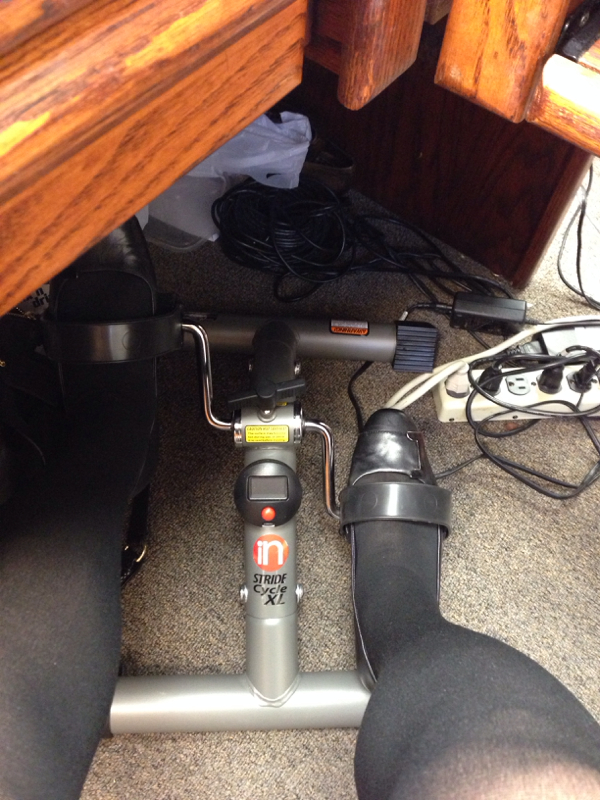
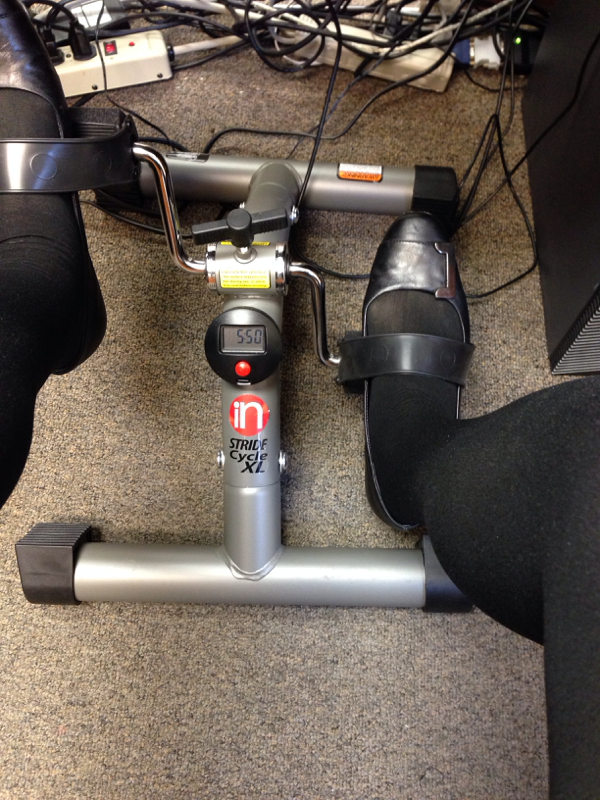
Thought y'all would find this funny! Under my desk at work!!!! Peddling away!
 Sar Sar, I think we'd get into trouble too! LolGo, Girl!Yep!! You know I'm not letting my girl get by!!Yup!FYE, I am supercalifragilistocexpialidocioisly excited for you!!!!!! That's WAY beyond happy. . You proved it can be done. As have others already and WILL SOON! SarSar, 7 day cruise. Be gone 9 days total. Will take pics.I'm in on Tuesday too! And LV, you are gonna hit the 140s!!! Whoop whoop!Okay, finishing a Monday fast with about 617 calories. I'll take it!!! Another coming up tomorrow then Thursday to get my "pre-cruise" game face on! Lol Hope everybody has had a better day. brown, Globe, Laura, Sar Sar, Ms Skinniness, Coops, M2G, FYE, Daisy, CGJane, Cheri. Where's Chimera?2 miles today. 31.8 miles.Son lives in NOLA. And good friends!! Love Cajun! I'm from Bossier. Went to school and lived in Haughton.Exciting! I'm Georgia too! Not a lot of us around!!! Welcome to the challenge!No, I'm not having any problems so far.
Account
Navigation
Search
Configure browser push notifications
Chrome (Android)
- Tap the lock icon next to the address bar.
- Tap Permissions → Notifications.
- Adjust your preference.
Chrome (Desktop)
- Click the padlock icon in the address bar.
- Select Site settings.
- Find Notifications and adjust your preference.
Safari (iOS 16.4+)
- Ensure the site is installed via Add to Home Screen.
- Open Settings App → Notifications.
- Find your app name and adjust your preference.
Safari (macOS)
- Go to Safari → Preferences.
- Click the Websites tab.
- Select Notifications in the sidebar.
- Find this website and adjust your preference.
Edge (Android)
- Tap the lock icon next to the address bar.
- Tap Permissions.
- Find Notifications and adjust your preference.
Edge (Desktop)
- Click the padlock icon in the address bar.
- Click Permissions for this site.
- Find Notifications and adjust your preference.
Firefox (Android)
- Go to Settings → Site permissions.
- Tap Notifications.
- Find this site in the list and adjust your preference.
Firefox (Desktop)
- Open Firefox Settings.
- Search for Notifications.
- Find this site in the list and adjust your preference.