redstrat
LAP-BAND Patients
-
Joined
-
Last visited
-
Congratulations! I also lost weight very quickly. I have now lost 180lbs in 11 months. Keep up the good work. I nevver thought I would be in a 38inch jean and and XLT shirt again! Joe
-
I hope all is well with everyone! I weighed in this morning. I cant remember the last time I weighed 270 something! Joe
-
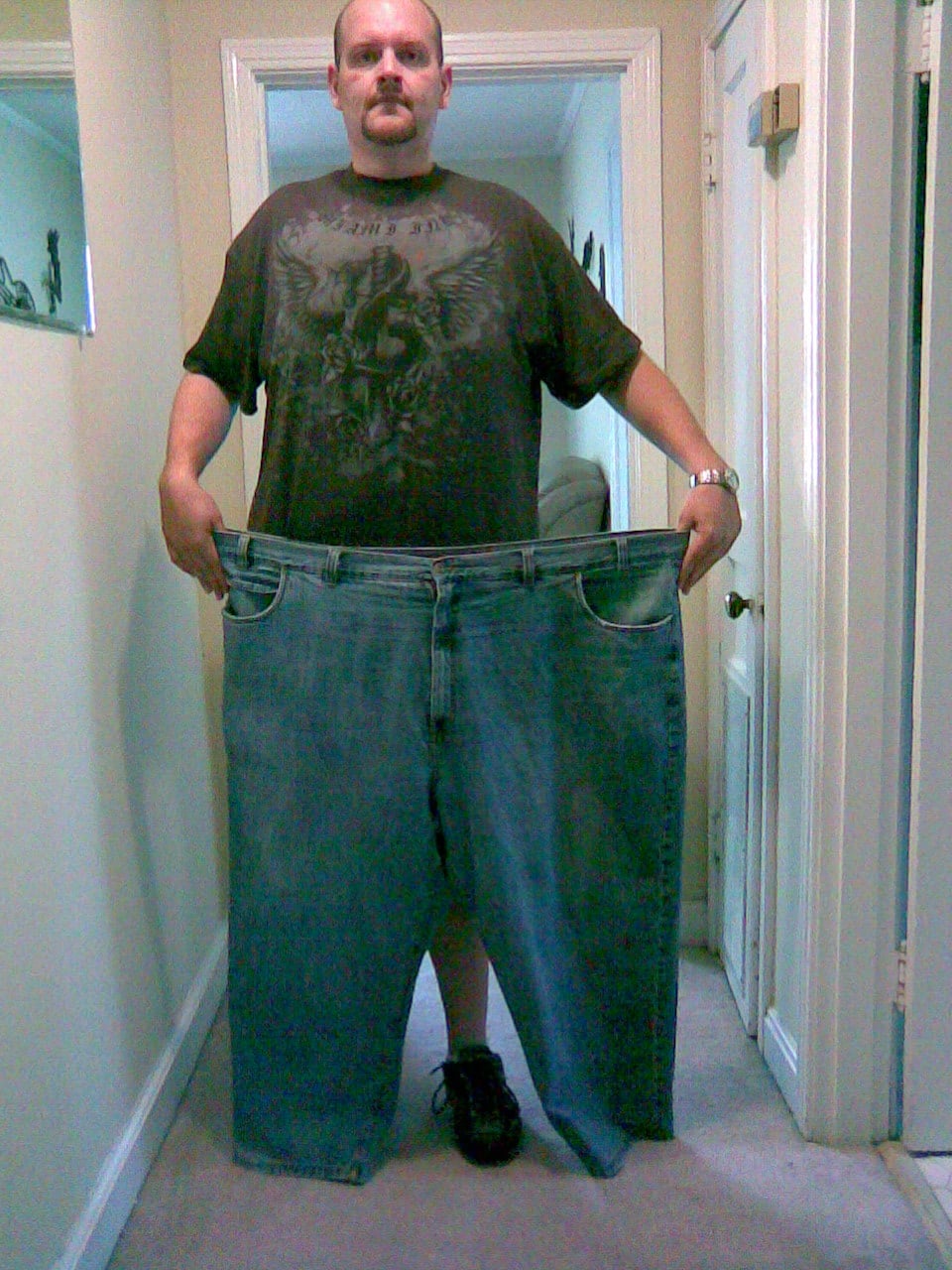
Here is a picture taken yesterday. These Jeans are a size 58. I am now wearing a 42.
-
I have lost 136lbs.
-
I have to be honest. I lost weight really quickly the first few weeks and then it slowed down to 4-5 lbs a week.(usually 4lbs) Excercise is a big part of it. I walk 4 times a week and maintain a 1200-1400 calorie diet. I think that is the key to my success. The good news is that I feel great and have tons of energy. I am off of my blood pressure medication and my cholestrol is 180. Im sure my weight loss will slow down and thats ok. You have to remember we are all different and lose at different speeds. The main thing is that you are losing weight everyweek.
-
Thanks Neal! I really want you to know that you really helped me to get to this point. You have truly been a great inspiration. I remember sitting in my office in December, looking at yor website thinking, man what I would do to lose a 100lbs. Now Im here! Thanks Bro! Joe
-
I crossed the 100lb point today. I have now lost 101lbs and still no fill. I hope everyone is doing well. Joe
-
Thanks and Congratulations! My goal is just to get my weight off. I do believe that I will be where I want to be by the end of the year. To be honest I'm 6'5 and will be happy to be anywhere between 250 and 275. I will decide when I get to that weight if I want to try for 240. I havent been under 300 since since high school 15 years ago. I just cant wait to hit 299! Its all down hill from there. Good Luck! Joe
-
Hello Everyone! Today is my 90 day anniversary. I have not yet had to have a fill and have lost 85lbs as of last Saturday. I have went from a size 58 jean to a 48 so far and they are getting baggie.:clap2: I hope everyone is doing well. Joe
-
Hello Everyone. Tomorrow is my 90 day mark. I have lost 85lbs as of last Saturday. I have went from a 58-60 pant to a 46-48. I cant believe how easy this has been so far. I have not yet had a fill. I can eat more than when I first had the surgery but I just dont. I make sure I eat normal portions and eat healthy foods. Im not saying that I dont have that occasional slice of pizza, hamburger, or pasta.(with the band I can only do 1 slice of pizza or half a burger anyway) I just don't do it everyday. I do believe that the decision to have the band has been the best I have ever made. I have to tell you that Neal's website has been a great motivational tool. Joe
-
I had my 3rd office visit today. Im glad to say that I have not yet had to have a fill. I have lost 81bs as of today. I really cant believe how fast the weight is coming off. I was wearing a size 58 pant and a 5xlt shirt before surgery. I am now wearing a loose 48 pant and wearing 3xlt shirts. I hope everyone is doing well! Joe
-
Hello Everyone! Today is my 2 month anniversary. I have lost 65lbs to date. I have not yet had a fill. The band is great! Joe
-
Contratulations! Joe
-
I can eat an whole chicken breat (4-5 oz) I do walk but no weights yet. Let me know if you have any other questions. Joe
-
Thanks Joanne! Hang in there and Im sure you will be fine. One thing I have realized is that Hunger pains dont hurt anymore than being to full. Everything is about balance. For the first time In my life I have realized that I dont have to eat a ton of my favorite foods to be satisfied but rather take my time and enjoy the quantity that I do eat. Joe