





By ms.sss
- 1,019 views
- View ms.sss's images
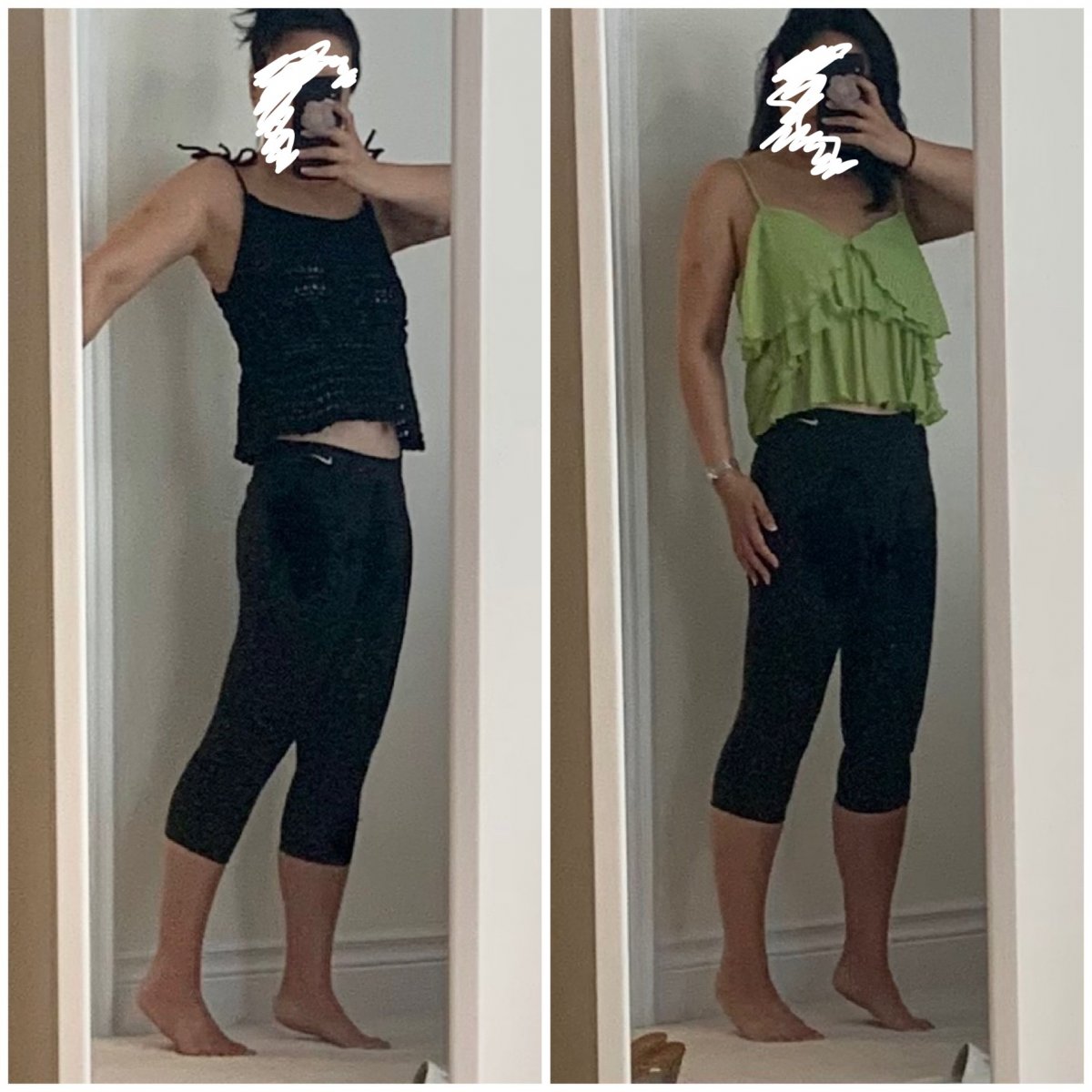
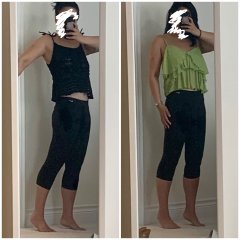
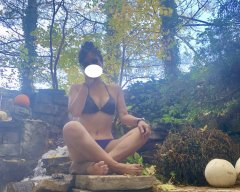
Guess the shopping addiction is back. Oh well. Today I have for you 2 new tanks (yoga bottoms are old…had to wear something) Im contorting myself wearing the black top cuz it’s actually a cute little crochet’d top, and i’m trying to find the light so you can see the holey-ness of it. Not sure it succeeded. Size small is the smallest it comes in, and while I thought it was fine in the store, im not sure anymore. The green top i LOVED when i saw it on the rack, and continued to love trying it on, but now when i pair it with my in-closet bottoms, it only looks good when i wear tight pants….otherwise i feel like i look kinda rectangle-y in it? Or makes my chest look unflattering wide?
Recommended Comments
Join the conversation
You can post now and register later. If you have an account, sign in now to post with your account.