




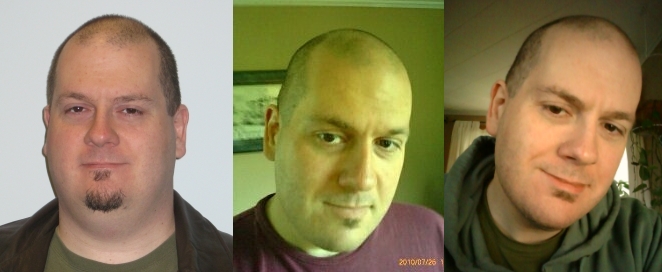


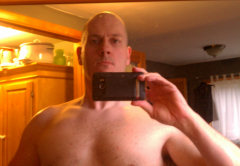
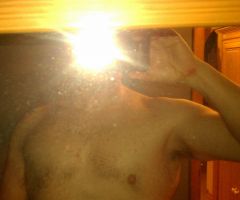

Another 5 months...

By ouroborous
- 1,932 views
- View ouroborous's images
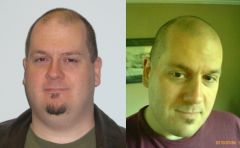
Well, obviously not as dramatic as the changes from photo 1->2, but still I think I see that my cheeks are a little bit leaner than they were. Plus, I think I look overall healthier and happier. Less tired!
Note to self: some day, take pictures of myself wearing nice clothes when I'm not all scruffy and unshaved! *laugh*
(No really, for someone who's never thought of himself as "good looking" the idea of actually getting "dolled up" for a picture -- any picture -- is a little alien!)
Recommended Comments
Join the conversation
You can post now and register later. If you have an account, sign in now to post with your account.