







B: In the beginning

By jenriley
- 1,398 views
- View jenriley's images
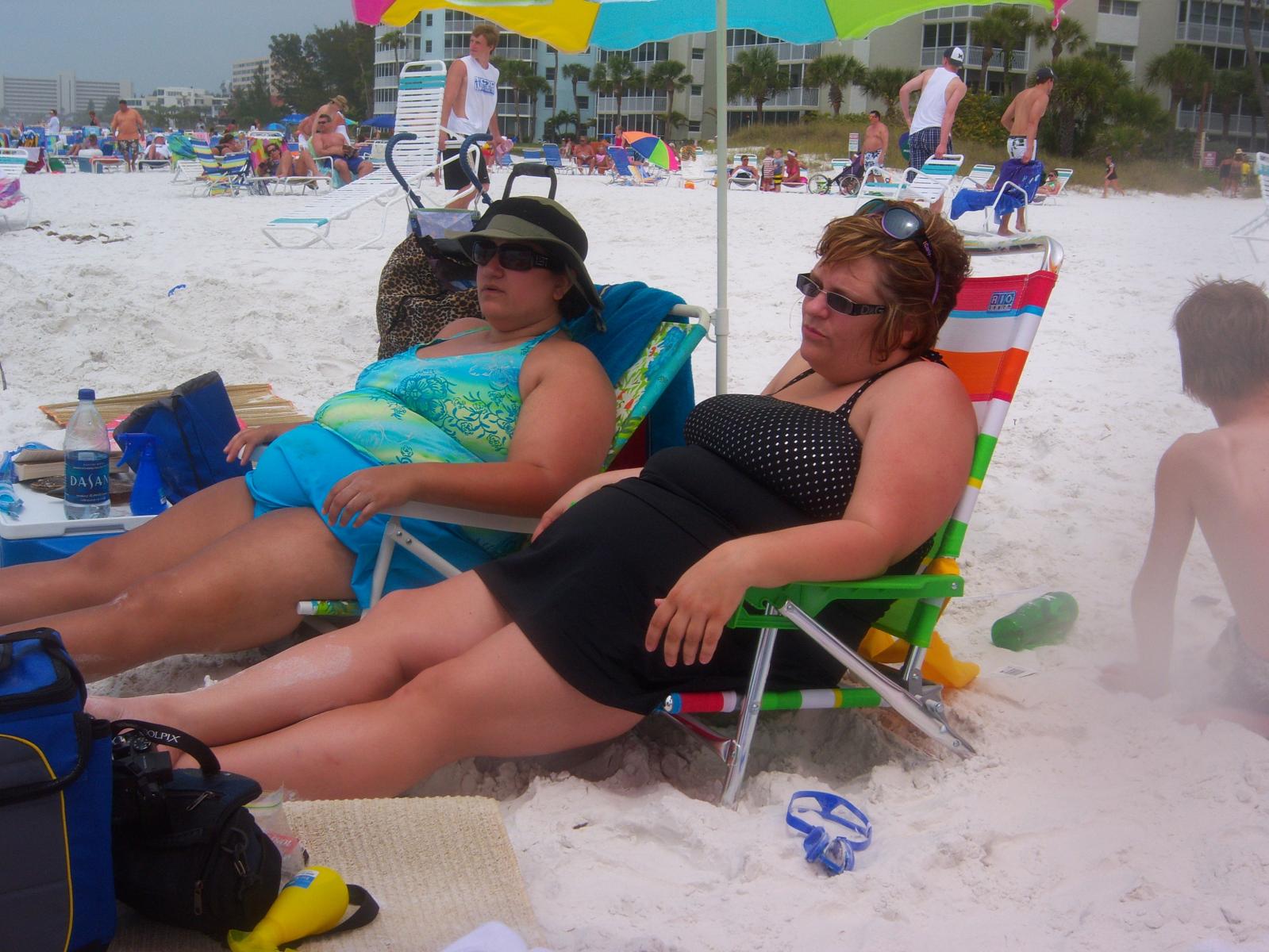
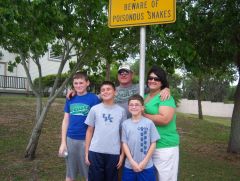
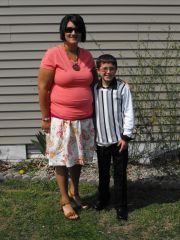
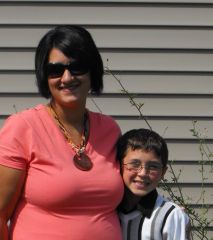
Sorry guys that I had to subject you to this <img class="bbc_emoticon" alt="<img src='http://cdn.lapbandtalk.com/public/style_emoticons/default/sad.gif' class='bbc_emoticon' alt=' ' />" src="http://www.lapbandtalk.com/public/style_emoticons/default/sad.gif"> Trust me it was much more painful for me than you! lol March 2008 at 251 lbs

Recommended Comments
Join the conversation
You can post now and register later. If you have an account, sign in now to post with your account.