





Skip to content
View in the app

A better way to browse. Learn more.

BariatricPal

A full-screen app on your home screen with push notifications, badges and more.

To install this app on iOS and iPadOS
  1. Tap the Share icon in Safari
  2. Scroll the menu and tap Add to Home Screen.
  3. Tap Add in the top-right corner.
To install this app on Android
  1. Tap the 3-dot menu (⋮) in the top-right corner of the browser.
  2. Tap Add to Home screen or Install app.
  3. Confirm by tapping Install.

A: in the beginning...
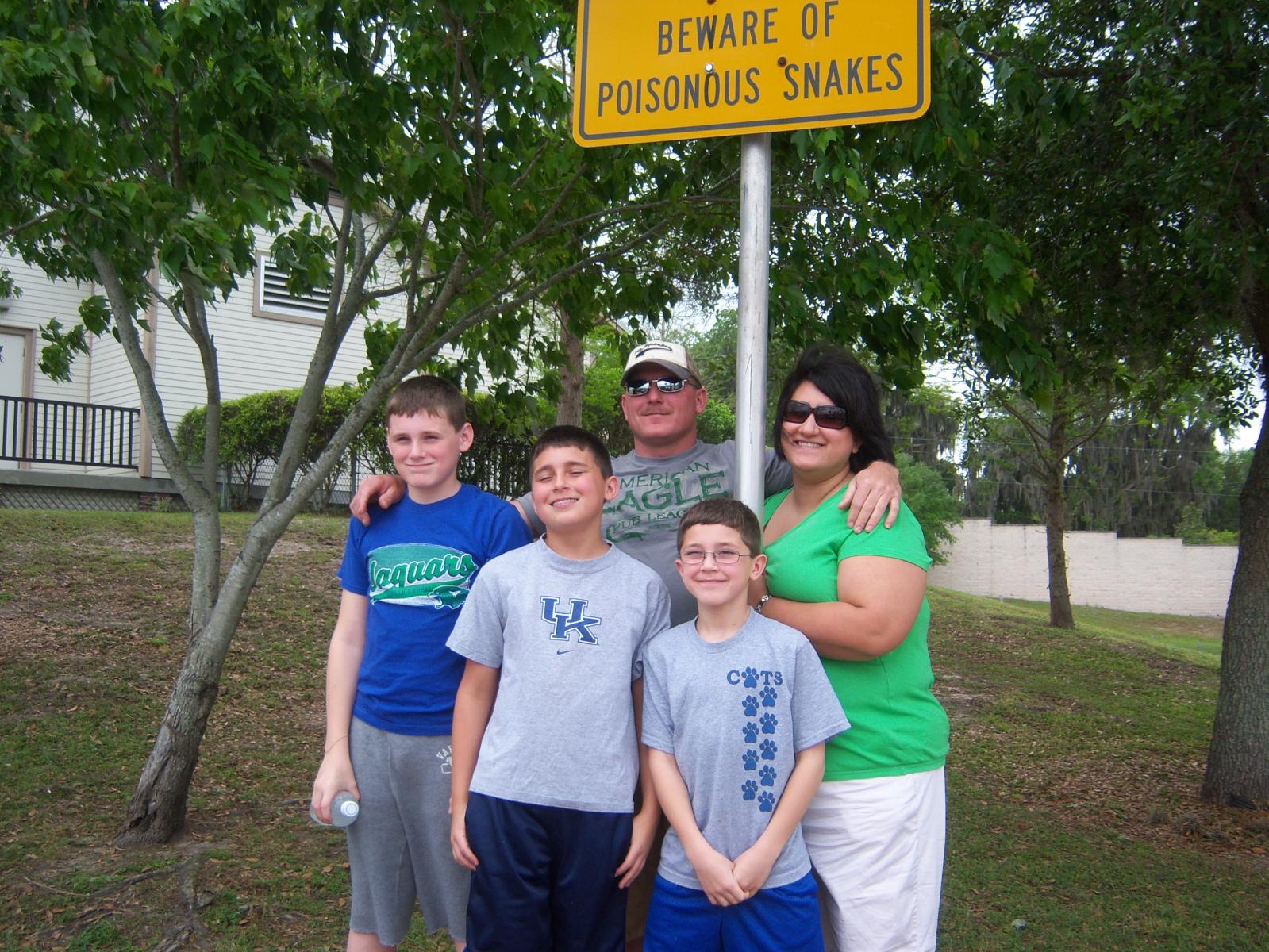
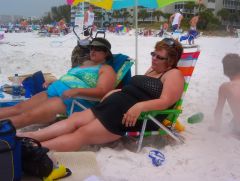
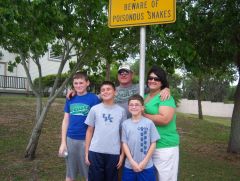
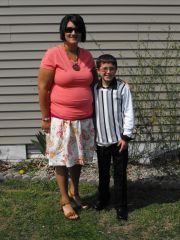
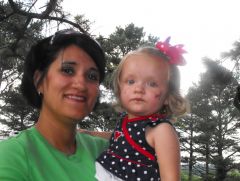
Here are 3 pics of me in Sarasota...a real eye opener for me...I had no idea how large I had gotten...I outweigh my husband by about 90 pounds! How sad...they aint pretty, but they are the beginning of my journey to refinding myself...I hope my photos will help someone see that there is light at the end of the weightloss tunnel...and it aint no 60 watt bulb, its disco lights baby!<br><br>

<br>

  • From the album:

    "Meet Mrs. Riley" :)

    · 23 images

    Account

    Navigation

    Search

    Search

    Configure browser push notifications

    Chrome (Android)
    1. Tap the lock icon next to the address bar.
    2. Tap Permissions → Notifications.
    3. Adjust your preference.
    Chrome (Desktop)
    1. Click the padlock icon in the address bar.
    2. Select Site settings.
    3. Find Notifications and adjust your preference.