Skip to content
View in the app

A better way to browse. Learn more.

BariatricPal

A full-screen app on your home screen with push notifications, badges and more.

To install this app on iOS and iPadOS
  1. Tap the Share icon in Safari
  2. Scroll the menu and tap Add to Home Screen.
  3. Tap Add in the top-right corner.
To install this app on Android
  1. Tap the 3-dot menu (⋮) in the top-right corner of the browser.
  2. Tap Add to Home screen or Install app.
  3. Confirm by tapping Install.

Progress pictures

  • Popular Post

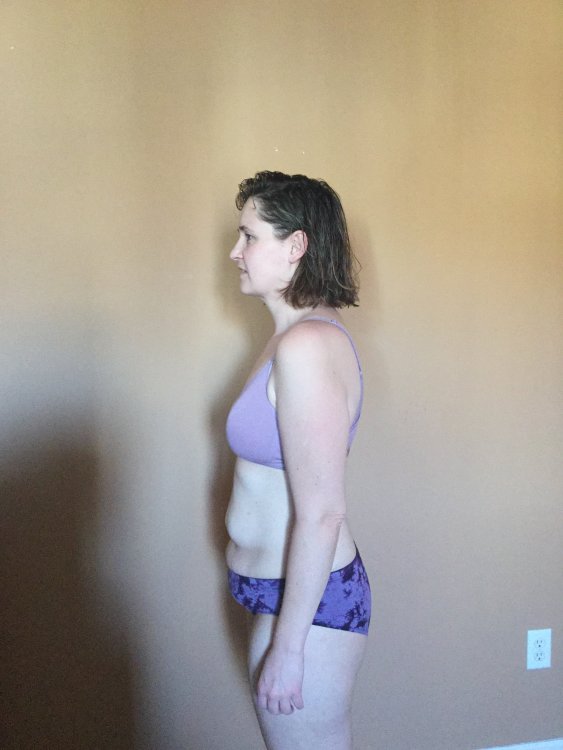
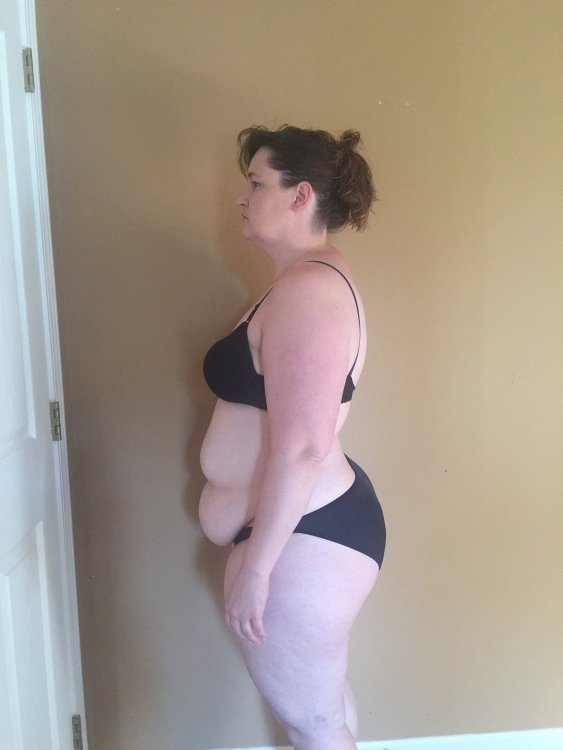
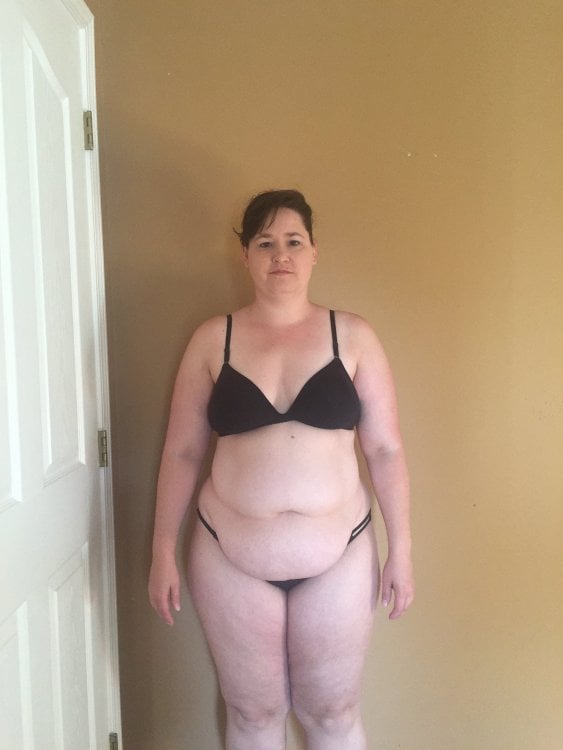
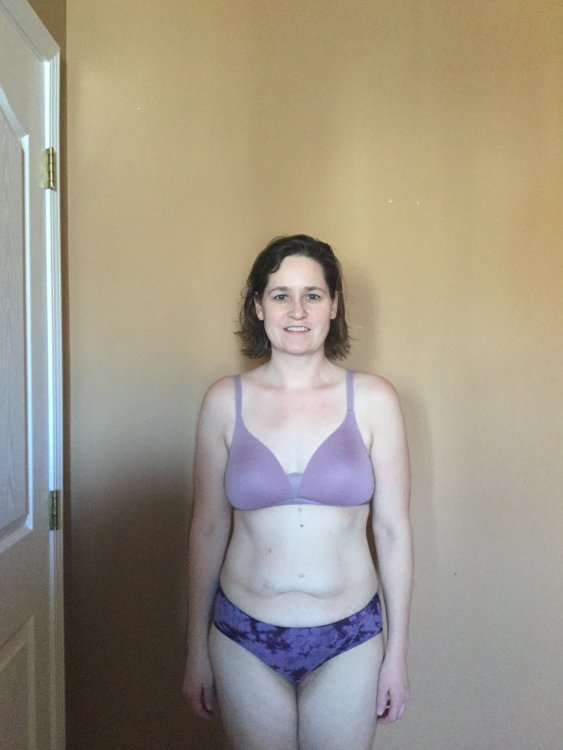
Stalled right now. Still want to lose 3-10 pounds!

D7FF0791-5FCB-401F-BD35-1D243E5A4E08.jpeg

CA7E05C7-62DD-4296-8803-0457628CC263.jpeg

24A26D3F-6E0E-469C-88D9-3AB3D9C362FB.jpeg

9FBBD6EB-C93E-45A2-8B39-B4D6AB7DC5BD.jpeg

  • Replies 31
  • Views 7k
  • Created
  • Last Reply

Top Posters In This Topic

Most Popular Posts

  • KCgirl061
    KCgirl061

    Those pics were from 2 months ago I have since passed my goal weight! It feels great!

  • KCgirl061
    KCgirl061

    I haven't gotten a tummy tuck! I probably need one though and a new set of boobs! But honestly if I had a couple thousand dollars extra for it I'd be more likely to take the family on a nice vacatio

  • KCgirl061
    KCgirl061

    LOL.. I don't know!! Those were posted when I was 145 pounds - I'm down to 133 now!

Posted Images
Featured Replies

Join the conversation

You can post now and register later. If you have an account, sign in now to post with your account.

Guest
Reply to this topic...

Trending Products

PatchAid Vitamin Patches

Account

Navigation

Search

Search

Configure browser push notifications

Chrome (Android)
  1. Tap the lock icon next to the address bar.
  2. Tap Permissions → Notifications.
  3. Adjust your preference.
Chrome (Desktop)
  1. Click the padlock icon in the address bar.
  2. Select Site settings.
  3. Find Notifications and adjust your preference.