AnnaP
LAP-BAND Patients
-
Joined
-
Last visited
-
-
Campbells Creme of Broccoli soup watered down and through the blender is yummy
-
Hi All, I too have become quite friendly with my blender. Here is one that I concocted. 1 cup Fat free plain yogurt 1 cup skim milk 1/2 pkg sugar free Jello cheesecake pudding 1/2 pkg sugar free jello (any flavor, I like rasberry) 1 tbsp Protein powder ice cubes (if you want) mix well in blender this is just like eating rasberry cheescake without the crust
-
Hi all you Hoosiers, I am having my surgery on 12/21 @ Methodist Hospital Southlake in Merrillville, IN by Dr. Paul Stanish. Who is your doc? Write back and good luck Anna:biggrin1:
-
Hiya Tex, Mine is a sugar free full liquid for 12 days and all liquid (clear) 2 days before and nothing after midnight on the 20th. Today I had creme of chicken Soup and told my co-workers it was a steak and baked potato (LOL)
-
My date is also the 21st, this pre-op diet is the worst, today day 4 I was a little dizzy but after i sat down for a while and then had a protien shake I was all better. Good luck and hope to hear from you. AnnaP
-
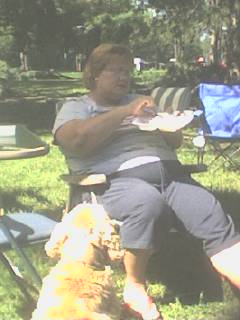
Hello Everyone, This my 2nd time on the site. I have now got a before pic to upload. I will be having my surgery on Dec 21, 2006. I am very excited about it. Also this site is wonderful, I will be checking it often. Happy Holidays to all. AnnaP

-
I have my last appt with the surgeon this week 12/6/06. Can hardly wait for my surgery. I am hoping to have it done before the end of the year. Currently I weigh about 270+ (was 271 on my first visit to him, that was over a month ago). Dr. Paul Stanish in Merrillville, Indiana will be doing my surgery. I have put in alot of time doing research on Lap-Band and truly think that this is the tool I need to help me find a solution to my weight issues. I will post a before pic next week and then as time goes on will be back with after pics. Thanks for this wedsite.