voldamort
LAP-BAND Patients
-
Joined
-
Last visited
-
hey im sorry i havent but i think u need to light a fire under your doctors ass that is to long and u need to scream it at him make him make you feel better if not take his ass up to the reveiw board bet that will change somthin keep fighting you can hang in voldamort
-
hey guys hang in there its in your mind with the food trust me im a month in i remember and when you move to eggs and grits it will be the best tasting thing for 2 bites i threw mine up the first time u will go back to a shake after a few times but i will be honest its about the work out after you can eat more and new things just work out walk a mile a day for a month then drop back to 3 days a week just to het your body use to burning calories TRUST ME yall can do it no more old ways the old ways got us here in the first place
-
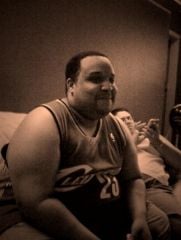
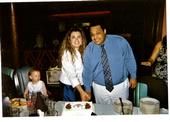
me, a weight loss surgery photo album by voldamort on BariatricPal. 4 photos in Member Photo Gallery.