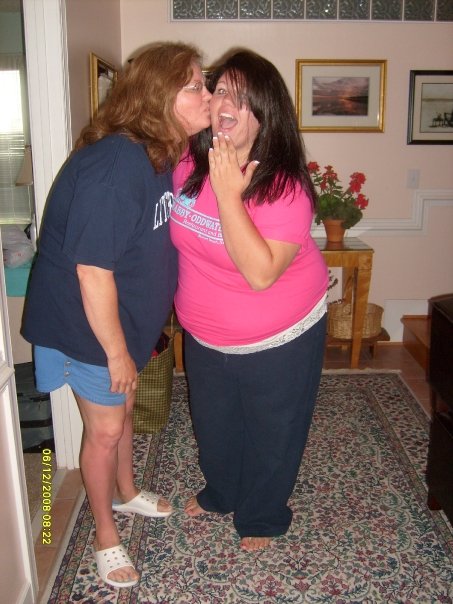
Karlmae<3
LAP-BAND Patients
-
Joined
-
Last visited
-
Your doing really well:) Thank you for the suggestions and the support. I love your quote. Its really cute. I will keep that in mind. No cheating:) Thanks! Merry Christmas.
-
Hello. I'm Karla and I am 19 years old. I had my LAP-BAND®®®®®® surgery on December 16th. If anyone has any suggestions or thoughts on how to reach my goal weight that would be great:) I was working out 5-6 times per week post surgery, swimming and jazzersize (with grandma) and plan on getting back into that regiment soon after the soreness goes away. Pre-op I weighed 323, Post-op I weigh 307. My goal weight is 130:) Hopefully I can get down to my goal weight in a year and a half. Sooner would be better of course but if you have any suggestions please post them.





-
Hello. I'm Karla and I am 19 years old. I had my LapBand surgery on December 16th. If anyone has any suggestions or thoughts on how to reach my goal weight that would be great:)
-
Hello. I'm Karla and I am 19 years old. I had my LapBand surgery on December 16th. If anyone has any suggestions or thoughts on how to reach my goal weight that would be great:)