Blessedkarma
LAP-BAND Patients
-
Joined
-
Last visited
-
I just recently began the journey of getting approved for weight loss surgery. I have been told that I need to lose 10% of my body weight pre-op. For me, that means 31 pounds in order to obtain approval. I was just wondering if anyone had any tips on fighting cravings on those bad days I know we all have, as well as during my MP, which seems to rob me of all my willpower. I was also wondering if anyone had any tips on which foods are better than others, and what a good daily calorie balance is for someone who is pre-op. I do pretty well with eating a lot of Protein and green veggies, as well as fruit. I've also been able to ward off my ice cream cravings (ice cream is the devil, haha) and I stopped eating almost all candy, except for hershey bars. I'm very good about eating only when i'm hungry, and portion control, but i've noticed that when it gets to be later at night, I slip and i'll have some Cookies or a muffin. This continues to yo-yo my weight. I'm hoping to get approved for surgery by January, and I was wondering if it is healthy/possible to try to lose 25 pounds in 3 months. Thanks! Orientation: 9/27/09 Initial Consult: 10/22/09
-
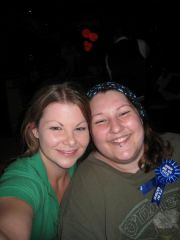
Pictures of me pre op