ttechgal
LAP-BAND Patients
-
Joined
-
Last visited
-
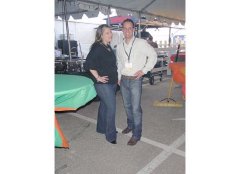
This is a group of pictures of me before surgery and again a year later....down 55 lbs!
-
I use myfitnesspal.com in the past and I really like it. :blushing:
-
I had my surgery on June 4th as well and it was the start of a new life for me. I am so happy that I made the decision to do it. I had to do self pay unlike a lot of people that I have read on here. DARN insurance, but it is still the best decision I will have ever made. This weekend was a little rough but I am back at work today and feeling better each day!! June 2009 Bandsters Unite! :thumbup:
-
I just wanted to say hi! I have scheduled my surgery for June 4th - I am so excited - this is a long time coming. I am both nervous and excited! I love this site - it gives everyone that is thinking about surgery or has had it great advice and also loads of great knowledge.