RKidder54
LAP-BAND Patients
-
Joined
-
Last visited
-
Toughest time was the first week post-op - port site pain and very "gassy" from use of Oxycodone - chose to give up using Oxycodone and just "tough it out". I was back to work within 2 weeks - but did not do alot of lifting for another 2 more weeks (I am an RN on a busy med-surg floor). Another tough time was my first time I was "stuck" - scary. You will figure out what foods to avoid and which foods are best. It helps to make the protein fruit smoothies - I use unflavored whey protein powder with frozen fruit and yogurt in my smoothie maker - sometimes I don't get enough protein in my diet - recently had an "unfill", because I was too tight and was not losing any weight.
-
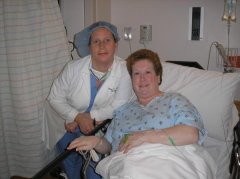
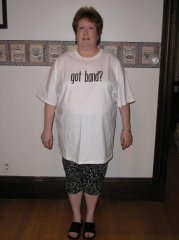
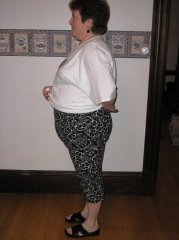
Weight Loss Journey, a weight loss surgery photo album by RKidder54 on BariatricPal. 5 photos in Member Photo Gallery.
-
Hey, All. I am 18 months post lap-band (Dr. Wolff). I am 62 lbs down, with another 25 pounds to go. This last leg of the race is slow-going, but I feel great. More energy than I have had in a long time. Don't be discouraged - stay the course - if you fall, get right back up and start again. You will be glad you did! Rachel