




Skip to content
View in the app

A better way to browse. Learn more.

BariatricPal

A full-screen app on your home screen with push notifications, badges and more.

To install this app on iOS and iPadOS
  1. Tap the Share icon in Safari
  2. Scroll the menu and tap Add to Home Screen.
  3. Tap Add in the top-right corner.
To install this app on Android
  1. Tap the 3-dot menu (⋮) in the top-right corner of the browser.
  2. Tap Add to Home screen or Install app.
  3. Confirm by tapping Install.
  • Appearance

Join BariatricPal free

  • Ask your own questions
  • Reply and follow topics
  • Message other members
  • No cost, no spam

Lehigh Barbie

LAP-BAND Patients
  • Joined

  • Last visited

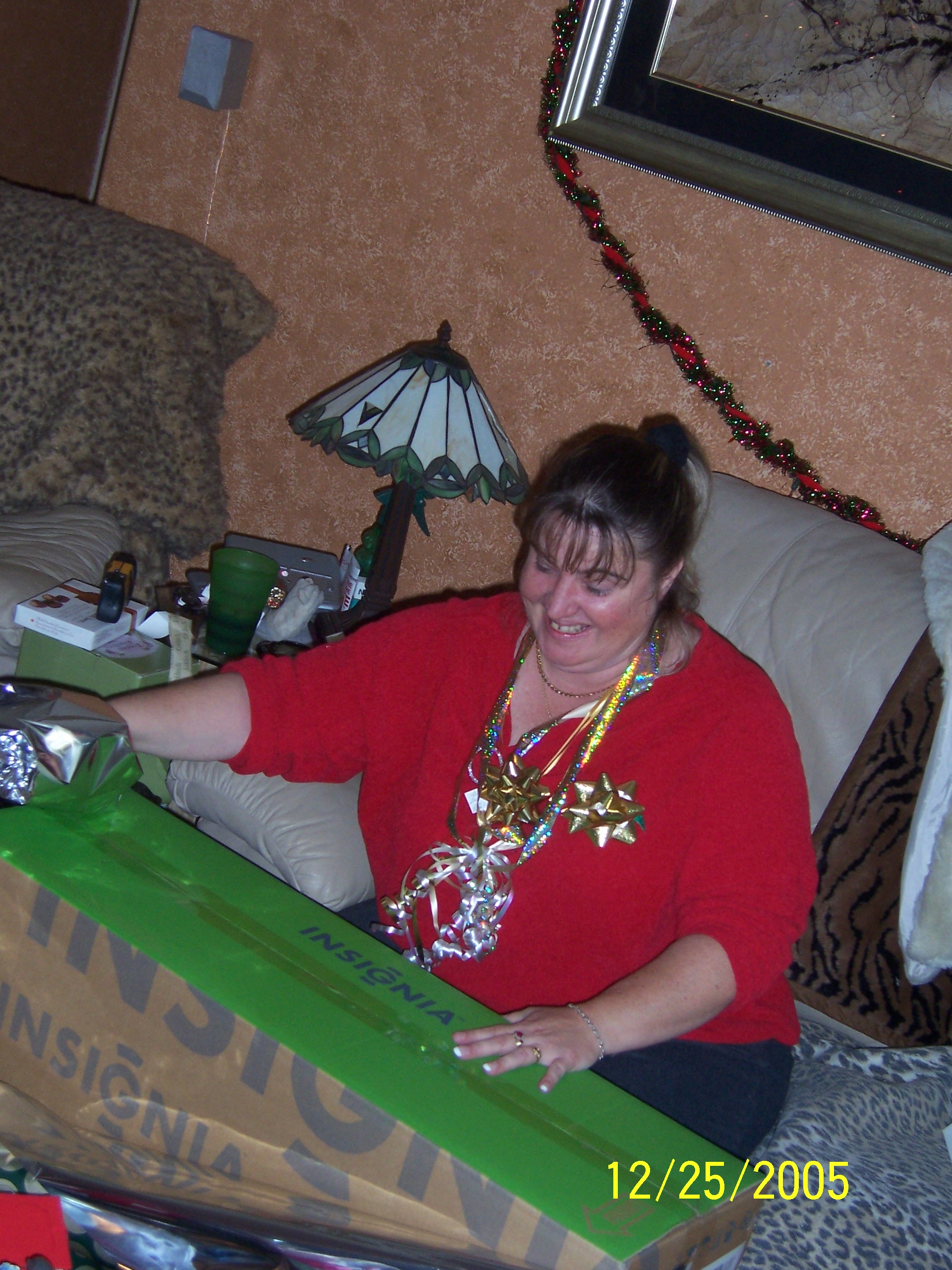
  1. Wow - I thought I'd attach a pic. but I didn't realized it would come out so big. This is from Christmas 2005, sorry I don't have anything more recent, but I try to stay from in-front of the camera.
  2. Hello All I am 5'3" about 230. BMI 40.7 :phanvan I am only now being to research my options and have made an appt with Dr. Jawad in Ocala, Fl. for the 21st. I am hoping for the Lap Band procedure in lieu of the others. I am insured with United Health Care which will pay for the procedure if it is deemed medically necessary. :clap2: I'm a bundle of nerves, not sure what to expect etc., but know that I need to do something. Any advise would be greatly appreiated.
Account

Navigation

Search

Search

Configure browser push notifications

Chrome (Android)
  1. Tap the lock icon next to the address bar.
  2. Tap Permissions → Notifications.
  3. Adjust your preference.
Chrome (Desktop)
  1. Click the padlock icon in the address bar.
  2. Select Site settings.
  3. Find Notifications and adjust your preference.