Skip to content
View in the app

A better way to browse. Learn more.

BariatricPal

A full-screen app on your home screen with push notifications, badges and more.

To install this app on iOS and iPadOS
  1. Tap the Share icon in Safari
  2. Scroll the menu and tap Add to Home Screen.
  3. Tap Add in the top-right corner.
To install this app on Android
  1. Tap the 3-dot menu (⋮) in the top-right corner of the browser.
  2. Tap Add to Home screen or Install app.
  3. Confirm by tapping Install.
  • Appearance

Join BariatricPal free

  • Ask your own questions
  • Reply and follow topics
  • Message other members
  • No cost, no spam

vsgbestie

Gastric Sleeve Patients
  • Joined

  • Last visited

Everything posted by vsgbestie

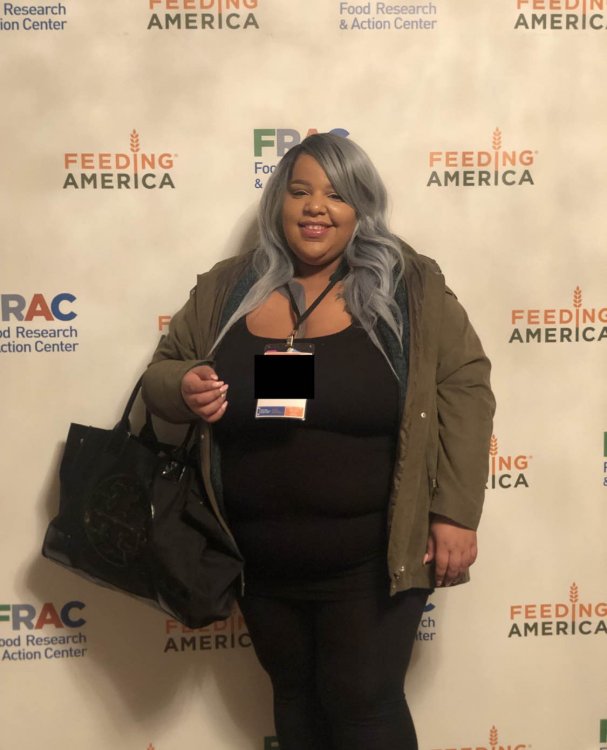
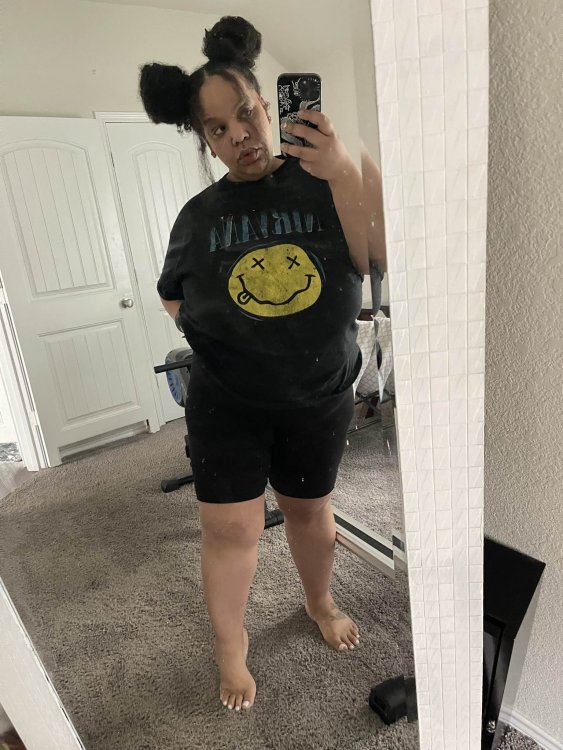
  1. Thanks friend I can’t wait to reach those numbers congratulations on your weightloss im in a weird spot where I’m trying to figure out a workout routine and sometimes I mess up with the foods I eat so I’ve been at this weight for a few weeks now any suggestions?
  2. I forgot to mention my number sorry new here but my highest weight was 355lbs my Sx was 10/25/22 today im at 265lbs so close to the 100lb mark in less than 4 months
  3. Sometimes I have a hard time with figuring out if I’m losing well I am also looking to connect with other bari friends I document my journey. Via TikTok my handle is VSG_Bestie if you want to show me some love feel free to inbox me I’m also learning a lot feel free to ask me questions
Account

Navigation

Search

Search

Configure browser push notifications

Chrome (Android)
  1. Tap the lock icon next to the address bar.
  2. Tap Permissions → Notifications.
  3. Adjust your preference.
Chrome (Desktop)
  1. Click the padlock icon in the address bar.
  2. Select Site settings.
  3. Find Notifications and adjust your preference.