somerscl
Pre Op
-
Joined
-
Last visited
Everything posted by somerscl
-
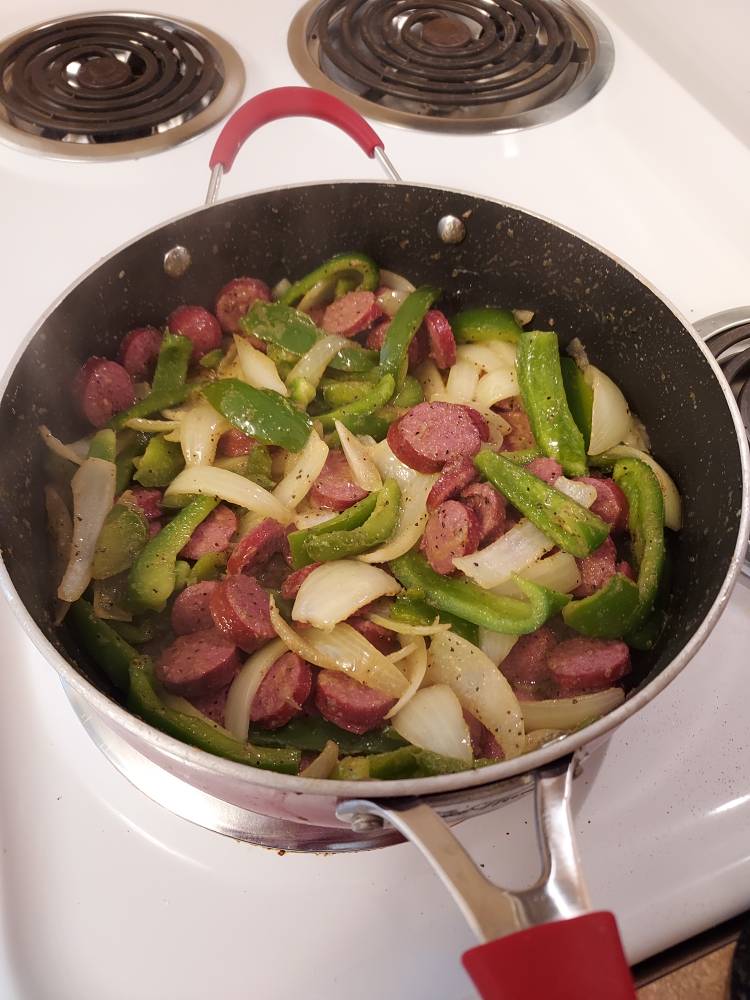
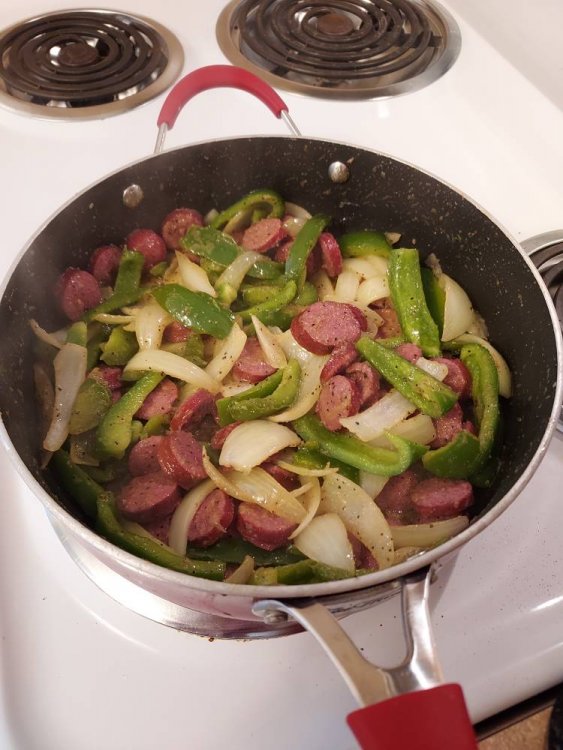
About 15 carbs, but they're from the veggies which I allow myself to have, and about 227 calories. Also, 12 grams of protein. Sent from my SM-S426DL using BariatricPal mobile app
-
Thank you! I can tolerate and love some fruit, but didn't want that to be a hindrance for me. Sent from my SM-S426DL using BariatricPal mobile app
-
This was so good, I made it two days in a row!! Beef smoked sausage, green pepper, onions, garlic powder, black pepper, and creole. Topped with a little Italian cheese blend. [emoji39] Sent from my SM-S426DL using BariatricPal mobile app
-
I eat fruit, but I wasn't sure if it'd prevent me from losing... Sent from my SM-S426DL using BariatricPal mobile app
-
Does anyone eat fruit post VSG? Sent from my SM-S426DL using BariatricPal mobile app
-
I got sleeved one year ago! I have a long ways to go, and I'm not where I want to be; however, I'll get there! After comparing my before and after pics, I can see the difference. I'm hoping I can kick the carbs and sugars that I've allowed back in my life so I can reach my goal. These pictures are one year apart! Sent from my SM-S426DL using BariatricPal mobile app


-
This has happened to me, and I'm trying to get back on track. It's hard to go back to no carbs and sugar. I'm hoping I can so my sleeve isn't in vain... Sent from my SM-S426DL using BariatricPal mobile app