Skip to content
View in the app

A better way to browse. Learn more.

BariatricPal

A full-screen app on your home screen with push notifications, badges and more.

To install this app on iOS and iPadOS
  1. Tap the Share icon in Safari
  2. Scroll the menu and tap Add to Home Screen.
  3. Tap Add in the top-right corner.
To install this app on Android
  1. Tap the 3-dot menu (⋮) in the top-right corner of the browser.
  2. Tap Add to Home screen or Install app.
  3. Confirm by tapping Install.

Arty

Pre Op
  • Joined

  • Last visited

  1.    MonyAponi reacted to a post in a topic: September surgery buddies!!
  2.    Hope4NewMe reacted to a post in a topic: September surgery buddies!!
  3. It was the worst thing I have ever experienced in my life, I won't lie. But it gets better! You can do it. [emoji170] Sent from my SM-G781U1 using BariatricPal mobile app
  4.    Arty reacted to a post in a topic: Quitting Vape/Smoking
  5. We are all strong! You can do anything if you really want. I just recommend trying it because you'll go in shock. Lol Sent from my SM-G781U1 using BariatricPal mobile app
  6.    Arty reacted to a post in a topic: September surgery buddies!!
  7. I was not a smoker but I was highly addicted to pain killers. I am now 17 days sober. It's not easy. It sucks. And you'll be angry and feel like crap. You just need to keep yourself busy and stay positive. The only thing that helps is time. And just remember... you'll feel so much better. And save lots of money if you're not buying cigarettes [emoji1787][emoji28] Sent from my SM-G781U1 using BariatricPal mobile app
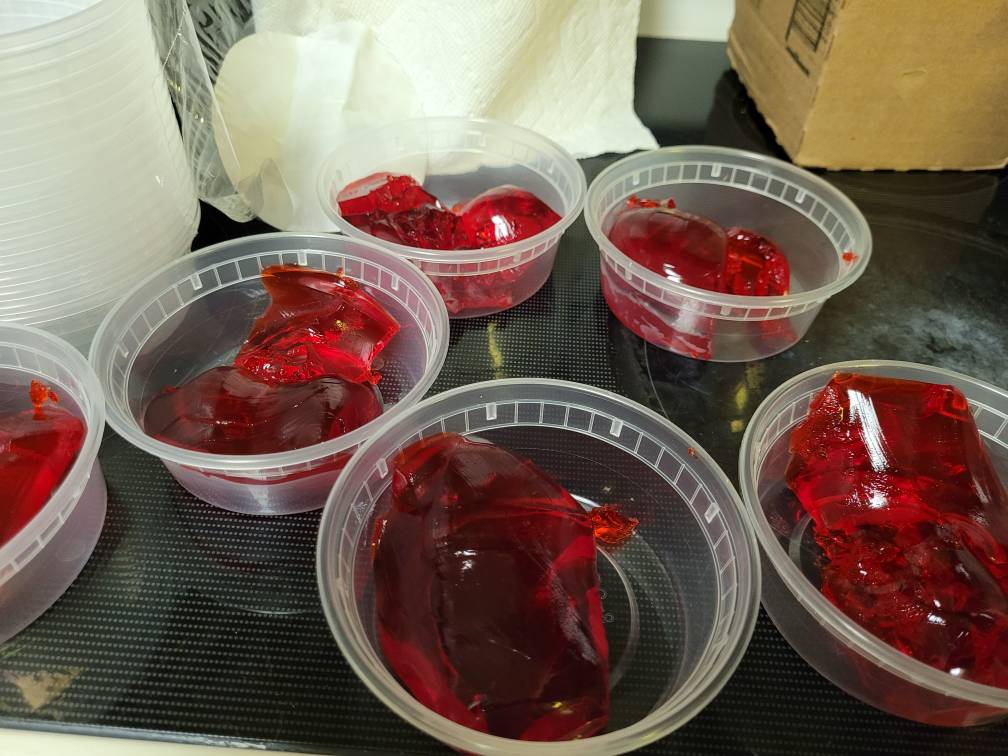
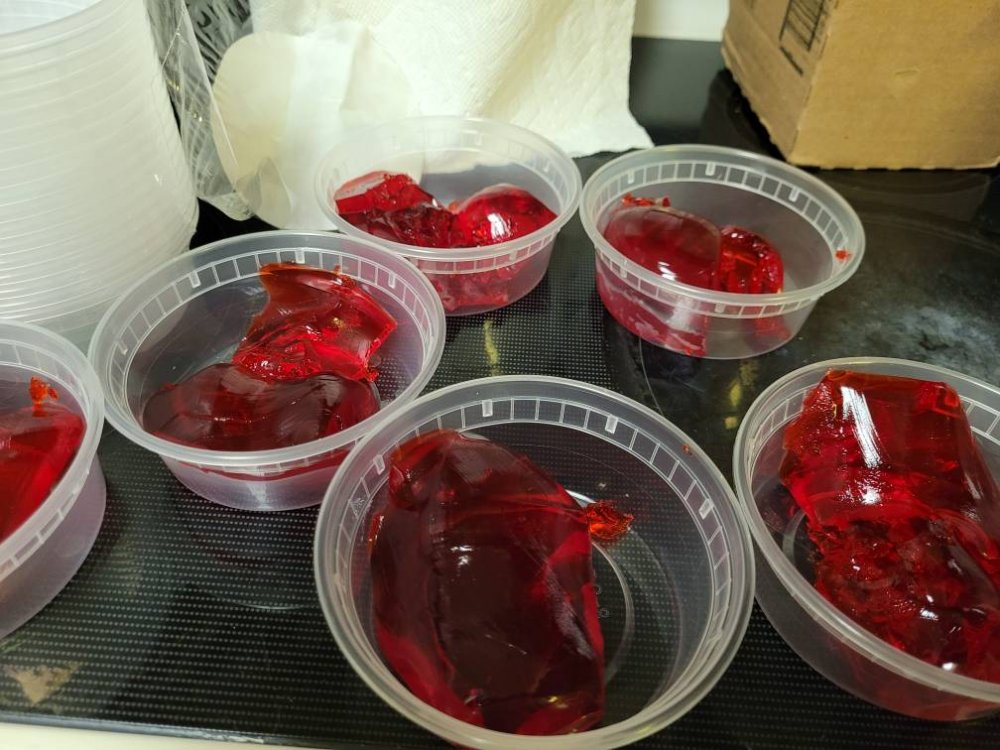
  8. September 7th! Starting pre OP diet in a week. If you haven't introduced yourself to eating less and protein shakes I def recommend you do. I've replaced 2 meals with shakes and jello and it's tough! Sent from my SM-G781U1 using BariatricPal mobile app
Account

Navigation

Search

Search

Configure browser push notifications

Chrome (Android)
  1. Tap the lock icon next to the address bar.
  2. Tap Permissions → Notifications.
  3. Adjust your preference.
Chrome (Desktop)
  1. Click the padlock icon in the address bar.
  2. Select Site settings.
  3. Find Notifications and adjust your preference.