Supafly82
Pre Op
-
Joined
-
Last visited
Everything posted by Supafly82
-
How are you guys drinking caffeine after surgery? I’m told not to have caffeine for 3 months.
-
Ok so I have behaved with pre op…I’m day 10…surgery is on June 29. Today, I’m really craving tea so I was wondering if it’s ok for me to have just one cup of tea which contains probably around 30 mg of caffeine?
-
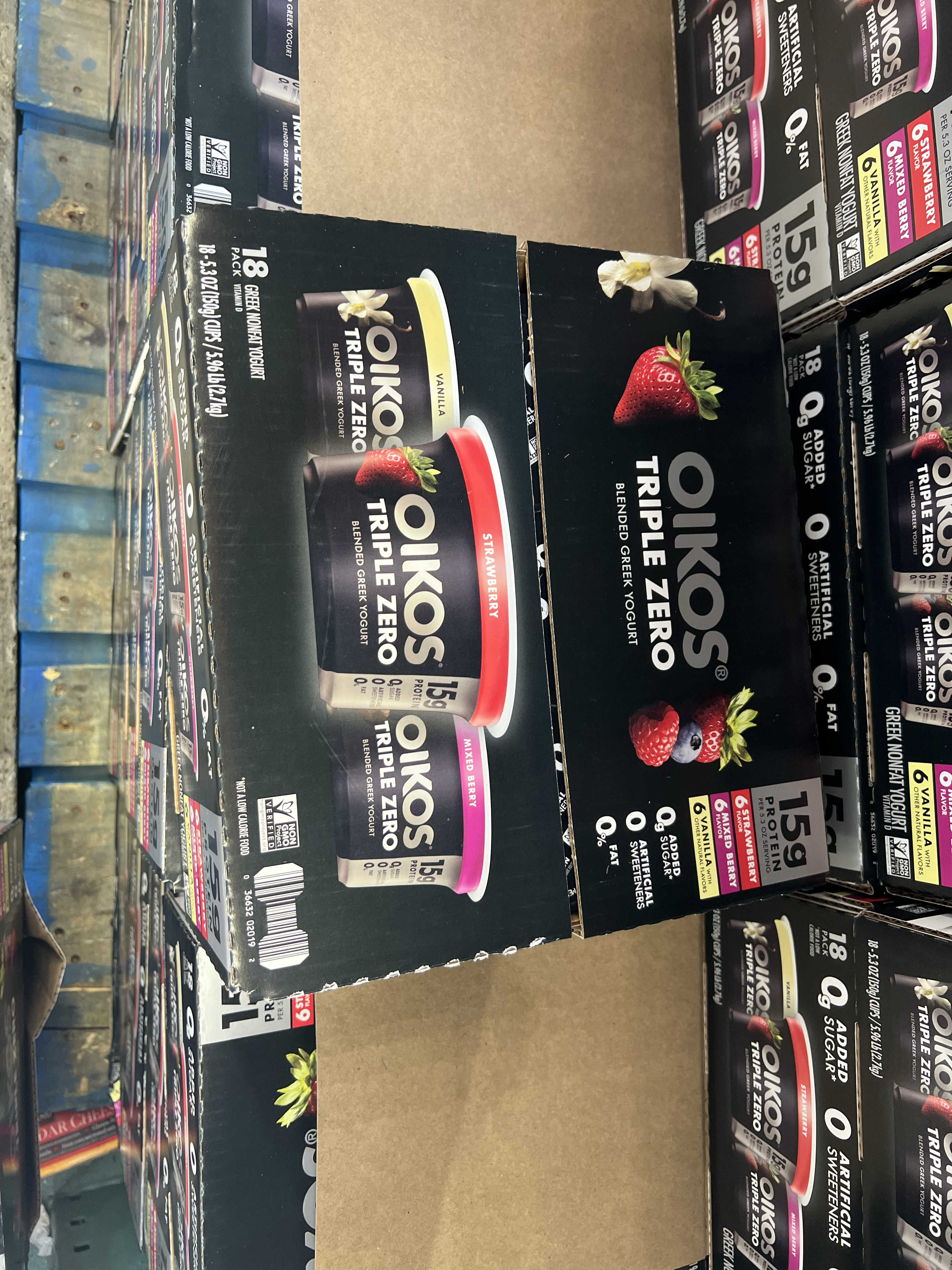
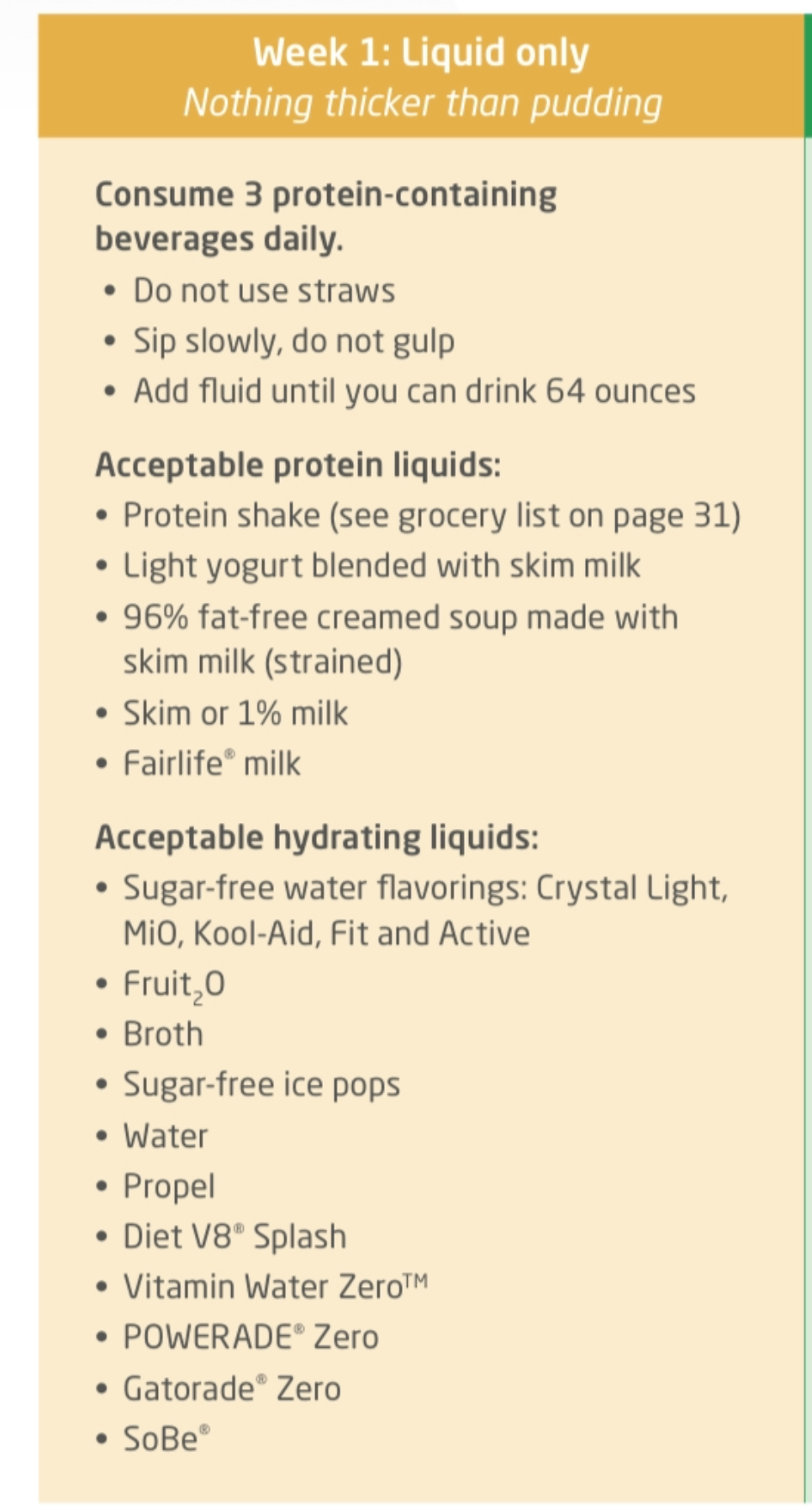
On my list it says: Light yogurt blended with skim milk I don’t know what brand has this requirement
-
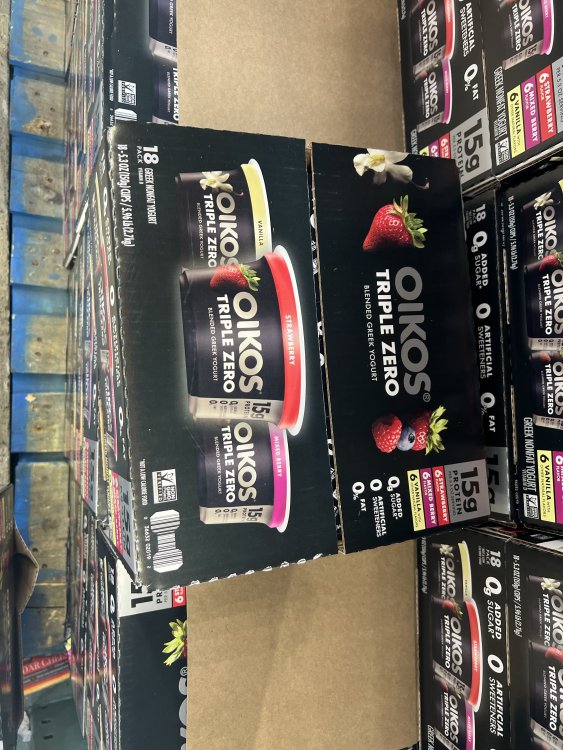
Can I have this yogurt in week one?
-
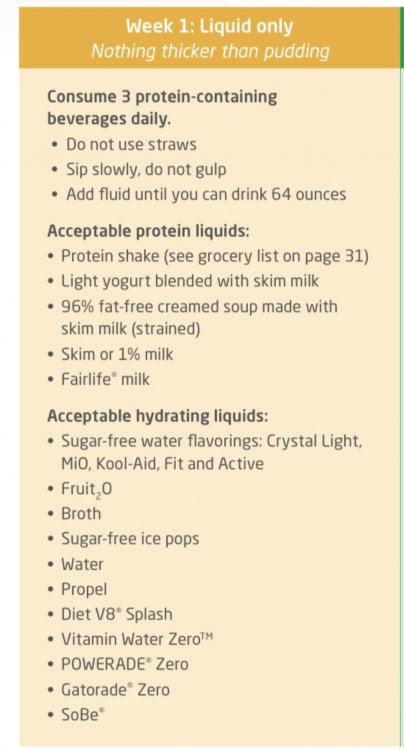
Hello all, according to guide I have from my doctor: this is what I can take week 1 below. I am confused on how to make a creamed soup as I don’t soup. Are there suggestions for a soup for week 1? Something that is easy to make? Can I have chicken broth instead of a creamed soup? My second question is about light yogurt blended with skim milk as that it was it listed in the picture I have posted. Any recommendations of a yogurt I can pick from target or Walmart to satisfy this requirement?
-
My pre op diet includes liquids but during dinner time I can eat 4 oz of meat with one bread, one cup of vegetables and half cup of cooked vegetables. I’m going for gastric sleeve on June 29. Is that a normal pre op liquid diet?
-
June 29, 2022. Pre op diet is brutal.