Skip to content
View in the app

A better way to browse. Learn more.

BariatricPal

A full-screen app on your home screen with push notifications, badges and more.

To install this app on iOS and iPadOS
  1. Tap the Share icon in Safari
  2. Scroll the menu and tap Add to Home Screen.
  3. Tap Add in the top-right corner.
To install this app on Android
  1. Tap the 3-dot menu (⋮) in the top-right corner of the browser.
  2. Tap Add to Home screen or Install app.
  3. Confirm by tapping Install.

violets

Pre Op
  • Joined

  • Last visited

Everything posted by violets

  1. My partner and I have been having some issues with my weight and how much I've gained in 8years we have been together. He knows I'm due to have a sleeve but is really against me having it and had even said he can't get his head round me having it and could effect our relationship. I really don't know what to do, I really want this to help me live a better life. Sent from my MAR-LX1A using BariatricPal mobile app
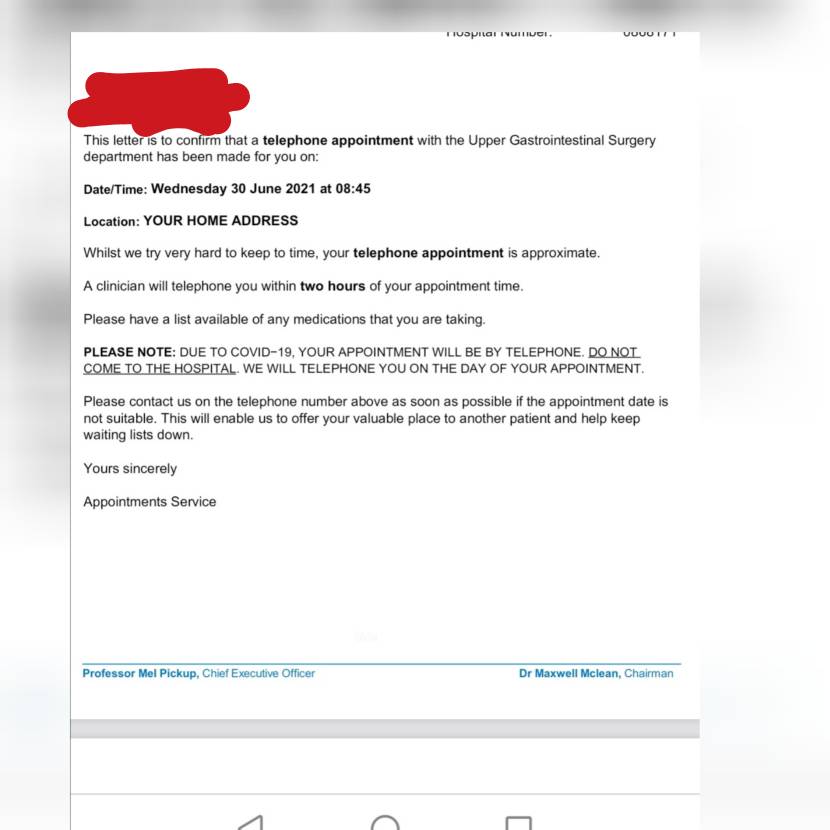
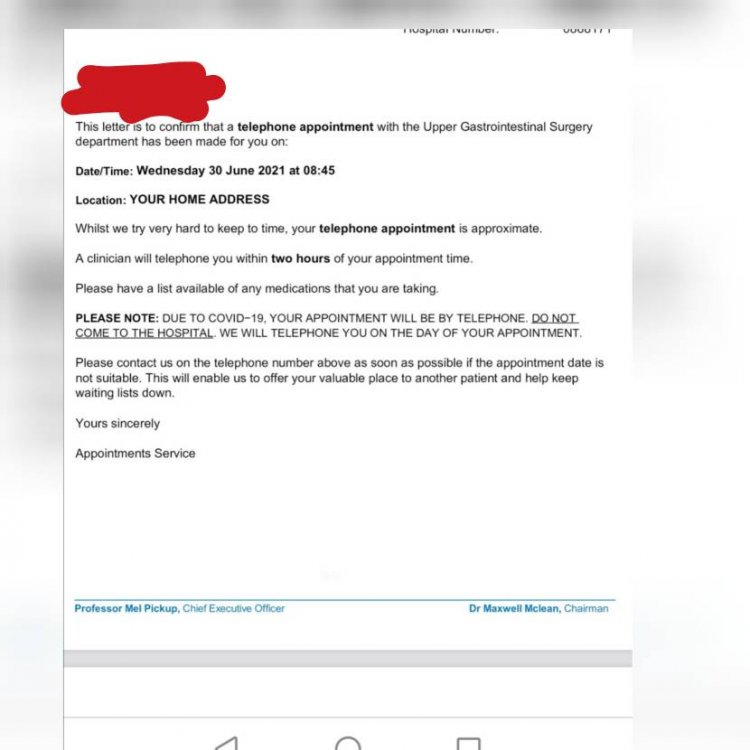
  2. Anyone from West Yorkshire on here? Does anyone know what happens at this appointment I've just been referred to tier 4 Sent from my MAR-LX1A using BariatricPal mobile app
Trending Products

PatchAid Vitamin Patches

Account

Navigation

Search

Search

Configure browser push notifications

Chrome (Android)
  1. Tap the lock icon next to the address bar.
  2. Tap Permissions → Notifications.
  3. Adjust your preference.
Chrome (Desktop)
  1. Click the padlock icon in the address bar.
  2. Select Site settings.
  3. Find Notifications and adjust your preference.