




Skip to content
View in the app

A better way to browse. Learn more.

BariatricPal

A full-screen app on your home screen with push notifications, badges and more.

To install this app on iOS and iPadOS
  1. Tap the Share icon in Safari
  2. Scroll the menu and tap Add to Home Screen.
  3. Tap Add in the top-right corner.
To install this app on Android
  1. Tap the 3-dot menu (⋮) in the top-right corner of the browser.
  2. Tap Add to Home screen or Install app.
  3. Confirm by tapping Install.

Kim1

Pre Op
  • Joined

  • Last visited

  1. Thank you for the recommendation! ?
  2.    Kim1 reacted to a post in a topic: Let’s talk poop strategy
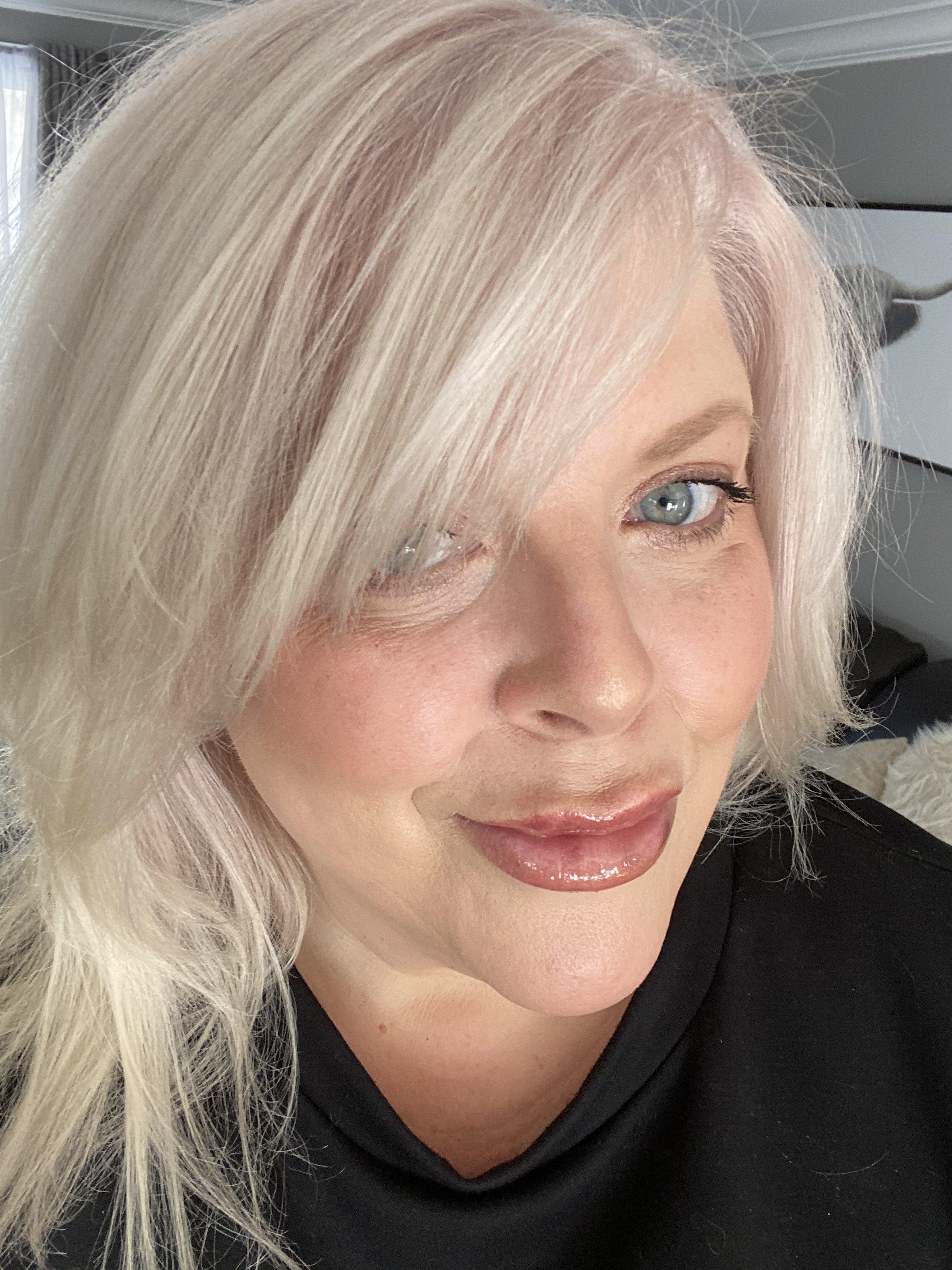
  3. Kim1 changed their profile photo
  4. So thankful for all these posts! I’m 12 days post op VSG and currently going every 4 days (today was on my own accord without Milk of magnesia) I have history like many of you of constipation. While I’m going, it’s more loose watery with solids mixed. I sure hope this regulates. Sorry if that was TMI; I tend not to be squeamish regarding these things. ?

Trending Products

PatchAid Vitamin Patches

Account

Navigation

Search

Search

Configure browser push notifications

Chrome (Android)
  1. Tap the lock icon next to the address bar.
  2. Tap Permissions → Notifications.
  3. Adjust your preference.
Chrome (Desktop)
  1. Click the padlock icon in the address bar.
  2. Select Site settings.
  3. Find Notifications and adjust your preference.