Skip to content
View in the app

A better way to browse. Learn more.

BariatricPal

A full-screen app on your home screen with push notifications, badges and more.

To install this app on iOS and iPadOS
  1. Tap the Share icon in Safari
  2. Scroll the menu and tap Add to Home Screen.
  3. Tap Add in the top-right corner.
To install this app on Android
  1. Tap the 3-dot menu (⋮) in the top-right corner of the browser.
  2. Tap Add to Home screen or Install app.
  3. Confirm by tapping Install.

Hurricane1065

Pre Op
  • Joined

  • Last visited

Everything posted by Hurricane1065

  1. I'm 3 days post op & already looking up meals. You are not alone! Sent from my SM-F916U using BariatricPal mobile app
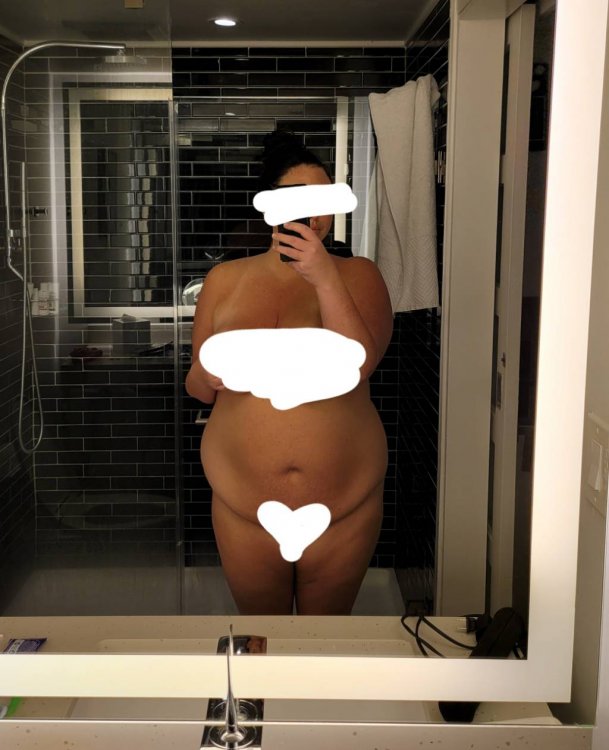
  2. Good hello, Just wanted to introduce myself. I had the gastric sleeve surgery on Monday. I'm in bed, sore, but positive & looking forward to this new way of life! Becoming the very best version of myself. My heighest weight: 265lbs Day of surgery: 251lbs Current weight: 248lbs Goal : 150lbs Attached is a pic of me the morning of surgery. Excited to have some comparison pics in the next month or 2! Sent from my SM-F916U using BariatricPal mobile app
Trending Products

PatchAid Vitamin Patches

Account

Navigation

Search

Search

Configure browser push notifications

Chrome (Android)
  1. Tap the lock icon next to the address bar.
  2. Tap Permissions → Notifications.
  3. Adjust your preference.
Chrome (Desktop)
  1. Click the padlock icon in the address bar.
  2. Select Site settings.
  3. Find Notifications and adjust your preference.