Bariatric Blondeshell
Pre Op
-
Joined
-
Last visited
Everything posted by Bariatric Blondeshell
-
Bariatric Blondeshell replied to Bariatric Blondeshell's topic in PRE-Operation Weight Loss Surgery Q&AThank you and congratulations!!! Best decision I have ever made by far. You're almost to the finish line.
-
Bariatric Blondeshell replied to Bariatric Blondeshell's topic in PRE-Operation Weight Loss Surgery Q&AWay to go!!! We have a second chance at life as far as I'm concerned!
-
Bariatric Blondeshell replied to Bariatric Blondeshell's topic in PRE-Operation Weight Loss Surgery Q&AThank you. Lots more to come. Editing takes a lot of time lol. I appreciate you!
-
Bariatric Blondeshell replied to Bariatric Blondeshell's topic in PRE-Operation Weight Loss Surgery Q&AWow!!! Major compliment! Thank you!! I can only hope to reverse aging!! ?.
-
Bariatric Blondeshell replied to Bariatric Blondeshell's topic in PRE-Operation Weight Loss Surgery Q&AHow exciting!! Almost there! Best wishes on your surgery!!
-
Bariatric Blondeshell replied to Bariatric Blondeshell's topic in PRE-Operation Weight Loss Surgery Q&AThank you!!!
-
Bariatric Blondeshell replied to Bariatric Blondeshell's topic in PRE-Operation Weight Loss Surgery Q&AThank you for your kind words!!
-
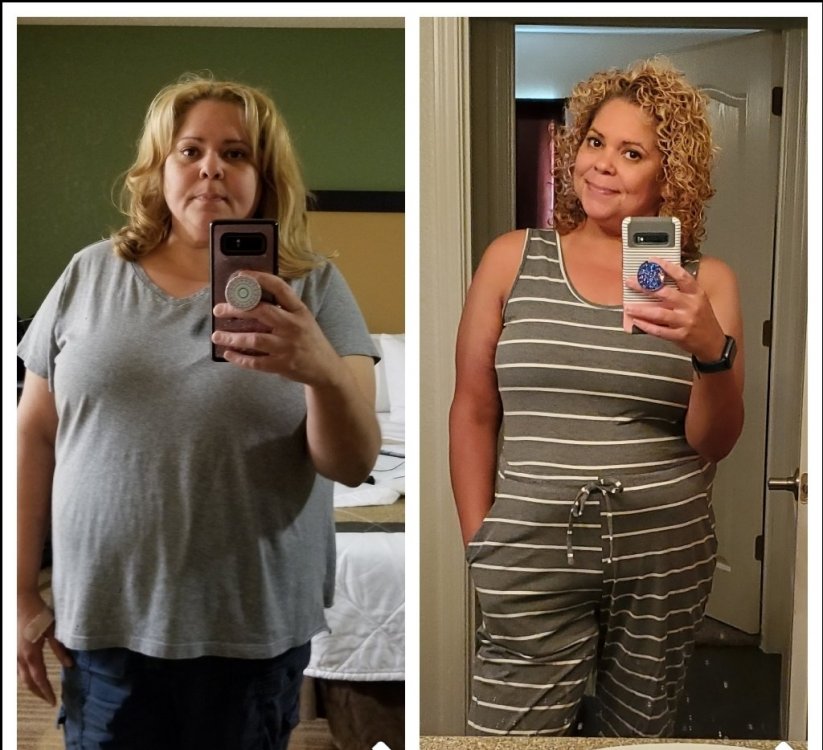
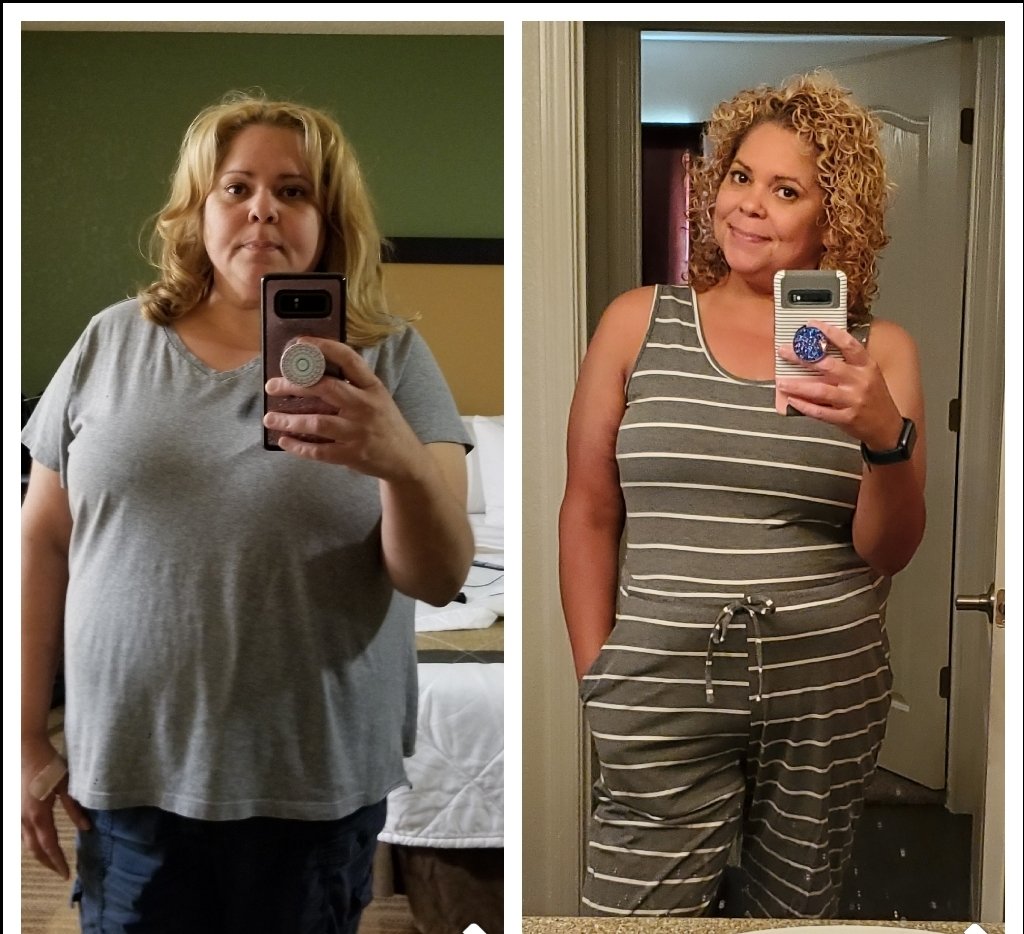
Hey guys, just a little something to keep you encouraged. For me, the pre-op phase was the hardest part of my journey. I am currently 9 mos. P.o. from gastric bypass. I love my tool and wish I had went forward 3 years Ago when I first started this journey. I had lots of questions, but I wanted to know what life was like after the procedure. I wanted to hear from people who were experiencing it. So, this is my info..sw 264 lbs. , cw 186 lbs. Medical issues before surgery...hypertension, diabetes, pcos, infertility, lupus, heart murmur. I currently only take a low dose hypertension pill ,but they will evaluate that at my next post-op appointment. Life is good and I have had zero complications, zero visits to the hospital after surgery. Im grateful for that! I started a YT channel ( under my name Bariatric Blondeshell) that addresses the pre op phase and what life is like for us after surgery. I hope if you check it out you will be encouraged afterwards! Keep pressing on everyone, you deserve this!