tworl12
Gastric Sleeve Patients
-
Joined
-
Last visited
-
-
Update: everything is looking much better! :) I stopped using my wound spray completely.
-
Yes! That’s exactly right! Thank you! I was worried that everyone else’s was stitched up but I believe mine was stapled from the inside.
-
Thank you everyone!!! ☺️
-
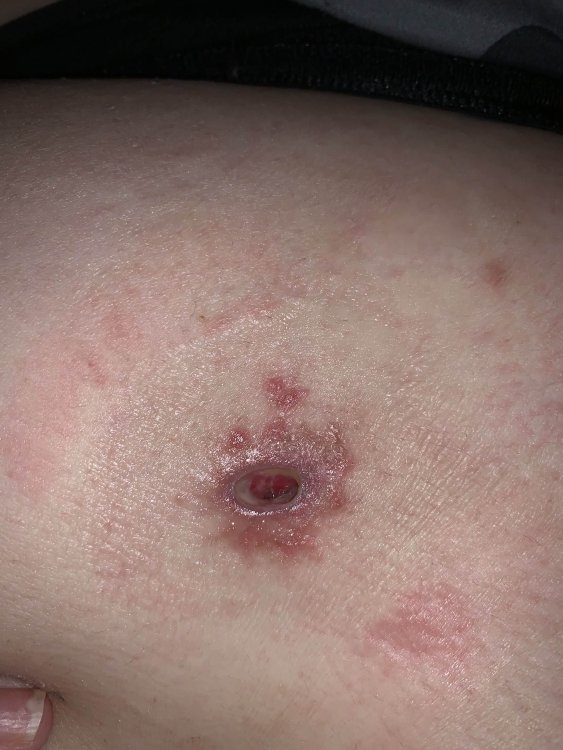
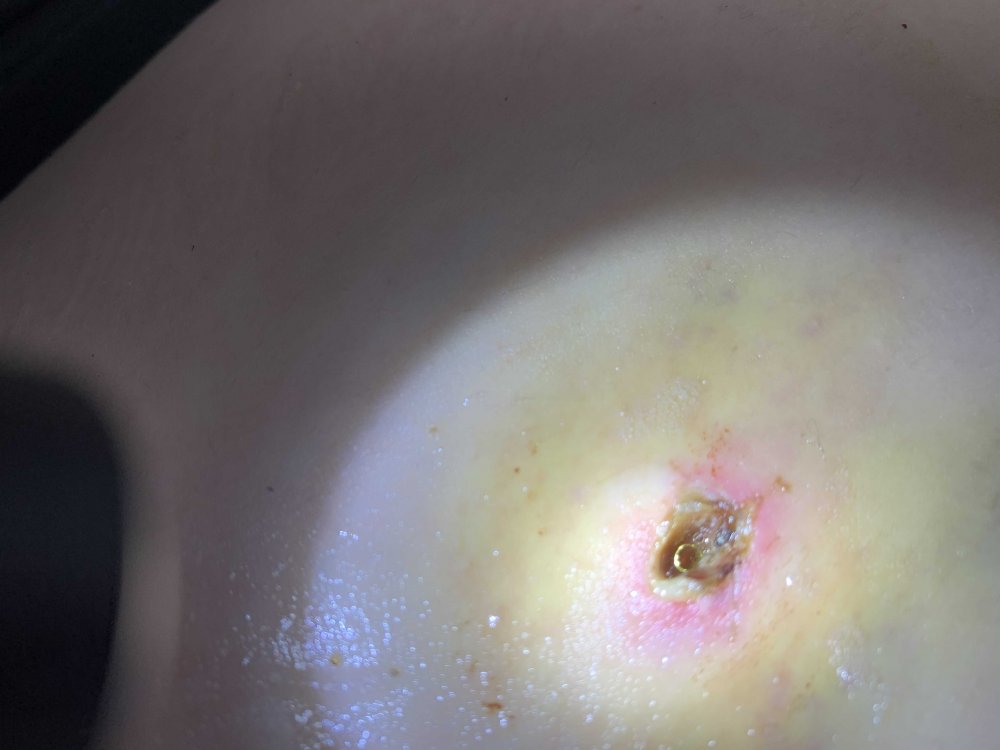
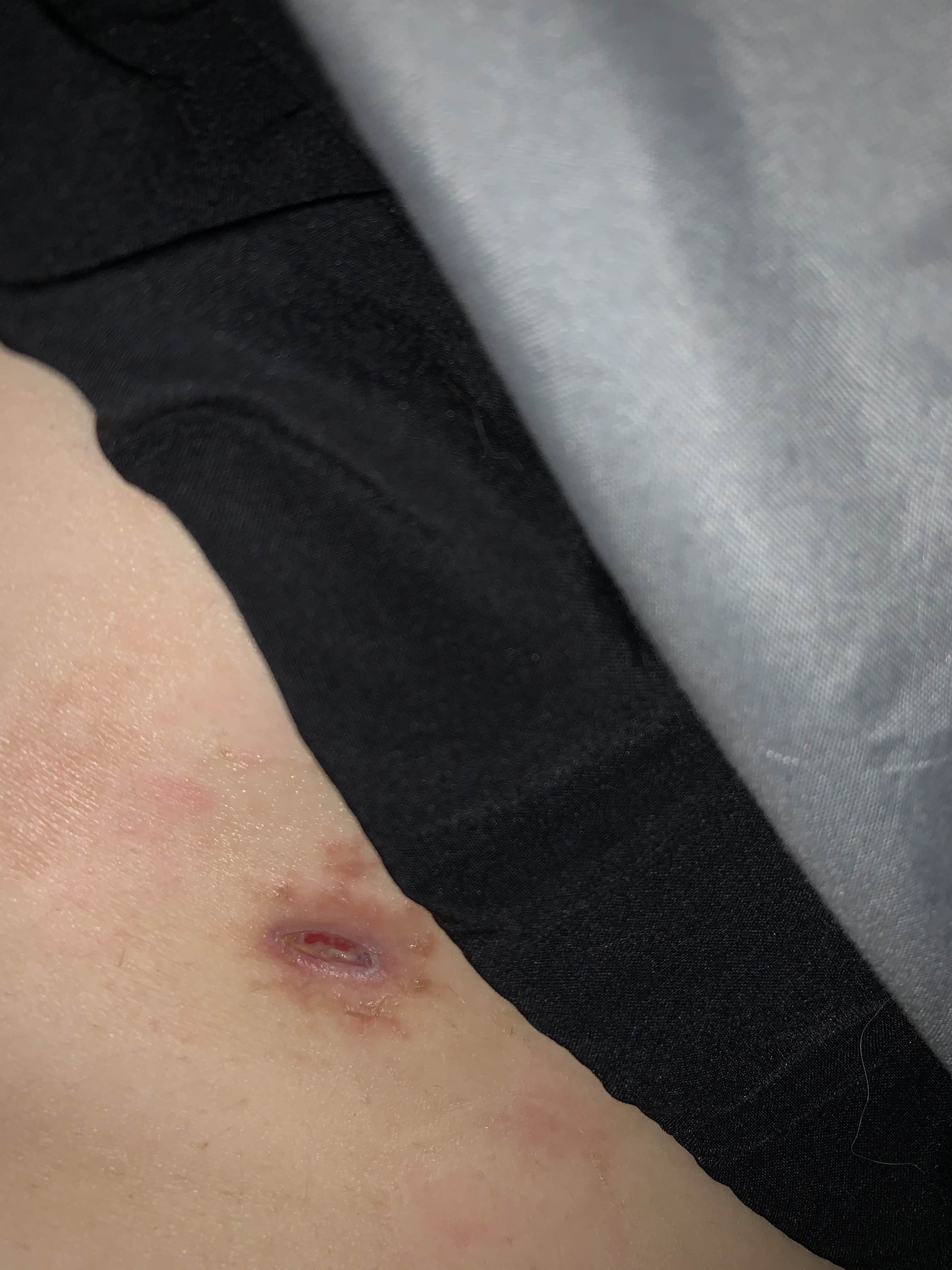
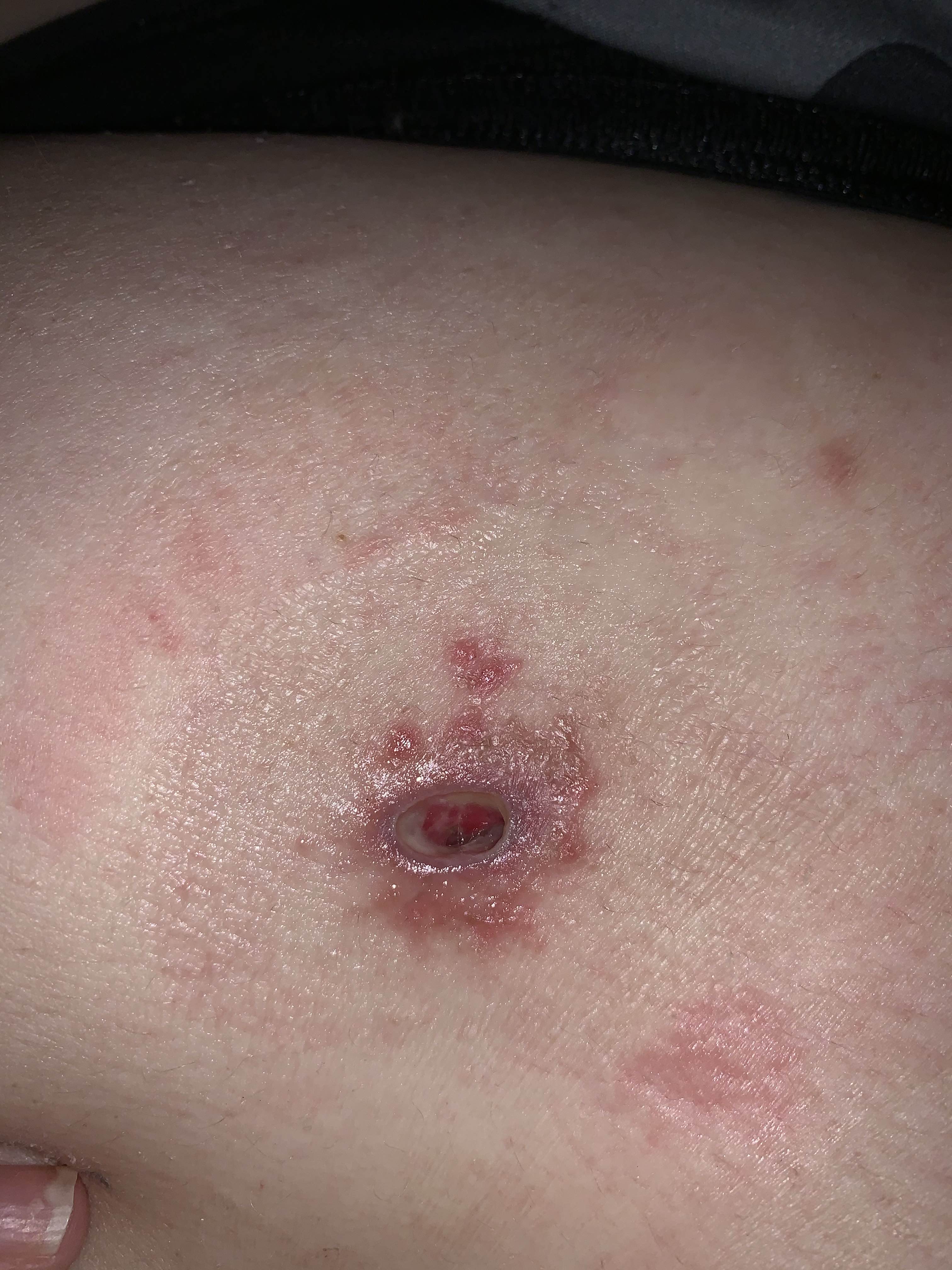
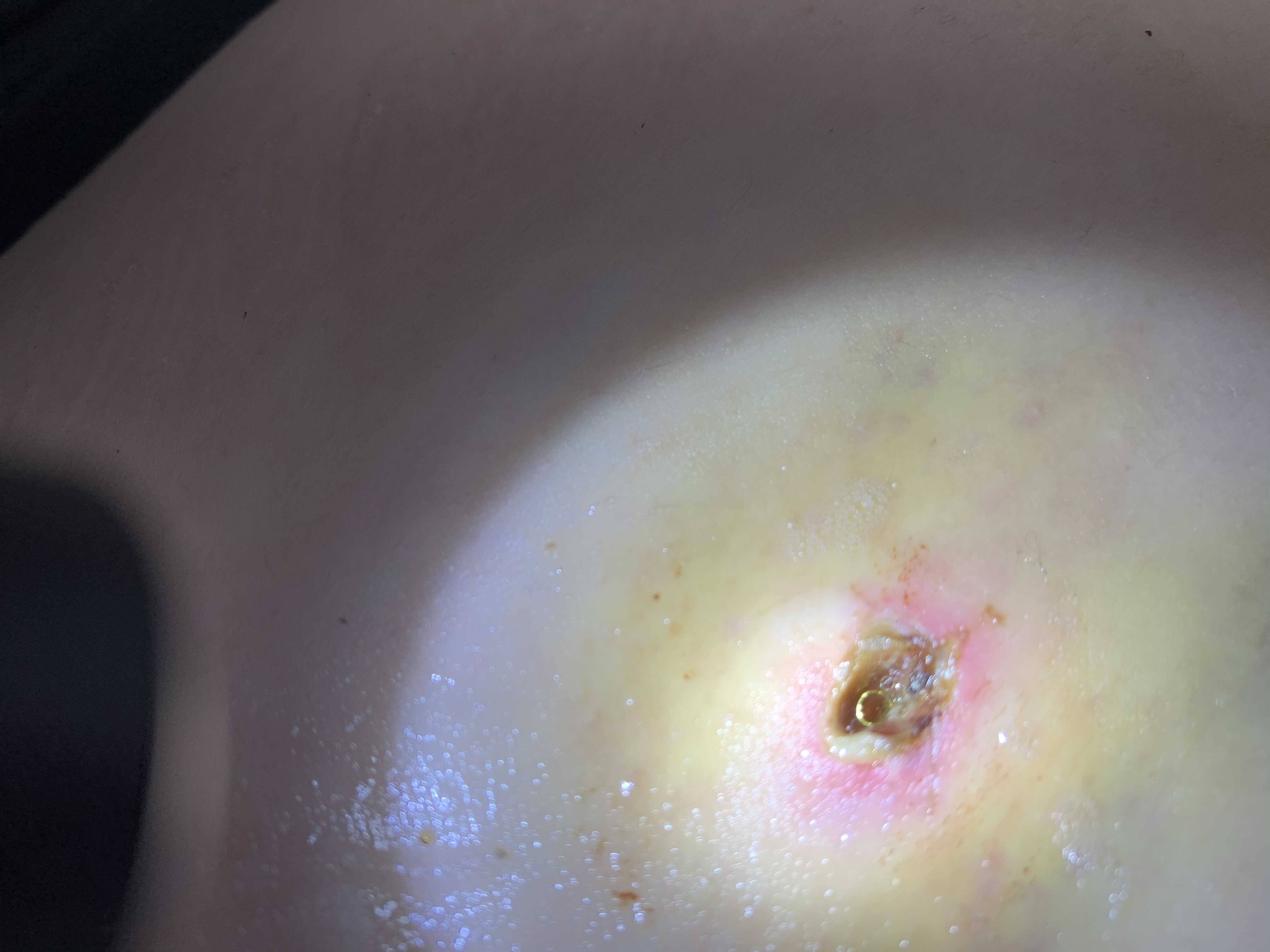
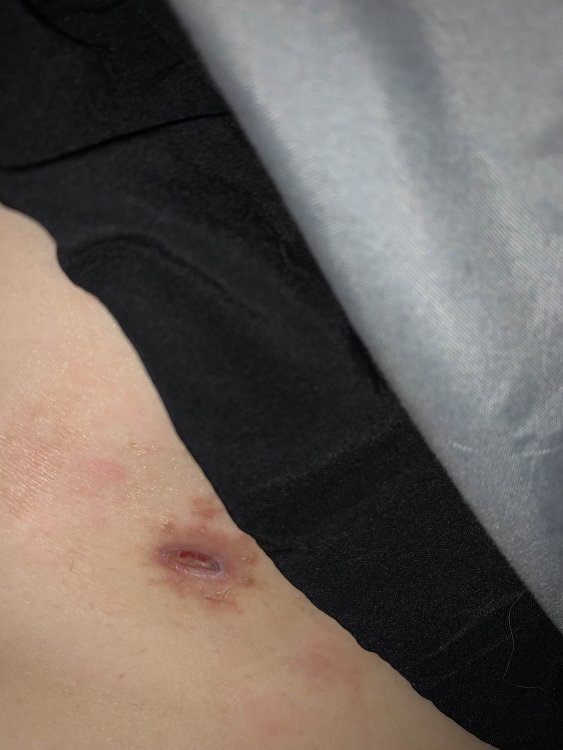
I believe this incision was staples from the inside... Has anyone else had this before? Do you know if the staple dissolves and how long it will take to close? I’m 4 weeks post op. The dry rash is from my wound cleaner that I ended up having a reaction to, so I’m not worried about that. The second picture is days after surgery and I think you can see the staple in there but I’m not sure.