Skip to content
View in the app

A better way to browse. Learn more.

BariatricPal

A full-screen app on your home screen with push notifications, badges and more.

To install this app on iOS and iPadOS
  1. Tap the Share icon in Safari
  2. Scroll the menu and tap Add to Home Screen.
  3. Tap Add in the top-right corner.
To install this app on Android
  1. Tap the 3-dot menu (⋮) in the top-right corner of the browser.
  2. Tap Add to Home screen or Install app.
  3. Confirm by tapping Install.

Jodylee36

Pre Op
  • Joined

  • Last visited

Everything posted by Jodylee36

  1. Surgery done on this day Sent from my 5032W using BariatricPal mobile app
  2. I get my second surgery around August got to schedule the date Sent from my 5032W using BariatricPal mobile app
  3. I'm only at 148 right now my goal is 140 what my doctor want me to get to Sent from my 5032W using BariatricPal mobile app
  4. Thank you Sent from my 5032W using BariatricPal mobile app
  5. Thank you for the compliment Sent from my 5032W using BariatricPal mobile app
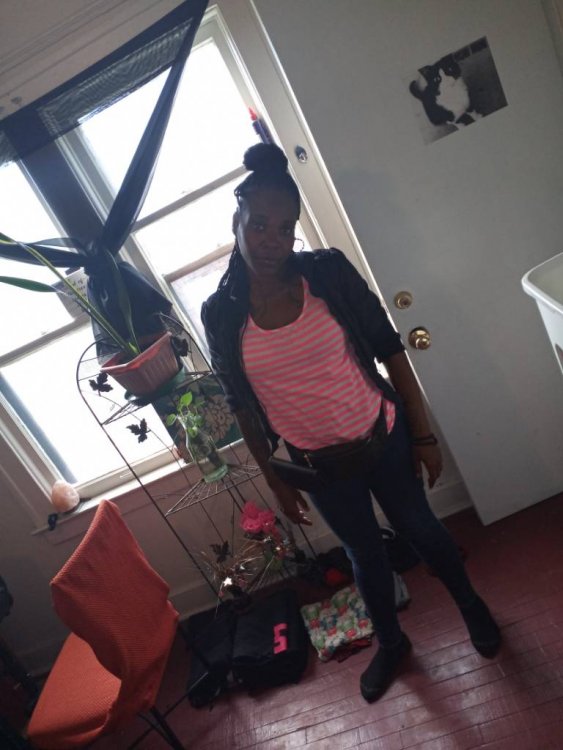
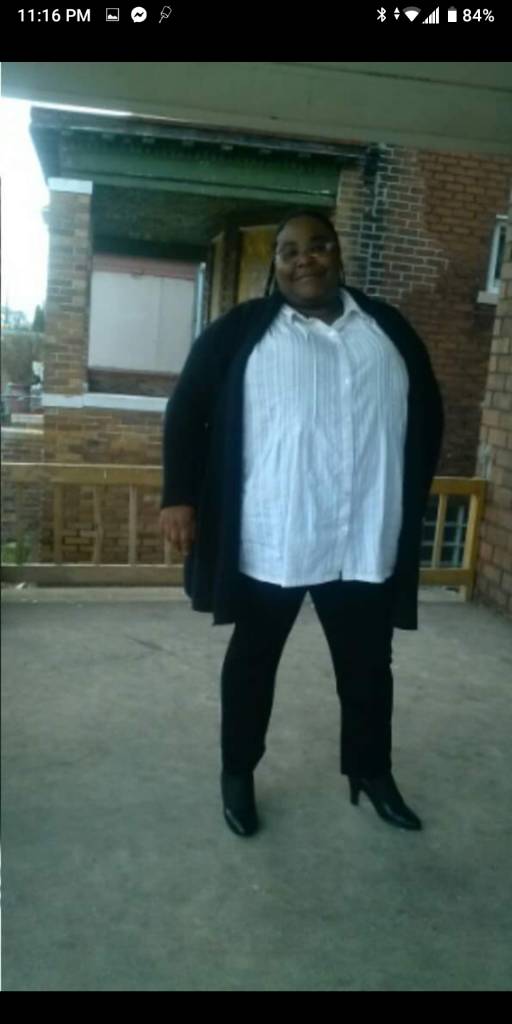
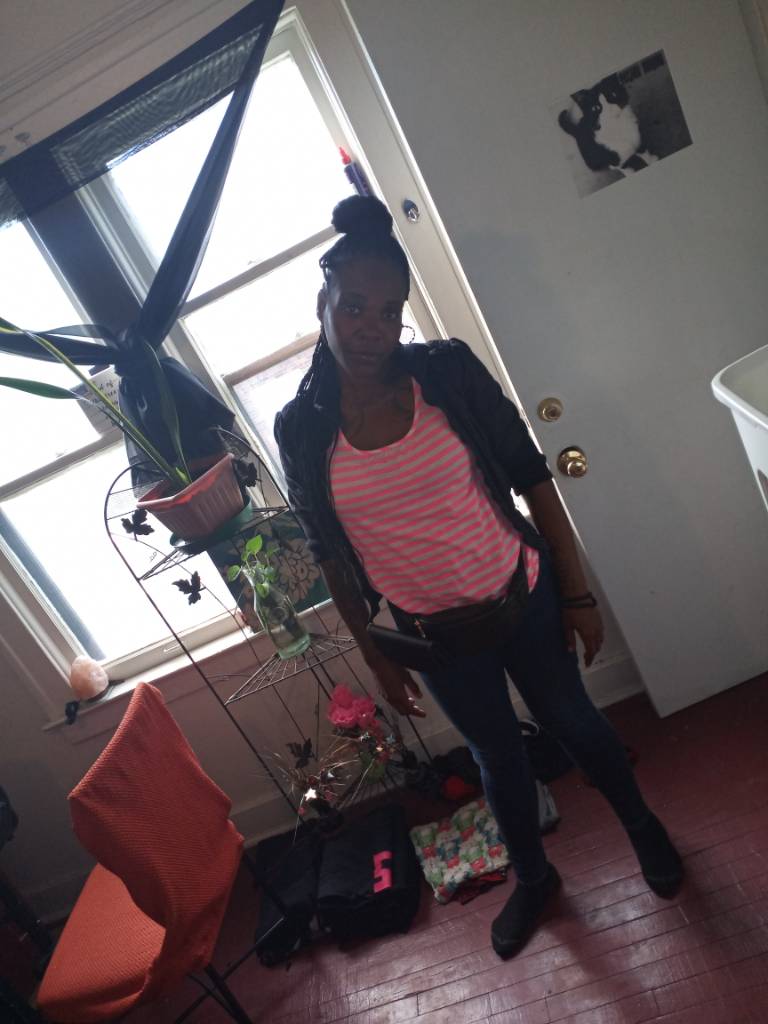
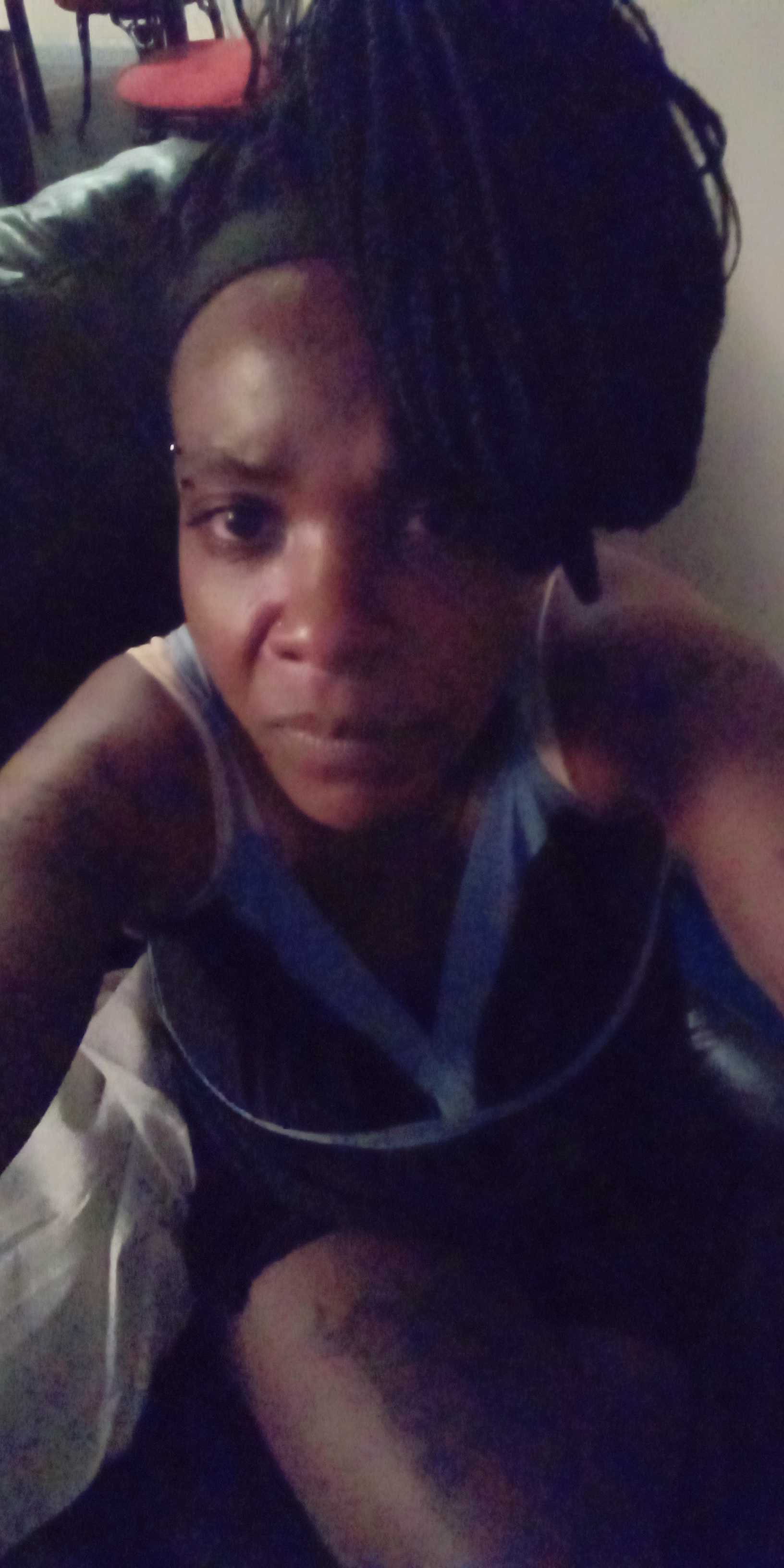
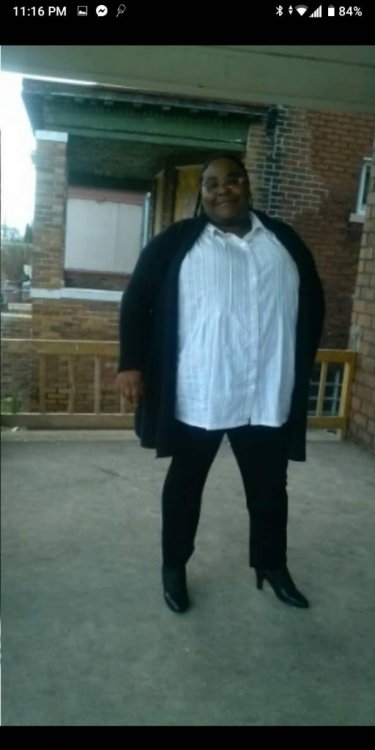
  6. Yes that is me in all three pics and thanks for the compliment Sent from my 5032W using BariatricPal mobile app
  7. I'm so glad the over come I became without that surgery I prolly be still miserable Sent from my 5032W using BariatricPal mobile app
Trending Products

PatchAid Vitamin Patches

Account

Navigation

Search

Search

Configure browser push notifications

Chrome (Android)
  1. Tap the lock icon next to the address bar.
  2. Tap Permissions → Notifications.
  3. Adjust your preference.
Chrome (Desktop)
  1. Click the padlock icon in the address bar.
  2. Select Site settings.
  3. Find Notifications and adjust your preference.