





zombierayvinn
Gastric Sleeve Patients
-
Joined
-
Last visited
-
-
-
-
-
I have had the same issues as you but they just give me nausea medication. My doctor is in Arkansas and I am in Texas so I havent had any labs or anything done which kind of makes me mad. I feel like something is wrong but cant get testing.
-
I am just now getting all my energy back and I am almost 8 weeks post op. I also walk about 7 miles a day due to working in healthcare.
-
 3 days before surgery. My weight was 198
 -
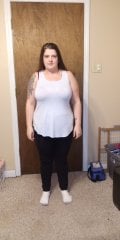 2 Weeks post op. Weight 174
 -
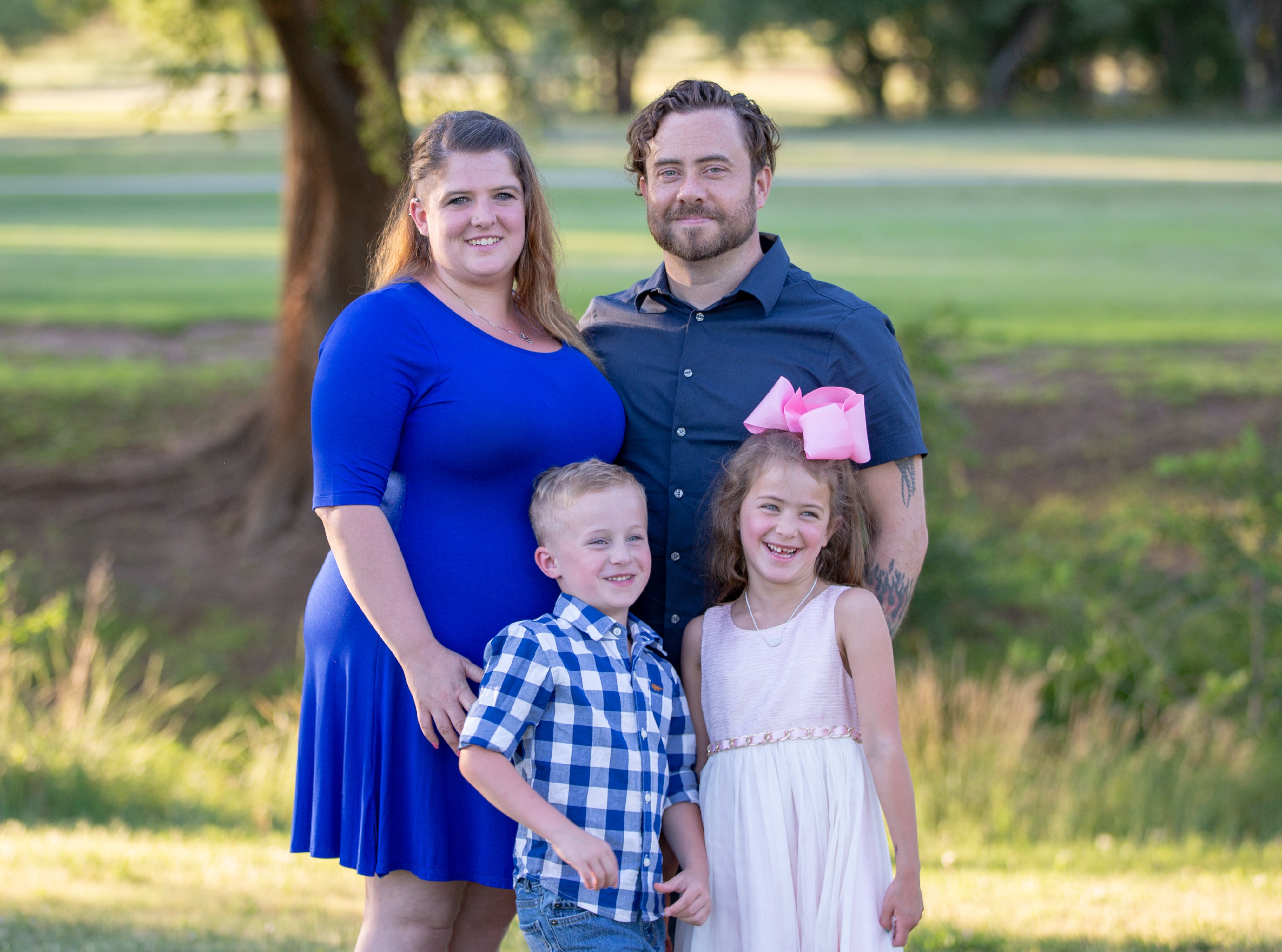
 This is me in June 2019. My weight was 202
 -
 2wks out side.jpg. A weight loss surgery photo shared by zombierayvinn in Before and After Gastric Sleeve Photos on BariatricPal.
 -
2 weeks out.jpg. A weight loss surgery photo shared by zombierayvinn in Before and After Gastric Sleeve Photos on BariatricPal.
-
080A2589 copy.jpg. A weight loss surgery photo shared by zombierayvinn in Before and After Gastric Sleeve Photos on BariatricPal.
-
 before.jpeg. A weight loss surgery photo shared by zombierayvinn in Before and After Gastric Sleeve Photos on BariatricPal.
 -
beforefront.jpeg. A weight loss surgery photo shared by zombierayvinn in Before and After Gastric Sleeve Photos on BariatricPal.
-
I have done all my preop stuff here in town. I also have started my pre op diet. As for follow up I am not sure how they will do it. I will be in Arkansas for 7 days for my first follow up appointment.
-
-
I am traveling to Arkansas to Roller weight loss and advanced surgery center for my surgery. I have been prepping for 6 months to find out my insurance stopped paying for me to have it here so they are sending me 7 1/2 hours away to have it done. I am very nervous because I haven't met these doctors and I will meet them on Monday and have surgery Wednesday. Anything I need to know before surgery???


.png "Care")