





Needs advice
Pre Op
-
Joined
-
Last visited
-
Needs advice changed their profile photo
-
-
-
-
-
-
-
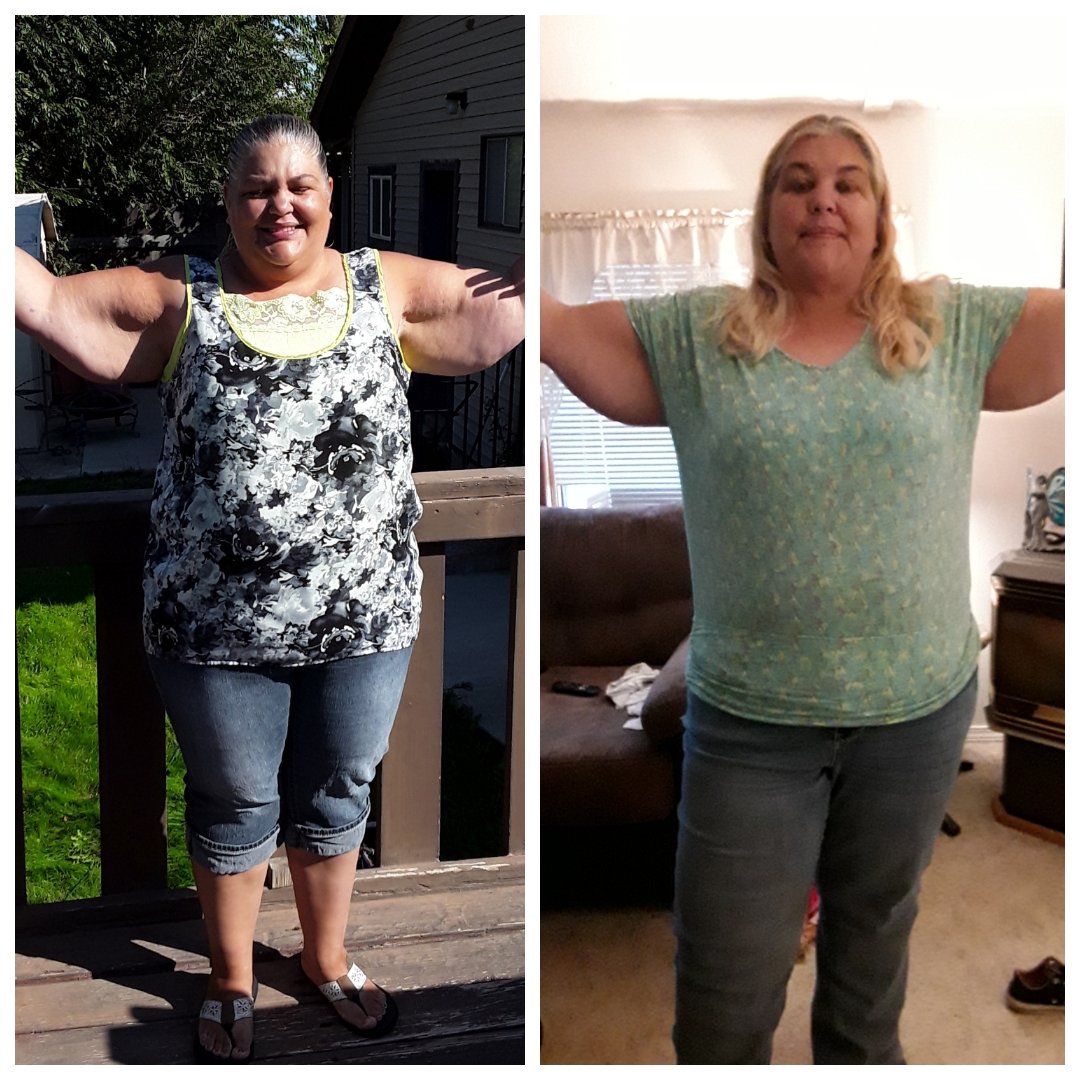
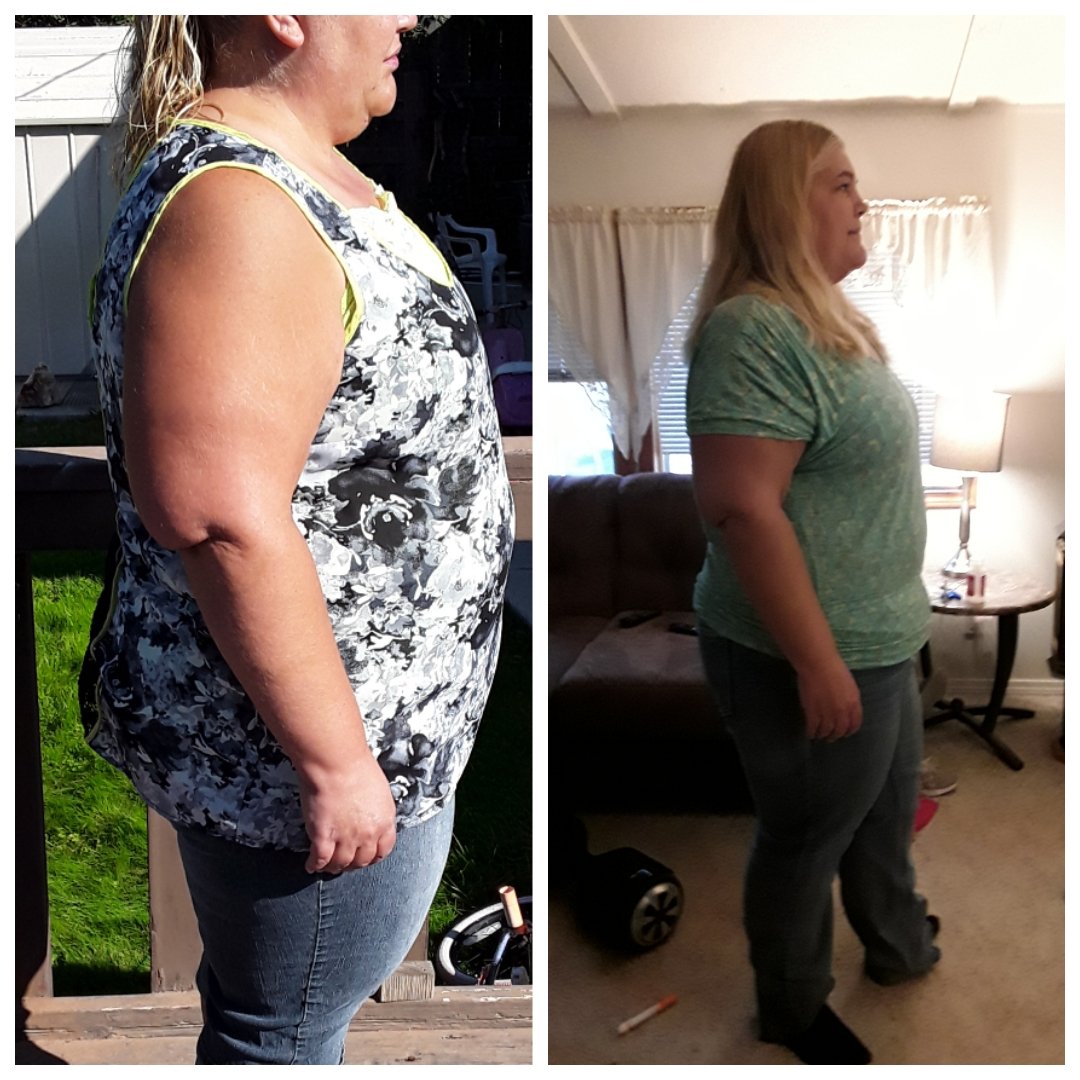
Here is my progress so far.
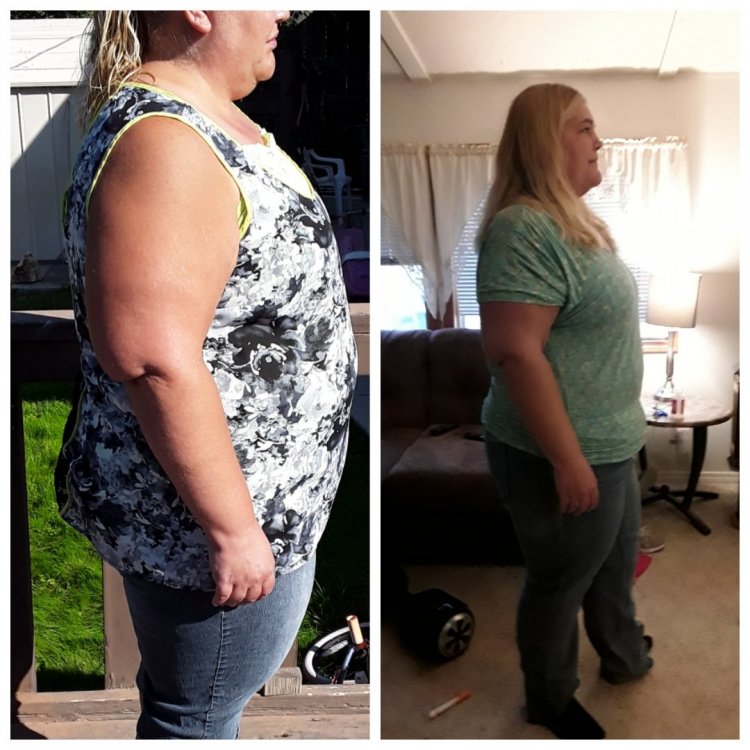 Update: I did finally get passed my stall after almost 4weeks and have since lost 8lbs. Im down 48 lbs now and am hoping to hit 50 soon. I really appreciate everyone's comments and help during this period of time as it has been both helpful and encouraging to keep going.Thank you so so much Jake H. Your comments help me feel so much better. And thank you for the suggestions of meals you do. Thank you everyone for your kind words and support ❤️. I'm thankful to have found this site, and to have such encouraging statements. I will keep my head up and update you all in a few.It has been 3 weeks since I have lost even a pound and I'm feeling like I went through all this for nothing. I'm doing the best I can with eating and drinking my fluids, but my body just seems to not want to get rid of any weight. I am having problems with energy so I'm not able to work out due to the fact I get light headed very easily. I'm always tired and always want to sleep. Can someone please give me any suggestions as to what I may be doing or need to try please.I had my surgery on Oct 1st. I am almost 4weeks postop, and lost 15lbs the first 2 weeks after surgery, but since then I havent been able to lose anything, in fact I've gained 3lbs. Im very frustrated and feel like I'm failing. Anyone have any advice? Also I can't figure out how to fill out my surgery stats if anyone can help me figure that out?




.png "Care")
