
therecluse
Gastric Bypass Patients
-
Joined
-
Last visited
Everything posted by therecluse
-
I relate Shaye! You are making great progress! For me, the pounds were dropping off so fast the first month I was hoping I would maintain that but now it's slow and steady. I've had a few stalls and my weight is always more than what I get at home when I go in. I was so busy checking my weight daily to try to get down to my goal weight for surgery it has been hard to get out of that mindset. I am trying to focus on the inches I am losing, the new energy I have and checking my weight once a week. Listen to your new stomach and the pounds will keep coming off.
-
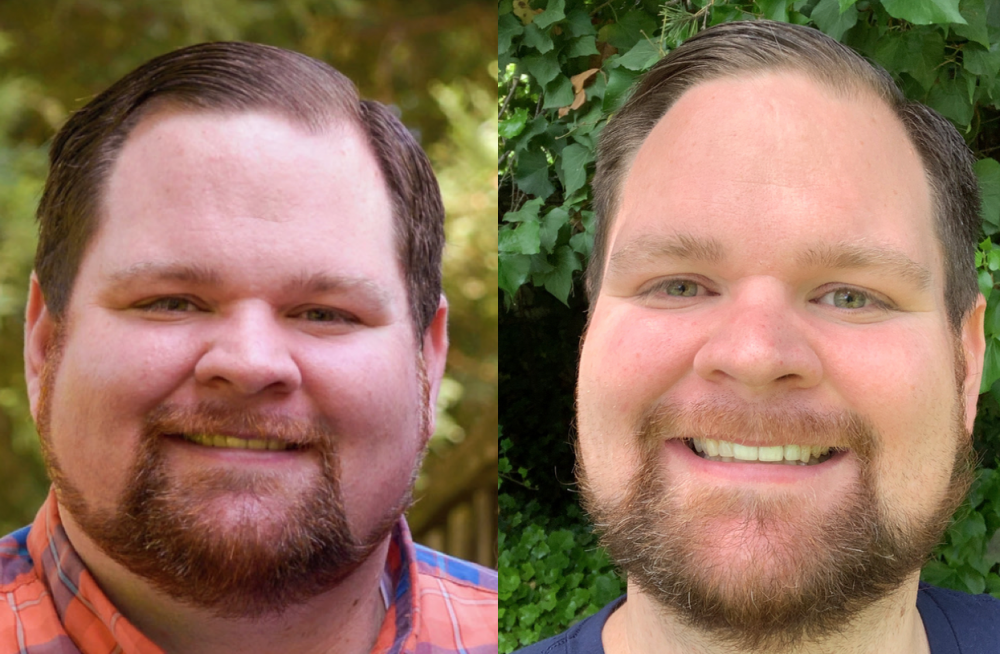
Face changes are real...
-
Welcome! How is it going for you? Hi Neely, doing well. Looks like you are doing awesome! Congrats! I am stalled right now which has me concerned even though I know its all part of the process. Still working on getting my brain to get on the same page with my pouch
-
March 5 Here. Late to the game.