brookes82
Pre Op
-
Joined
-
Last visited
-
-
-
I'll put it down as normal for now then. I just don't want the anal leakage continue too long. Been alright since it must have been the small yogart didn't like my belly. Had a good sleep after though nurse rang and said it could be too much sugar in the yogart Might not help they told me take lactuloose too
-
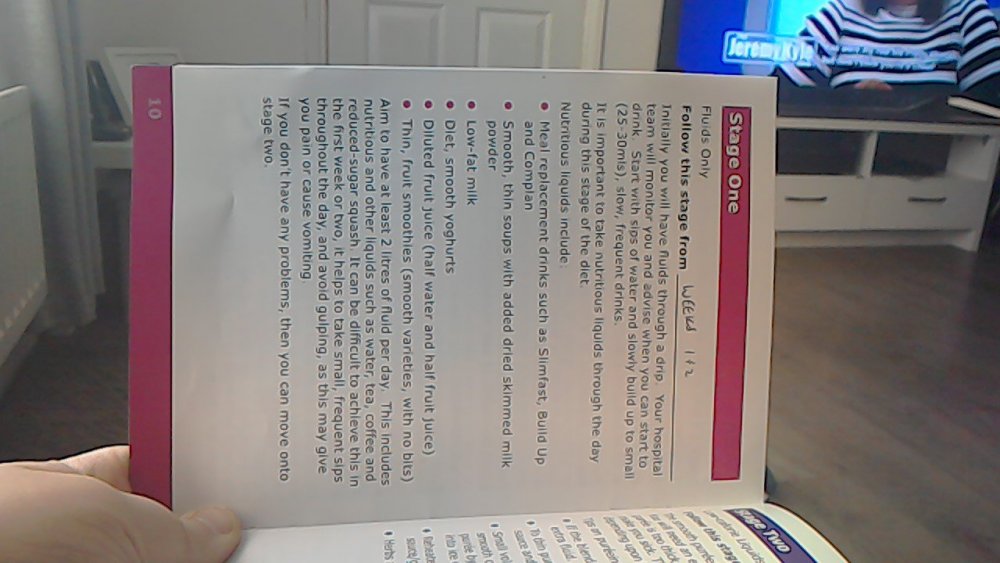
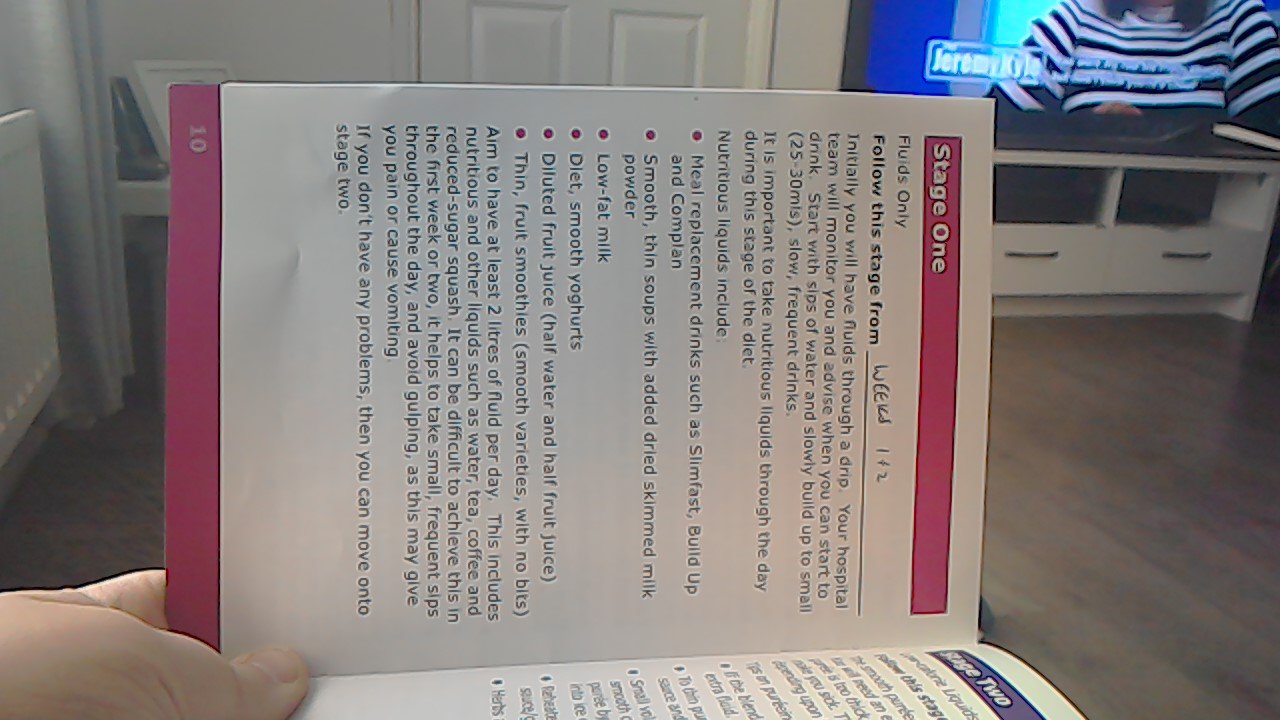
I need help. I have just been drinking water since my sleeve. Then while I was in hospital they give me this apple protein drink. Which made me leak it my bum next day after a few nasty stomach growls? I take it this is called dumping... Today's my fist full day home I tried I tiny lot of yogart then 10 mins later same again. Stomach growled I tried get loo but it was too late? Didn't even know if lakes water again. Got upstairs and had a wet poo. It's now making me scared of trying have any soft this. I have uploaded a picture of the diet sheet they gave me. Looking for advice really am I doing anything wrong and how do I stop dumping ? It's embarrassing