Skip to content
View in the app

A better way to browse. Learn more.

BariatricPal

A full-screen app on your home screen with push notifications, badges and more.

To install this app on iOS and iPadOS
  1. Tap the Share icon in Safari
  2. Scroll the menu and tap Add to Home Screen.
  3. Tap Add in the top-right corner.
To install this app on Android
  1. Tap the 3-dot menu (⋮) in the top-right corner of the browser.
  2. Tap Add to Home screen or Install app.
  3. Confirm by tapping Install.

KiwiLad

Pre Op
  • Joined

  • Last visited

  1. KiwiLad changed their profile photo
  2.    nenes78 reacted to a post in a topic: 9 months later
  3.    Catherine Wible reacted to a post in a topic: 9 months later
  4.    KiwiLad reacted to a post in a topic: 9 months later
  5.    NYC_PAULA reacted to a post in a topic: 9 months later
  6.    ProudGrammy reacted to a post in a topic: 9 months later
  7.    KiwiLad reacted to a post in a topic: 9 months later
  8.    KiwiLad reacted to a post in a topic: 9 months later
  9.    KiwiLad reacted to a post in a topic: 9 months later
  10.    KiwiLad reacted to a post in a topic: 9 months later
  11.    KiwiLad reacted to a post in a topic: 9 months later
  12.    KiwiLad reacted to a post in a topic: 9 months later
  13.    KiwiLad reacted to a post in a topic: 9 months later
  14.    KiwiLad reacted to a post in a topic: 9 months later
  15.    KiwiLad reacted to a post in a topic: 9 months later
  16.    FluffyChix reacted to a post in a topic: 9 months later
  17.    DanaC84 reacted to a post in a topic: 9 months later
  18.    gabybab reacted to a post in a topic: 9 months later
  19.    FancyChristine15 reacted to a post in a topic: 9 months later
  20.    S@ssen@ch reacted to a post in a topic: 9 months later
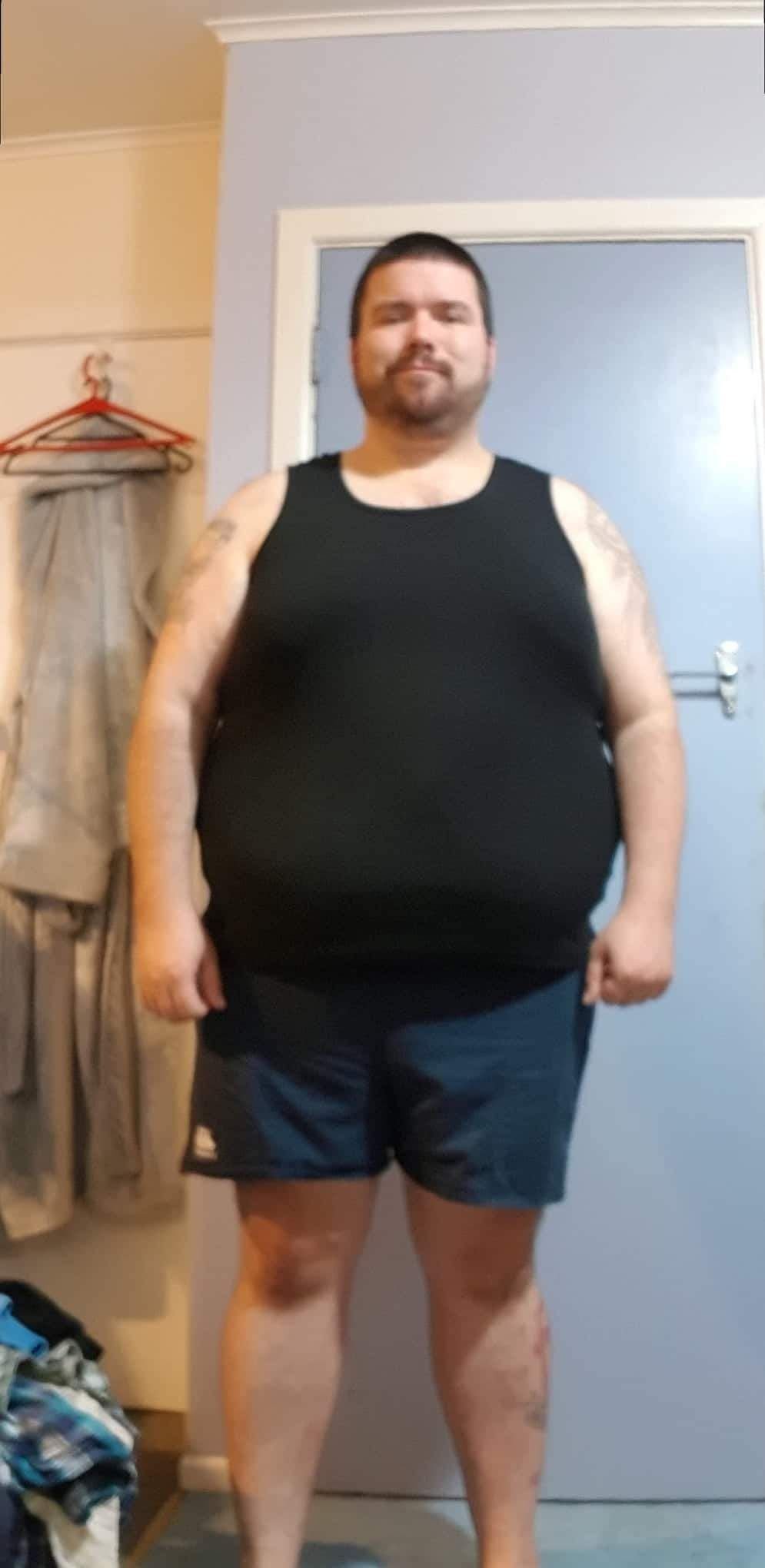
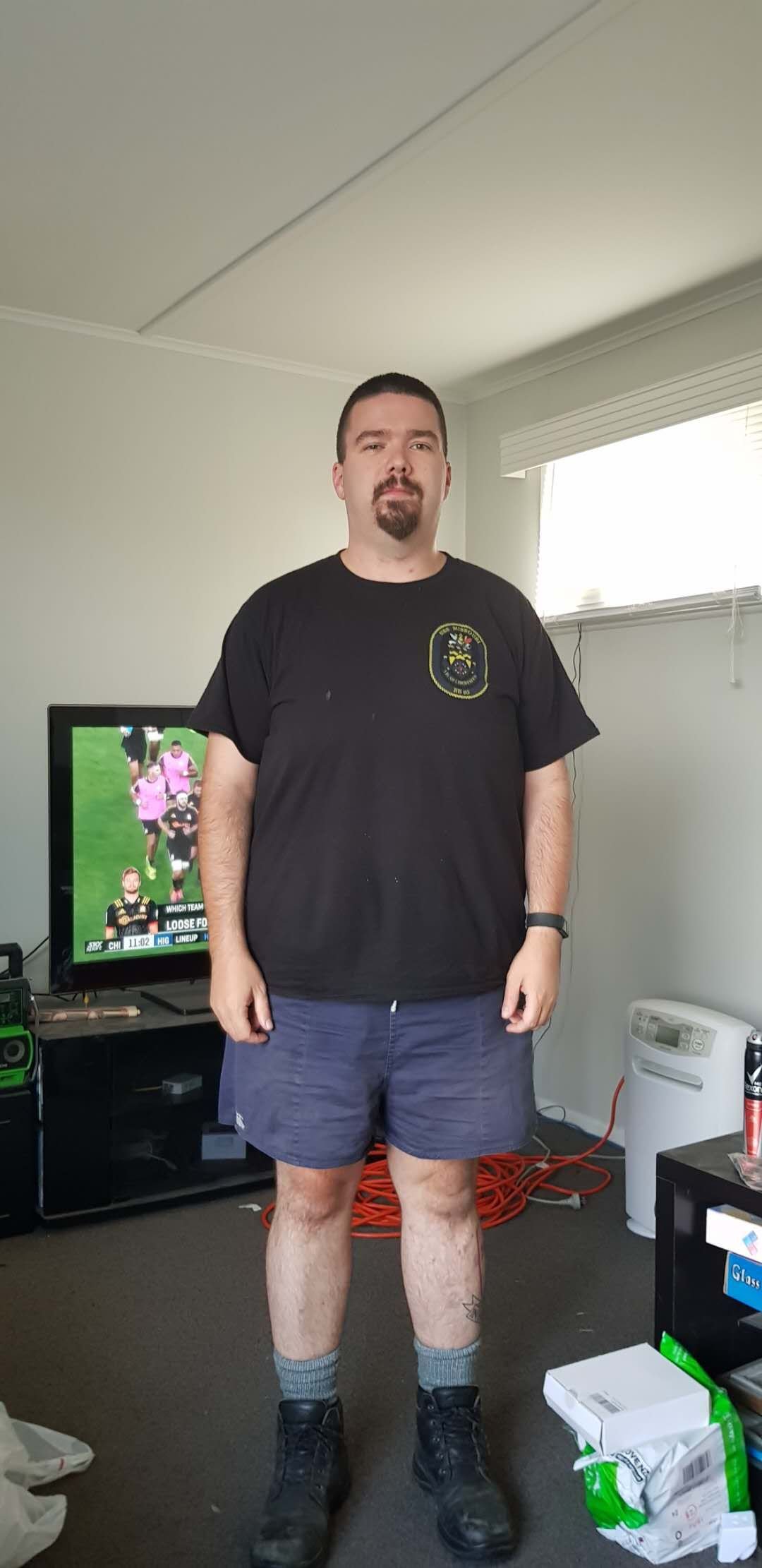
  21. Been just over 9 months since surgery and I promised I would post an update when I had my surgery I've lost 27.8 kg so far and how do I feel? best way to describe it is i feel alive! Thanks again to the team!
Account

Navigation

Search

Search

Configure browser push notifications

Chrome (Android)
  1. Tap the lock icon next to the address bar.
  2. Tap Permissions → Notifications.
  3. Adjust your preference.
Chrome (Desktop)
  1. Click the padlock icon in the address bar.
  2. Select Site settings.
  3. Find Notifications and adjust your preference.