CMD516
Gastric Sleeve Patients
-
Joined
-
Last visited
Everything posted by CMD516
-
I just found out that Caresource now only requires a 6 month supervised diet instead of the 9 month. I don't know which diet to do.
-
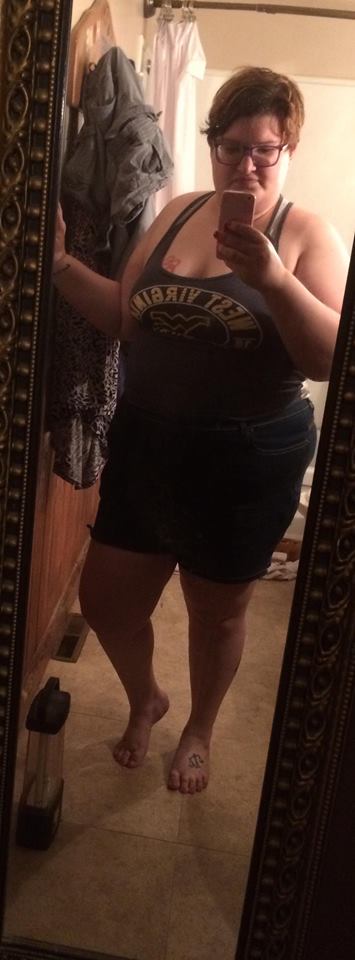
Before Picture, a weight loss surgery photo album by CMD516 on BariatricPal. 1 photo in Before and After Gastric Sleeve Photos.
-
Thank you so much.
-
That’s what I’ve been doing. I love this website because it’s been answering my questions.
-
Not yet. I started the process last week.
-
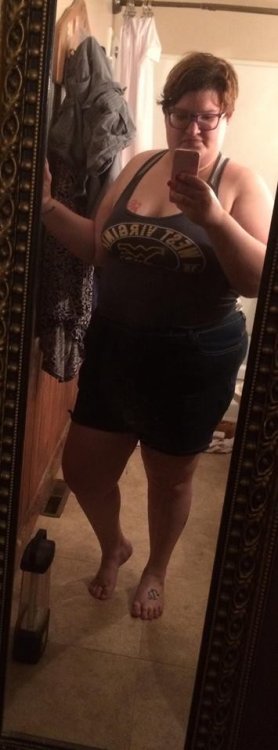
This is my before picture. I'm at 264 here. I'm excited to continue the process. I am getting the Gastric Sleeve surgery.
-
I'm not sure yet. I'm still in the beginning of the process.
-
Mine is being done at Riverside in Columbus by Dr. Rana.
-
Hello. I'm glad that you've made the decision to do the surgery. Where are you having it done?
-
Yay. I'm so happy for you. I just started the process.
-
That's amazing. Congrats.
-
I've noticed that Caresource of Ohio used to require a 9 month supervised diet but I saw that as of 5/1/2018 it is now a 6 month supervised diet. I don't know which diet to follow.
-
Hi. I’m in Ohio having the Gastric Sleeve done at OhioHealth Riverside Methodist Hospital. Not sure yet when it comes to surgery date.