Danbug74
Gastric Sleeve Patients
-
Joined
-
Last visited
-
-
-
-
-
-
Lakewood, California
-
I’m with you! I’m 44 and at first I thought, “man, I wish I’d done it sooner when i was younger, single, had hair ?, etc.” but honestly, I don’t think it was God’s will for me then. He kept me healthy in spite of my excessive weight and up until last year, I had no intentions of having the surgery. And now, my mindset is clearly changed for the better. I’m eating way healthier, working out regularly and I’m just 10lbs away from meeting my goal. For me, God’s timing was the best timing! Stats: CW 230 SW 316 GW 220 or less
-
-
-
-
 Rosang3 reacted to a post in a topic:
Confessional - Lets post our cheats/confessions/etc so others can see that we are all human
Rosang3 reacted to a post in a topic:
Confessional - Lets post our cheats/confessions/etc so others can see that we are all human
-
-
I’m in the same boat. My butt is so flat it sometimes hurts to sit down. If there was only a way to transport the fat around my stomach into the bags that used to be my butt cheeks!?????
-
-
-
44 and sleeved on 2/28/18. So far, I’ve lost 76lbs since surgery. Totally wish I would’ve done this year ago!
-
So awesome!! Congrats on such a great achievement!
-
OMG is right!! That’s incredible! Congrats George!
-
-
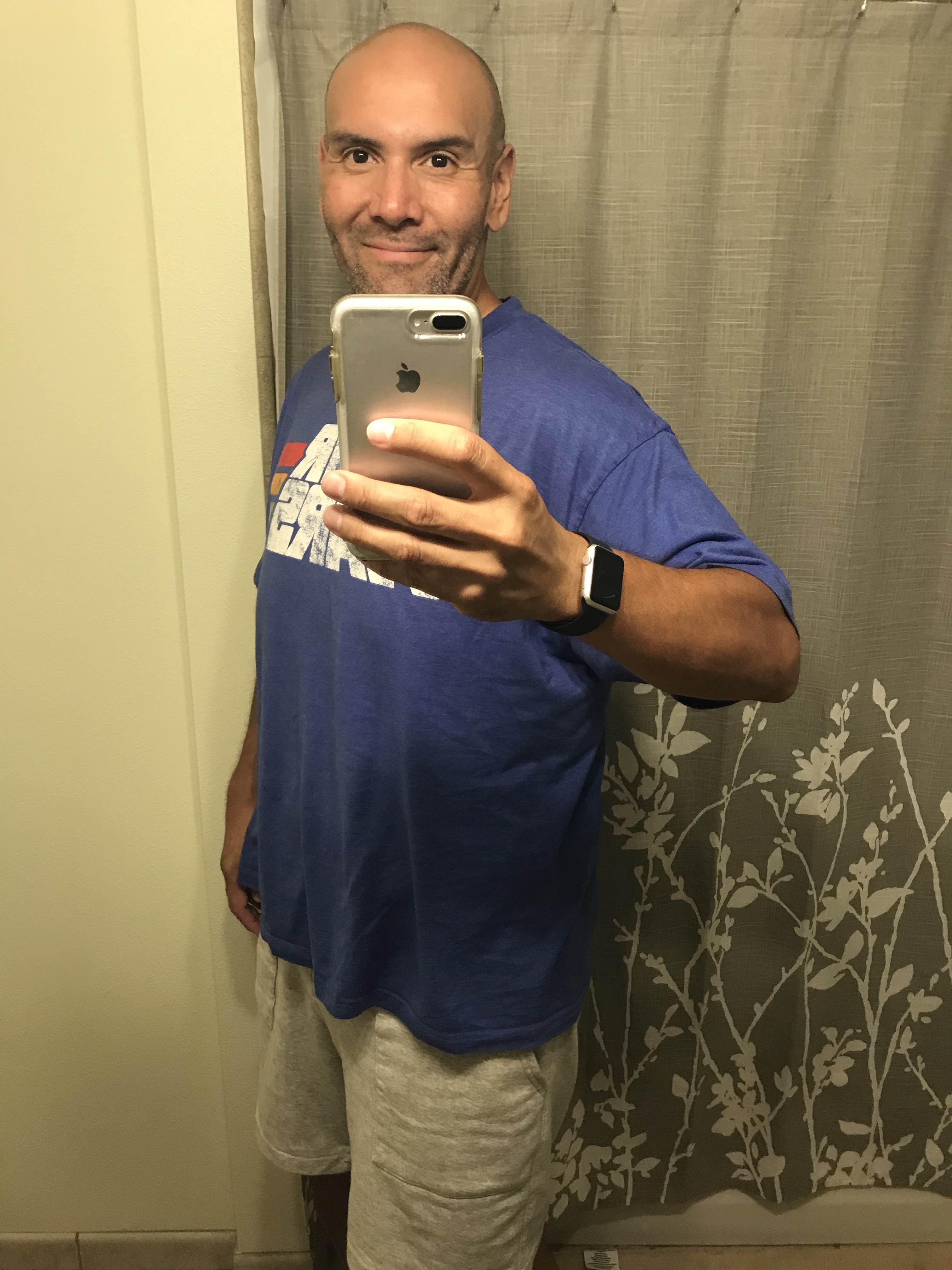
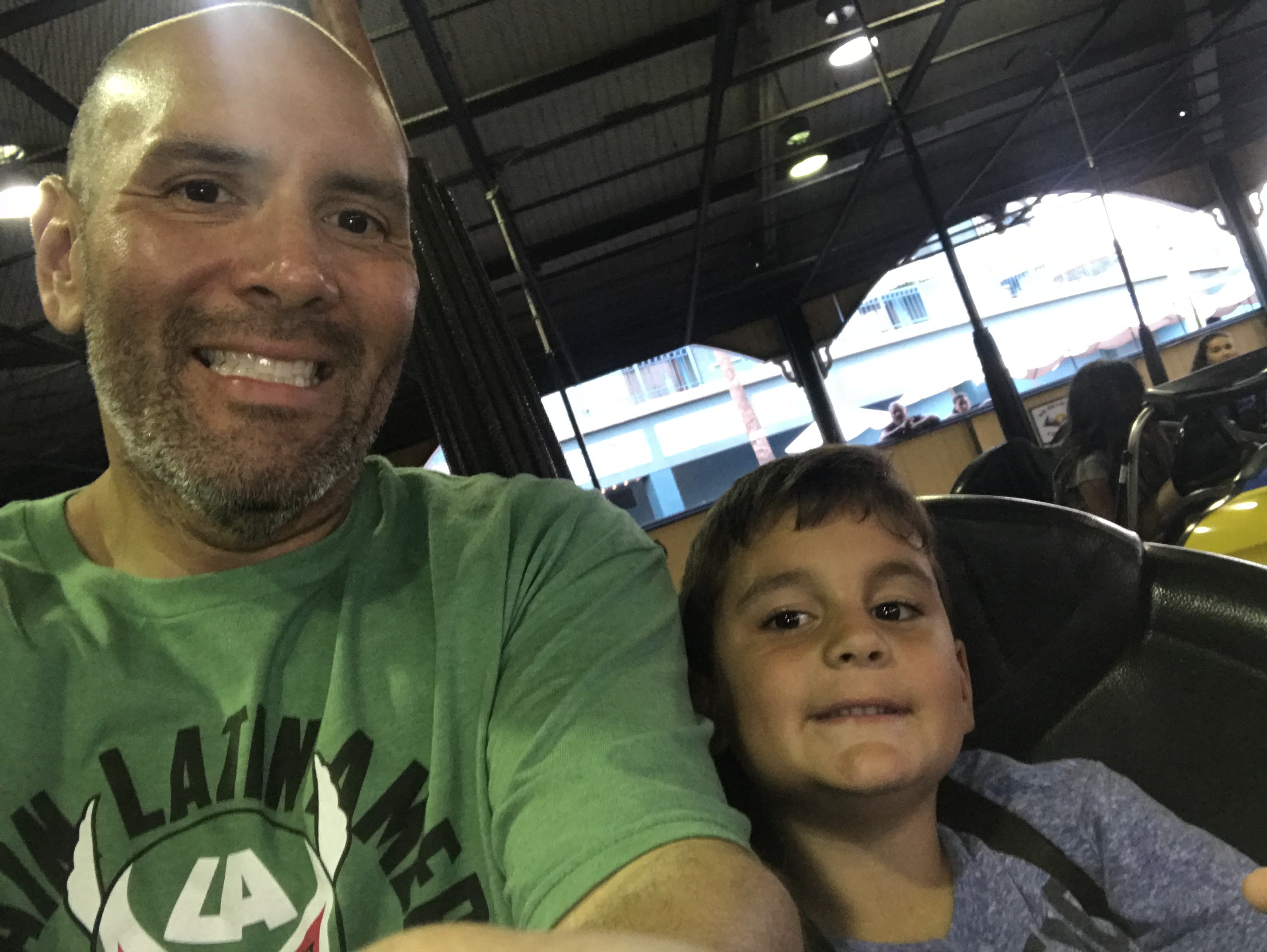
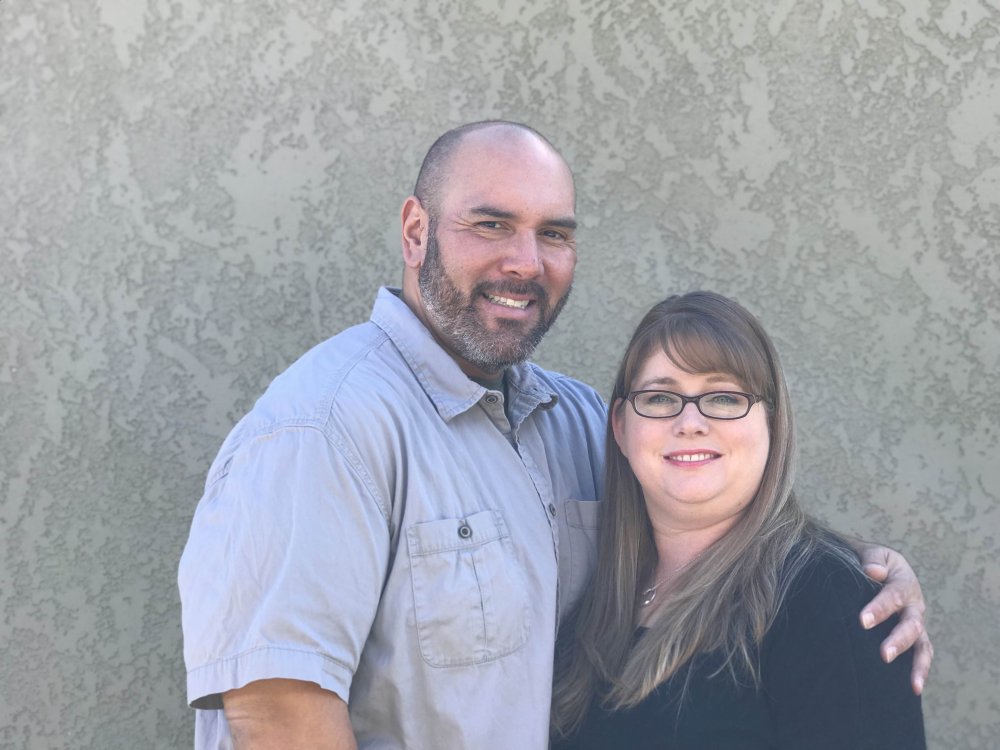
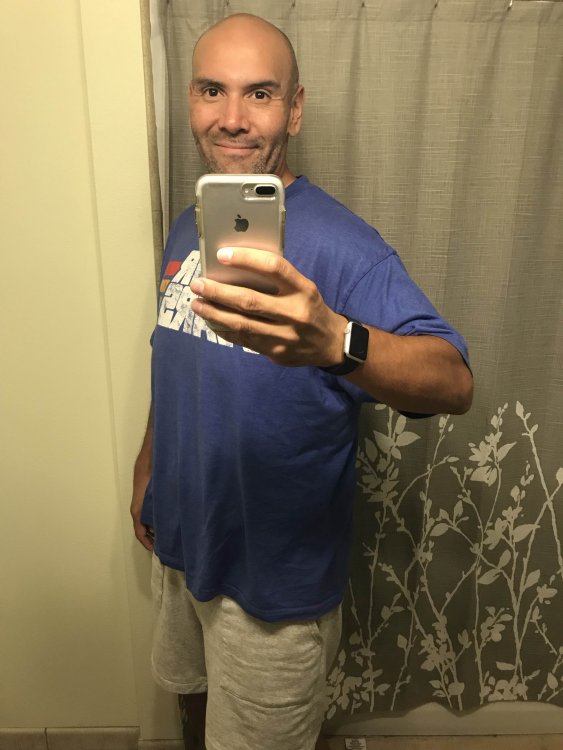
So here are some before and after a of me. The first pic was just days before my surgery in February weighing in at 316. 2nd pic is just a few days old weighing in at 249. 50 more to go!
-
Shoot, where do I start! Let’s see, we’ll I’m 2 weeks away from being 5 months post op and I can almost eat about anything now (well, very small portions of anything) but when it comes to carbs, i have no problem putting the hurt on them. I had a small cup of ice cream last night. Within a matter of 4 days, I managed to kill a box of Trader Joe’s Double Ginger Snaps. I don’t drink any carbonated drinks but I do drink sweet tea. I can eat bread...well, a slice but my biggest problem is candy. I love it and struggle sometimes with just saying NO! And yet in spite of all of my sinfulness I’m still losing weight. As of today, I’m weighing in at 249lbs. That’s 67 lbs lost since my surgery. When I started this journey back in July of last year, I was 365lbs. So total, that’s 116 lbs in a year. Not to toot my horn, if it wasn’t for working out 3 days a week (max allowed. family trumps exercise?) is still be pretty big I imagine. Anyway, it’s gym night so, gotta go!
-
-
I struggle with this myself. I’m constantly getting complimented and some even say they don’t recognize me. I must have been dog ugly (sorry but my old dog was ugly, hahaha) and huge prior to weight loss/surgery. I’ve always been one who never really saw myself as heavy as I was but when I look at old pictures of me, it is quite a shock now and it makes me sad to know that was actually me just 5 months ago. Anyway, I’m happy to be on this journey and I’m excited to see where it’s taking me. I guess i just need to deal with the occasional cracks along the path. Happy trails!
-
-
-
-
So here’s something encouraging about my progress so far. I was able to buy size XL shorts today from Target!! I haven’t worn that size since I was a little kid. Woohoo!! #thankGod4thesleeve!!!!
-
Well, i don’t eat continuously through the 2 hours. I’ll eat about 1/4 to 1/2 of the bowl in a half hour and stop and then like an hour or so later, I’ll try to eat more. I guess sometimes I do graze through it. But I’m going to try the 30 minute and stop thing. Thanks SleeveinIL
-
Thanks all! I forgot about that one slight issue with rice and it expanding. I appreciate the help!
-
So it’s been a while since I last posted any questions on here but I think it’s time. I’ll be 4 months post surgery at the end of June. I’m currently weighing in at 259lbs with 40 more pounds to go to reach my goal. Working out has been great even though I’m chronically sore all the time. My issues are that I still can’t seem to get enough protein in daily. I’m still drinking a Premiere Protein shake every morning and I try to eat a healthy lunch (mostly Flame Broiler mini chicken bowls with brown rice and veggies). It takes me 2 hours to finish it. But by dinner time I’m lucky enough to get 2 or 3 bites of food in before my stomach starts hurting and I’m nauseously full. Is this a normal occurrence or should I be worried that something is wrong with my gut or am I just being a dork? Thanks for your input!
-
Danbug74 changed their profile photo
-
So here’s a new for you or not. So as of today I’m 3 weeks post surgery and have steadied the course as far as diet is concerned. Haven’t touched the ice cream since and I’m good with it! But here’s my new or rather on-going dilemma. I’m still getting stomach pain from just about everything I put in my mouth. It could be water, the protein shakes, the plain mashed potatoes I’ve been allowed to eat, soft steam veggies. Anything that goes in within seconds of hitting my gut, I get pain. Now it’s not horrific or debilitating at all and goes away after a few minutes but I’m wondering, is this how it’s going to be for the rest of my life? Takers anyone? by the way, thanks again to all who responded to my previous post. I cut the sweets (well, all I’ve had is ice cream) out!!!
-
Thank you all so much for your input and encouragement! I am thankful that I’m not alone on this journey. I hope all of us great success in our goals! Have a great weekend!