Skip to content
View in the app

A better way to browse. Learn more.

BariatricPal

A full-screen app on your home screen with push notifications, badges and more.

To install this app on iOS and iPadOS
  1. Tap the Share icon in Safari
  2. Scroll the menu and tap Add to Home Screen.
  3. Tap Add in the top-right corner.
To install this app on Android
  1. Tap the 3-dot menu (⋮) in the top-right corner of the browser.
  2. Tap Add to Home screen or Install app.
  3. Confirm by tapping Install.
  • Appearance

Join BariatricPal free

  • Ask your own questions
  • Reply and follow topics
  • Message other members
  • No cost, no spam

MsRo50

Pre Op
  • Joined

  • Last visited

Everything posted by MsRo50

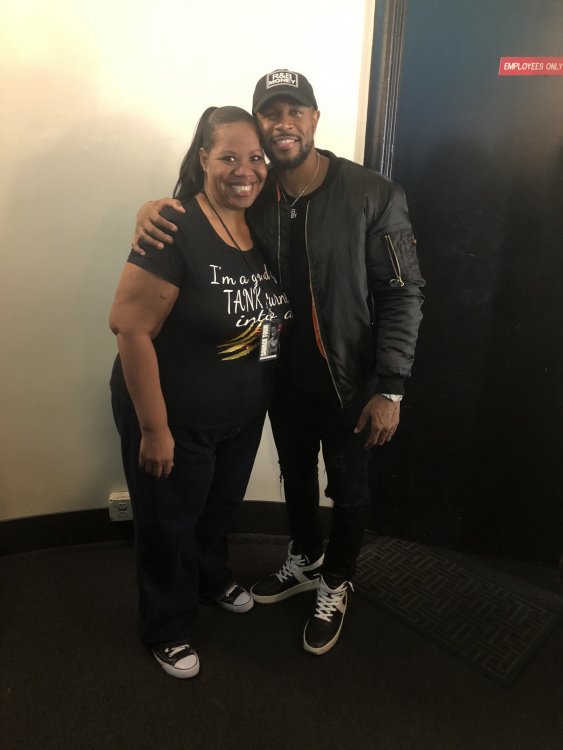
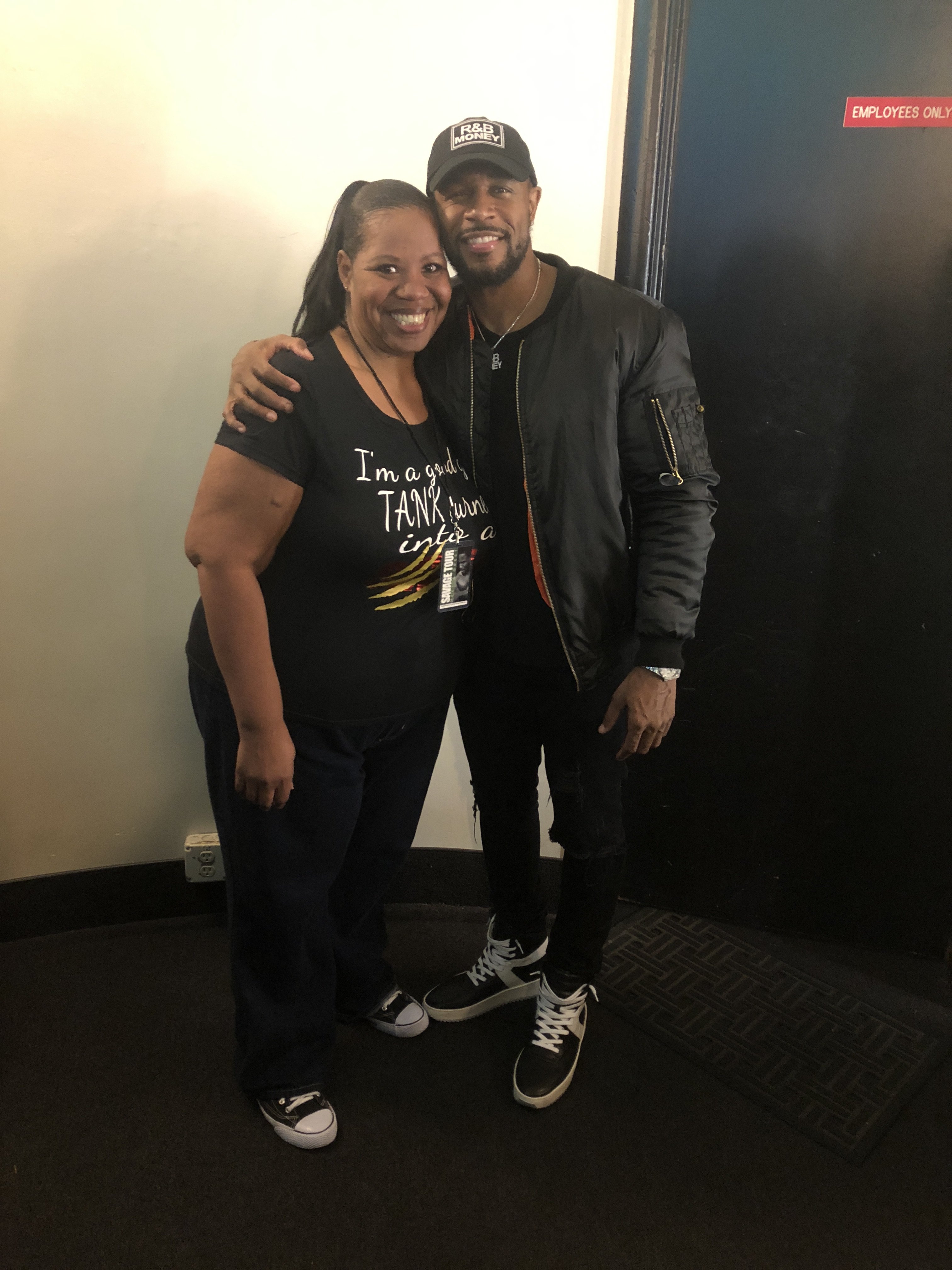
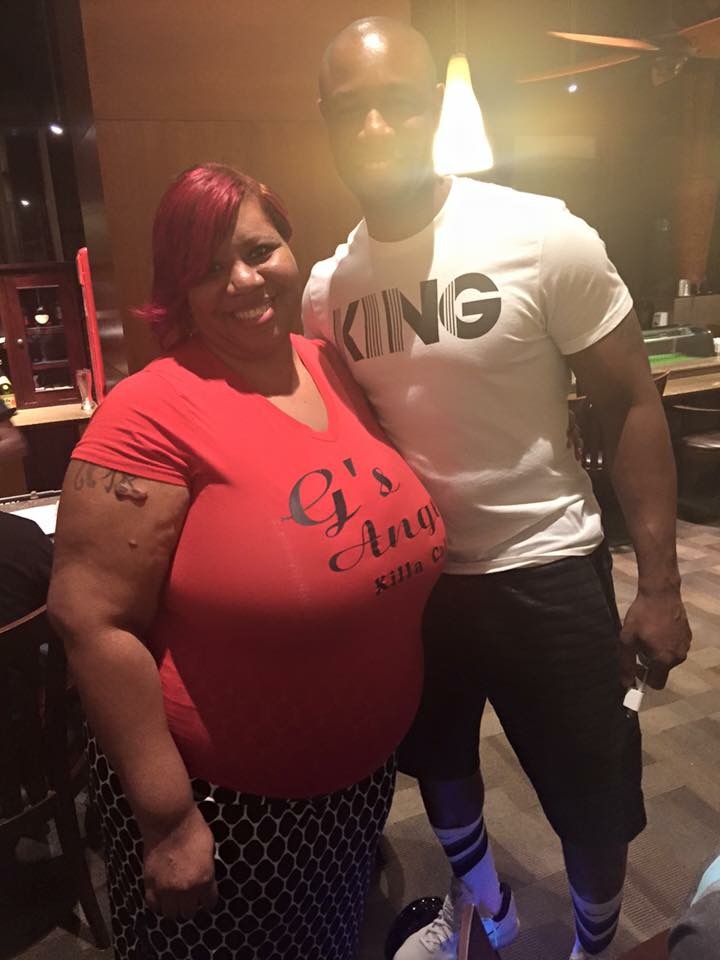
  1. Thank you that’s not my husband that’s R&B singer Tank
  2. It’s gone by really fast I’m just enjoying life excited about going shopping
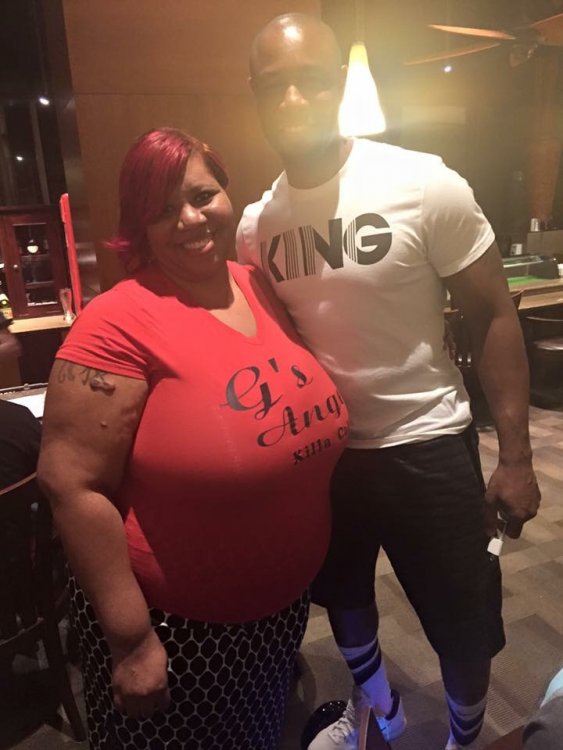
  3. Hello everyone Hoping everyone is well I was sleeved Jan 24 2017. Yes my sleevaversary is around the corner So much has happened. Since my surgery I have lost 100 lbs. I am 40 lbs away from my goal. After four years being divorced my ex husband and I got remarried September 22 2017 I am truly blessed. Still have to get used to being called slim. I have gone from a 4x to a XL
Account

Navigation

Search

Search

Configure browser push notifications

Chrome (Android)
  1. Tap the lock icon next to the address bar.
  2. Tap Permissions → Notifications.
  3. Adjust your preference.
Chrome (Desktop)
  1. Click the padlock icon in the address bar.
  2. Select Site settings.
  3. Find Notifications and adjust your preference.