tabithagood37
Pre Op
-
Joined
-
Last visited
-
-
-
-
-
-
-
-
-
-
-
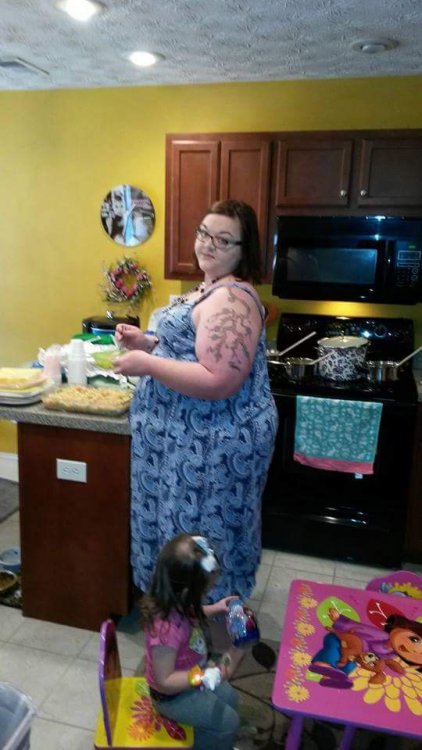
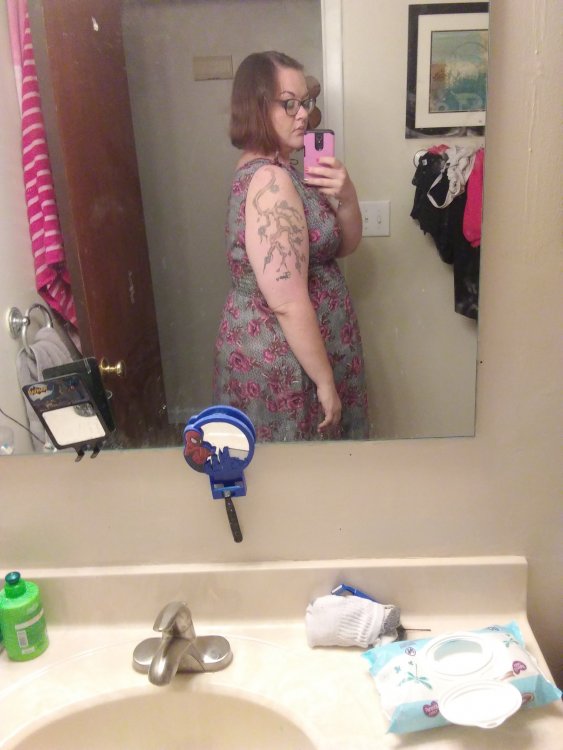
HW: 392 SW: 360 CW: 266 GW: 170 VSG 11/27/17

-
That's great. I don't want there to be anything wrong but I almost hope they find something Thursday so that there's a reason for it to be this bad. I've never experienced anything like this and I suffered from gerd for years before surgery.
-
I was, no hernia. I'm scheduled for an upper GI and an ultrasound Thursday morning so hopefully I'll know more then.
-
I just had the sleeve surgery on 11/28 & already have such bad GERD that even with taking 40 mg of protonix & 60 mg of ranitidine I'm still miserable. I'm unable to eat and am LUCKY to get in a protein shake & 20 oz of water. This has been going on for 4 days. I'm seeing my surgeon's PA today so am hoping to figure things out. If nothing improves and my only option is to have a sleeve to bypass revision, what is the surgery/recovery like?
-
Hello, I'm Tabitha. I had a vertical sleeve gastrectomy on 11/28. I was 360 lbs on surgery day & am down to 335. Sent from my LG-M255 using BariatricPal mobile app