




Skip to content
View in the app

A better way to browse. Learn more.

BariatricPal

A full-screen app on your home screen with push notifications, badges and more.

To install this app on iOS and iPadOS
  1. Tap the Share icon in Safari
  2. Scroll the menu and tap Add to Home Screen.
  3. Tap Add in the top-right corner.
To install this app on Android
  1. Tap the 3-dot menu (⋮) in the top-right corner of the browser.
  2. Tap Add to Home screen or Install app.
  3. Confirm by tapping Install.
  • Appearance

Join BariatricPal free

  • Ask your own questions
  • Reply and follow topics
  • Message other members
  • No cost, no spam

memefriend66

Pre Op
  • Joined

  • Last visited

  1.    memefriend66 reacted to a post in a topic: November sleevers here
  2.    SeaSounders♥ reacted to a post in a topic: November sleevers here
  3.    SeaSounders♥ reacted to a post in a topic: November sleevers here
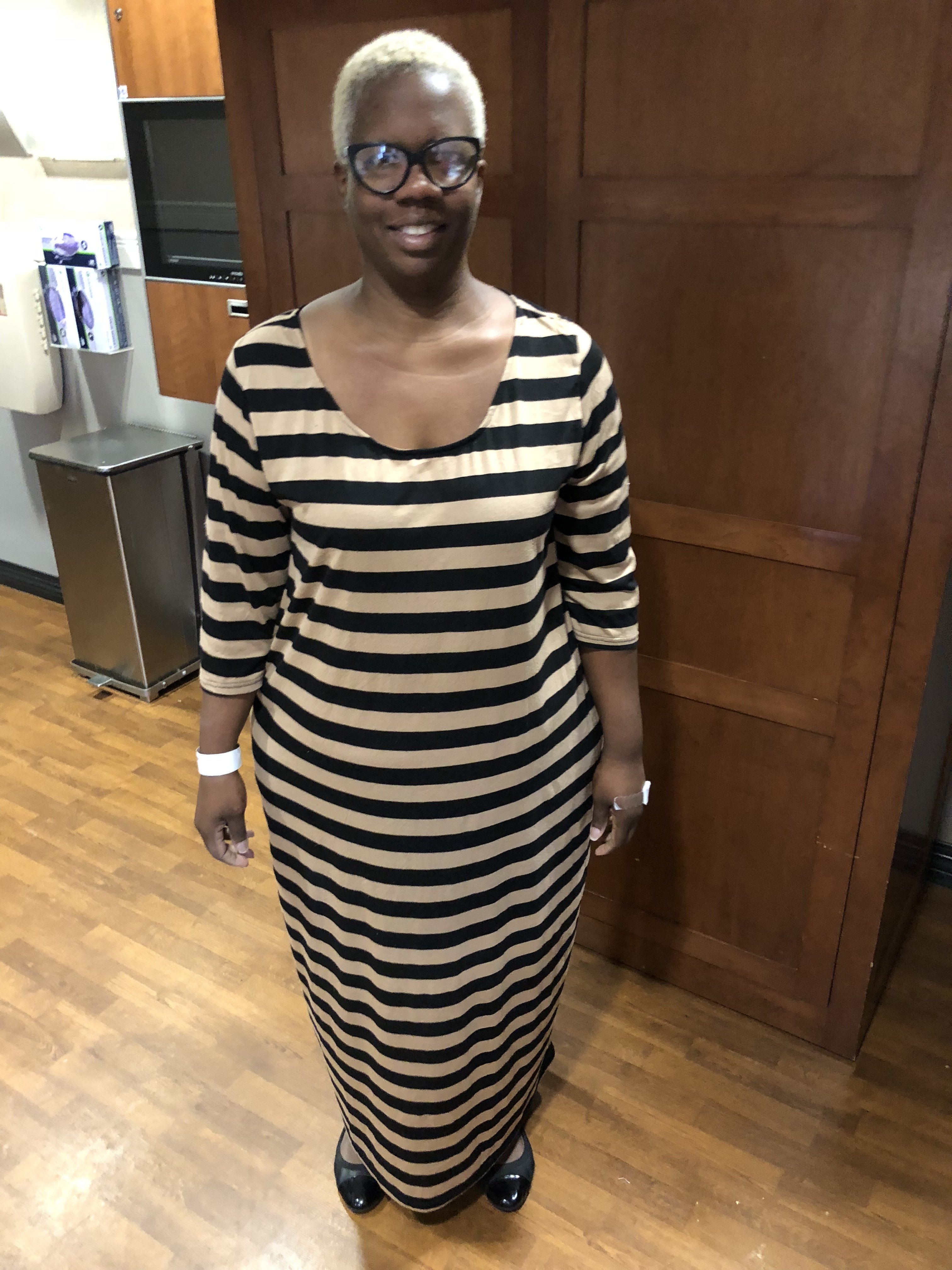
  4. I had my sleeve since November 20, I’ve only let my Facebook friends, family and closest colleagues know because we all hangout and they want to include me in. I have formed a support group through these friends to assist
  5. In Baton Rouge Monday 11-20-17
  6.    Rubyfit4life reacted to a post in a topic: sleeve buddy
  7. My surgery was 11/20/17
  8. BatonRouge La on Monday Our Lady of the Lake Hospital
  9. Hello happy thanksgiving I am thankful and I am here as a support for you I’m in Baton Rouge
  10. Nausea and high blood pressure was high
  11. I was sleeved Monday morning a few complications after surgery

Account

Navigation

Search

Search

Configure browser push notifications

Chrome (Android)
  1. Tap the lock icon next to the address bar.
  2. Tap Permissions → Notifications.
  3. Adjust your preference.
Chrome (Desktop)
  1. Click the padlock icon in the address bar.
  2. Select Site settings.
  3. Find Notifications and adjust your preference.