





AuntieSilly
Pre Op
-
Joined
-
Last visited
-
-
Quite honestly I am a little over 4 months out and still struggle every day and can’t get in the required. I used to drink about a gallon a day before surgery.
-
Hi. I was wondering if anyone was experiencing rapid changes in bra sizes. I am and it is driving me crazy.... HW 340 SW 299 CW 246
-
-
I live in cuddl duds. I wear them under clothing.
-
-
-
-
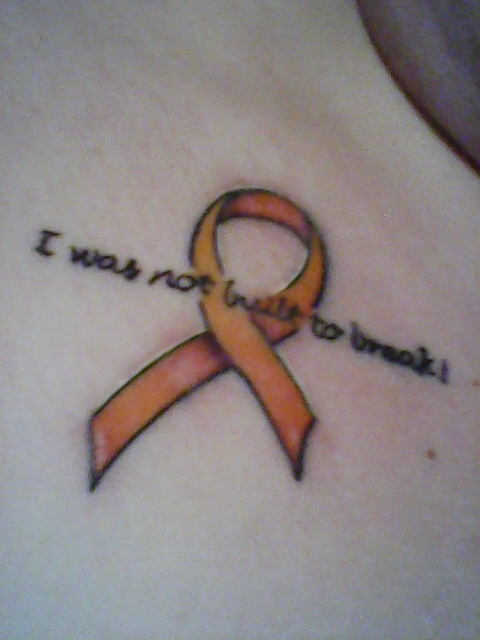
It's still healing.
-
-
-
-
Haircut. 2 new colors, new lipstick and skincare products and a new tattoo!
-
-
-
Yes I had to wait 3 months after the cancer surgery.
-
I had gastric bypass. No issues with insurance. I started with a different surgeon in another city and switched to these doctors. They discovered my cancer and worked with me through the whole process. I love this practice. I had my endoscopy with my previous surgeon. Height: 5’2” HW: 340 SW: 285 CW: 256 GW: 150
-
-
-
I saw Dr Wiedower and Dr Glembot. Great doctors and great staff. I am 2+ months post op. I highly recommend them!!!
-
-
-
-
-
-
I went here. Great office. https://www.valleyhealthlink.com/Our-Services/Metabolic-Bariatric-Program.aspx?furl=bariatrics Located in Winchester VA
