





pbs45
Pre Op
-
Joined
-
Last visited
Everything posted by pbs45
-
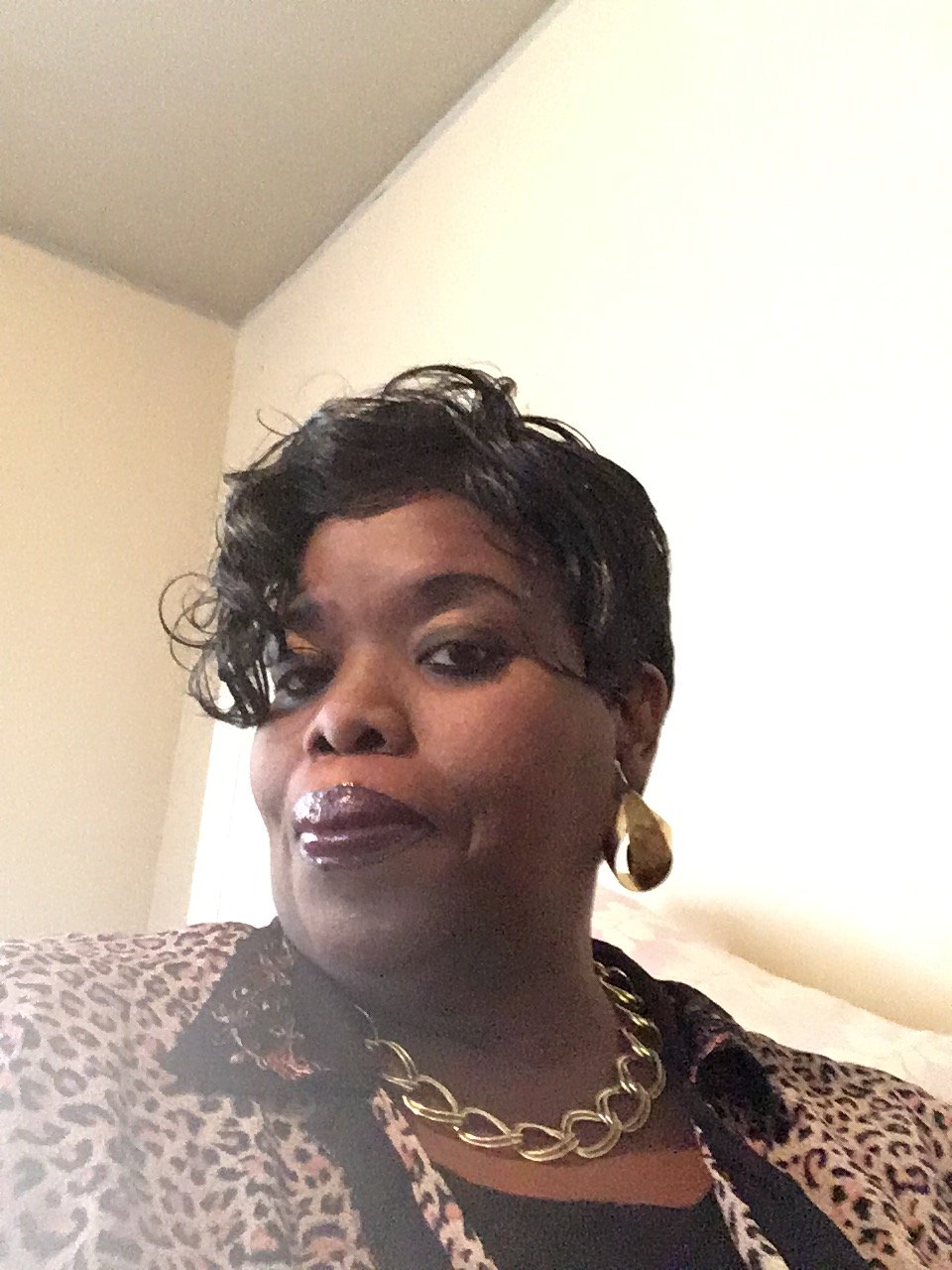
I’m doing good! Not getting on a scale. I’m taking it one day at a time, enjoying my new journey. Rest is key, stress and anxiety holds weight on you. Allow the tool to work and just know as long as you are following the guidelines the weight Will fall off. Having a spiritual and physical support system is awesome as well!!! It truly helps. My surgery was 9/27/17 I’ve gone from a size 32 to 26 and it’s steadily falling off. I thank God for peace of mind that surpasses All understanding!!!
-
Awesome! You look amazing! I pray you have even more success!!!
-
What did you do other than following the food guide?
-
I was sleeved on 9/27/17 at UAB Hospital in Birmingham,Al. Dr. Stahl was my doctor, he was awesome, my surgery was supposed to take 2-4 hours,it was done in an hour. I’m healing nicely, no nausea, just a little gas.
-
Awesome!!![emoji1490][emoji1490][emoji1490][emoji106]
-
Except for gas bubbles every now and then.
-
I just had my sleeve on 09/27 at UAB in Birmingham, Alabama 35202. I was in the hospital for 2 days and it’s been 8 days I haven’t had any complications thus far.
-
I was sleeved on 9/27 and so far so good! Just pain in my gut after swallowing my shakes but I’m sure it will pass soon.
-
Congratulations!!! Awesome testimony,you have come along way!But God!