
LMarie70
Pre Op
-
Joined
-
Last visited
Everything posted by LMarie70
-
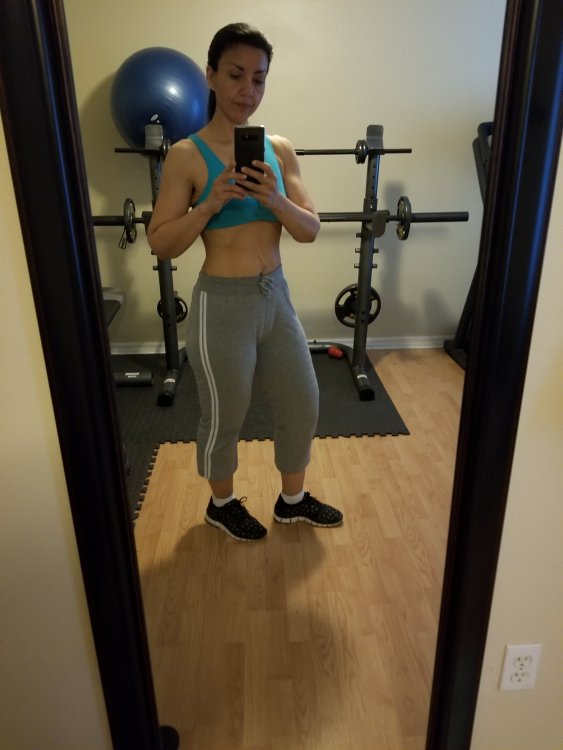
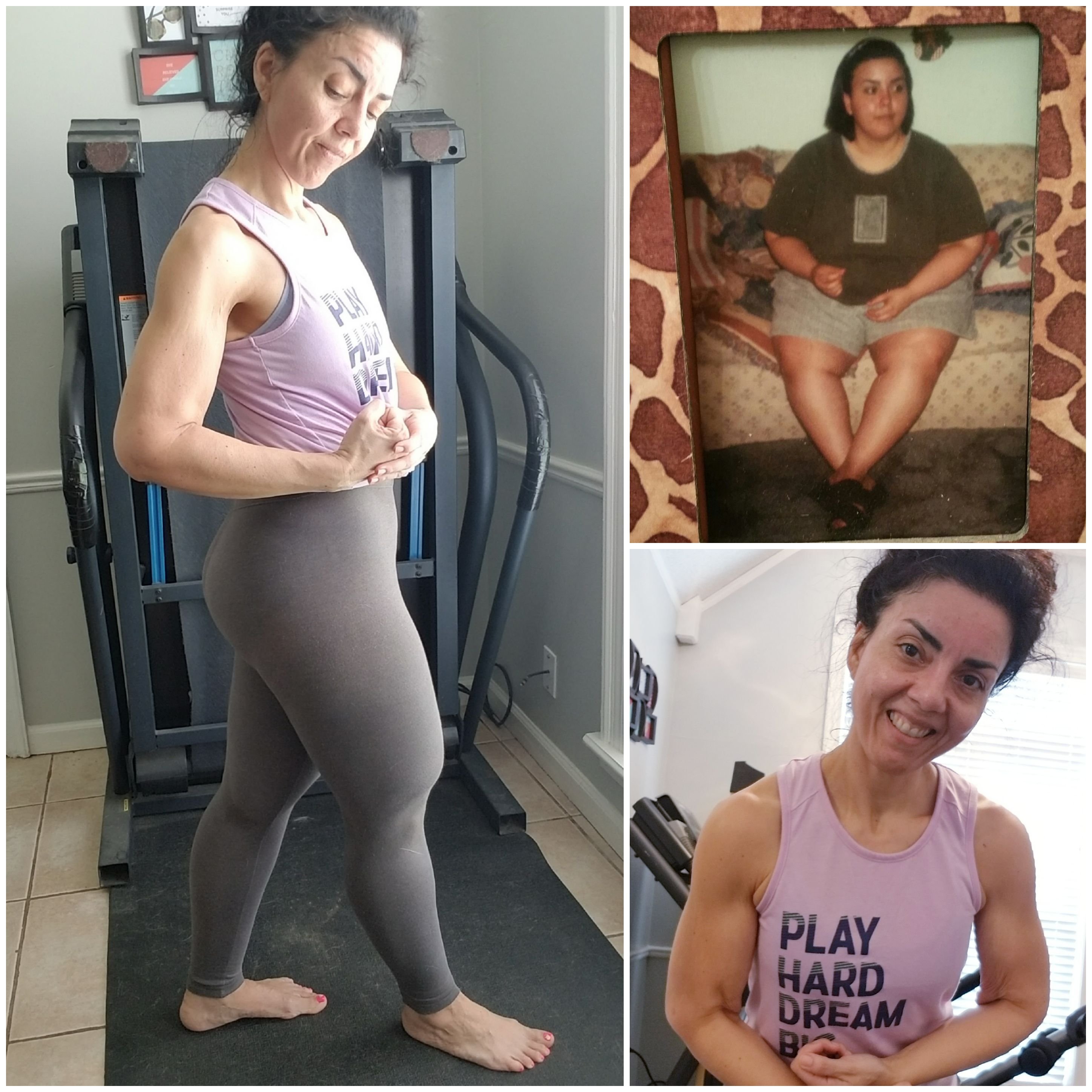
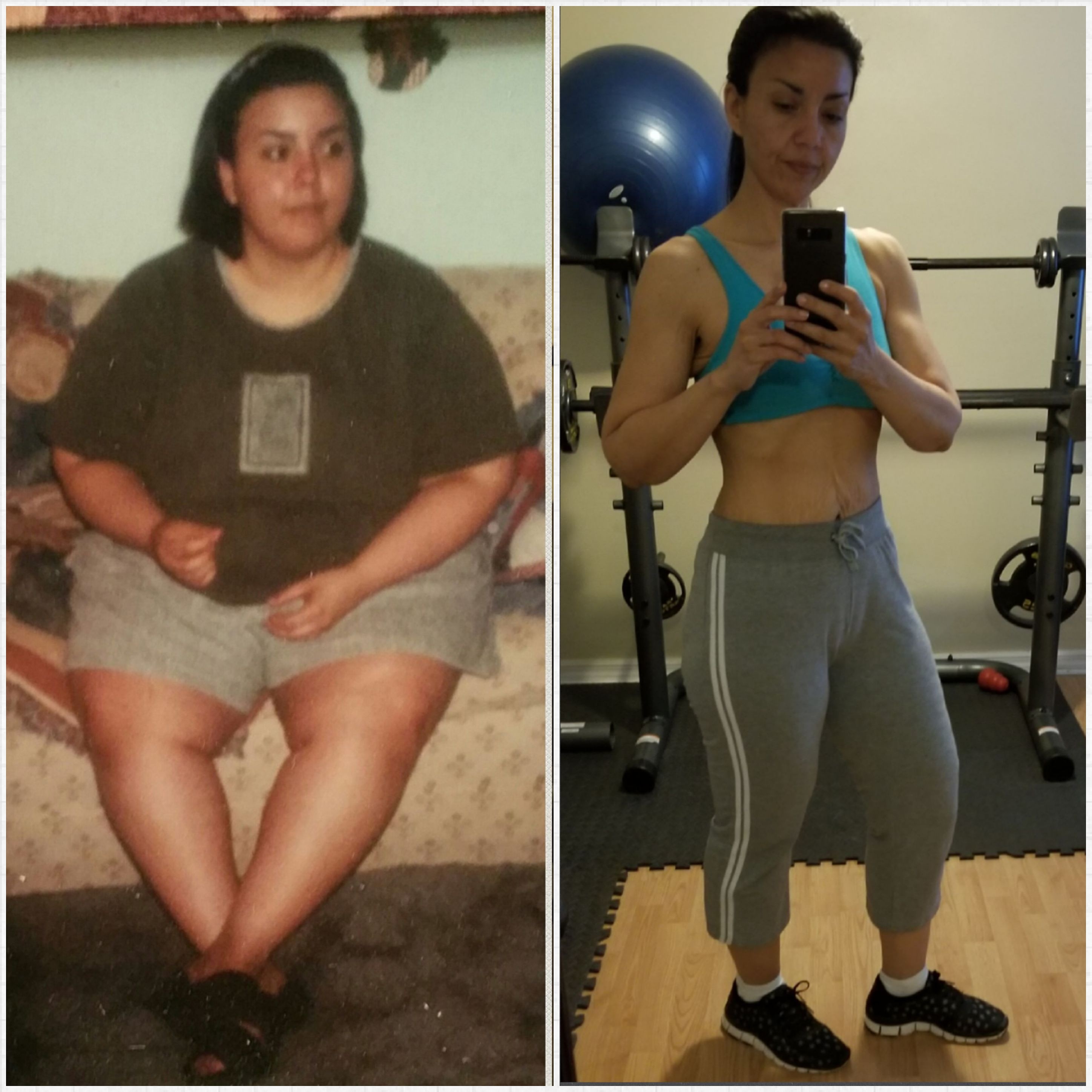
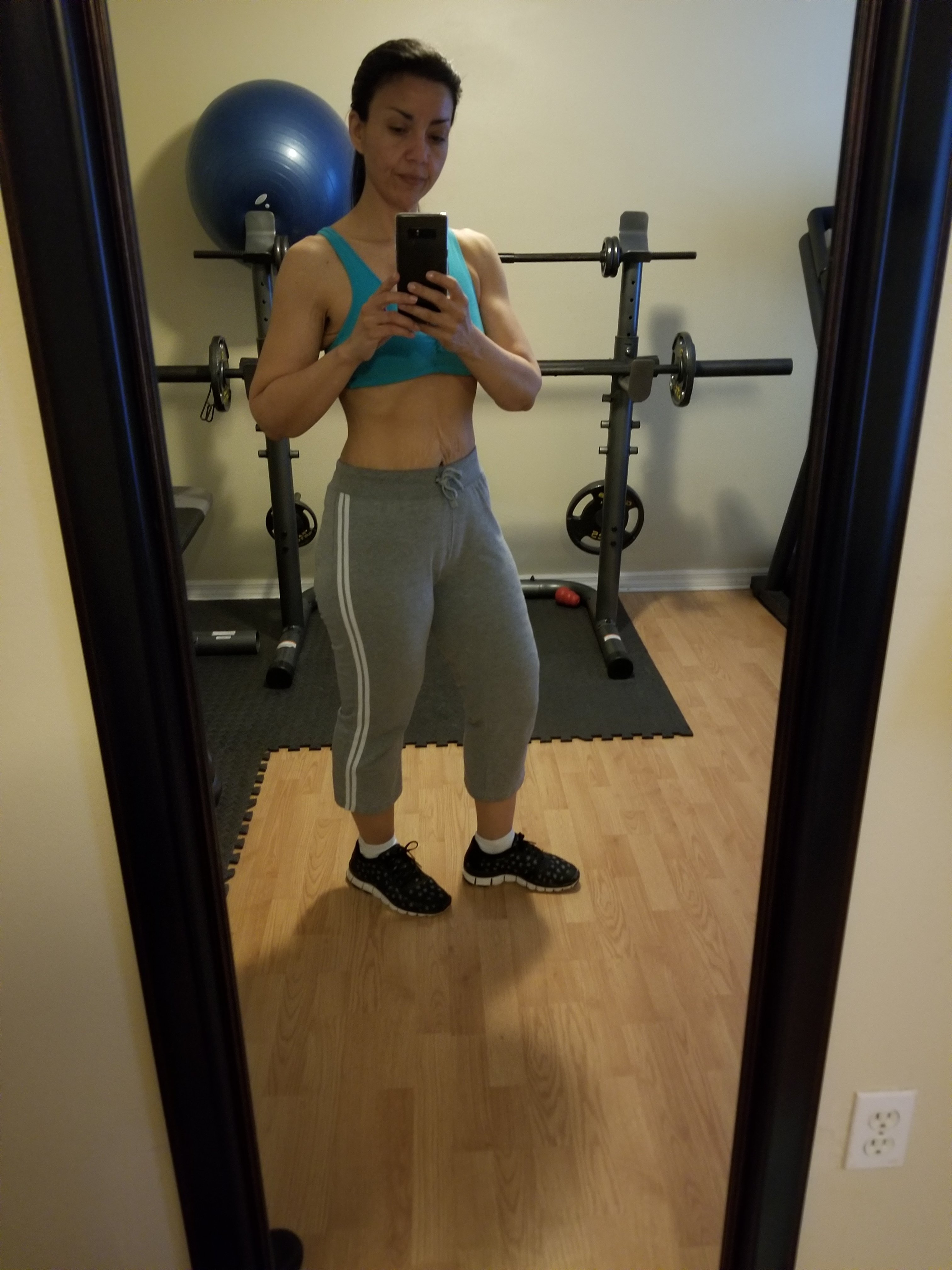
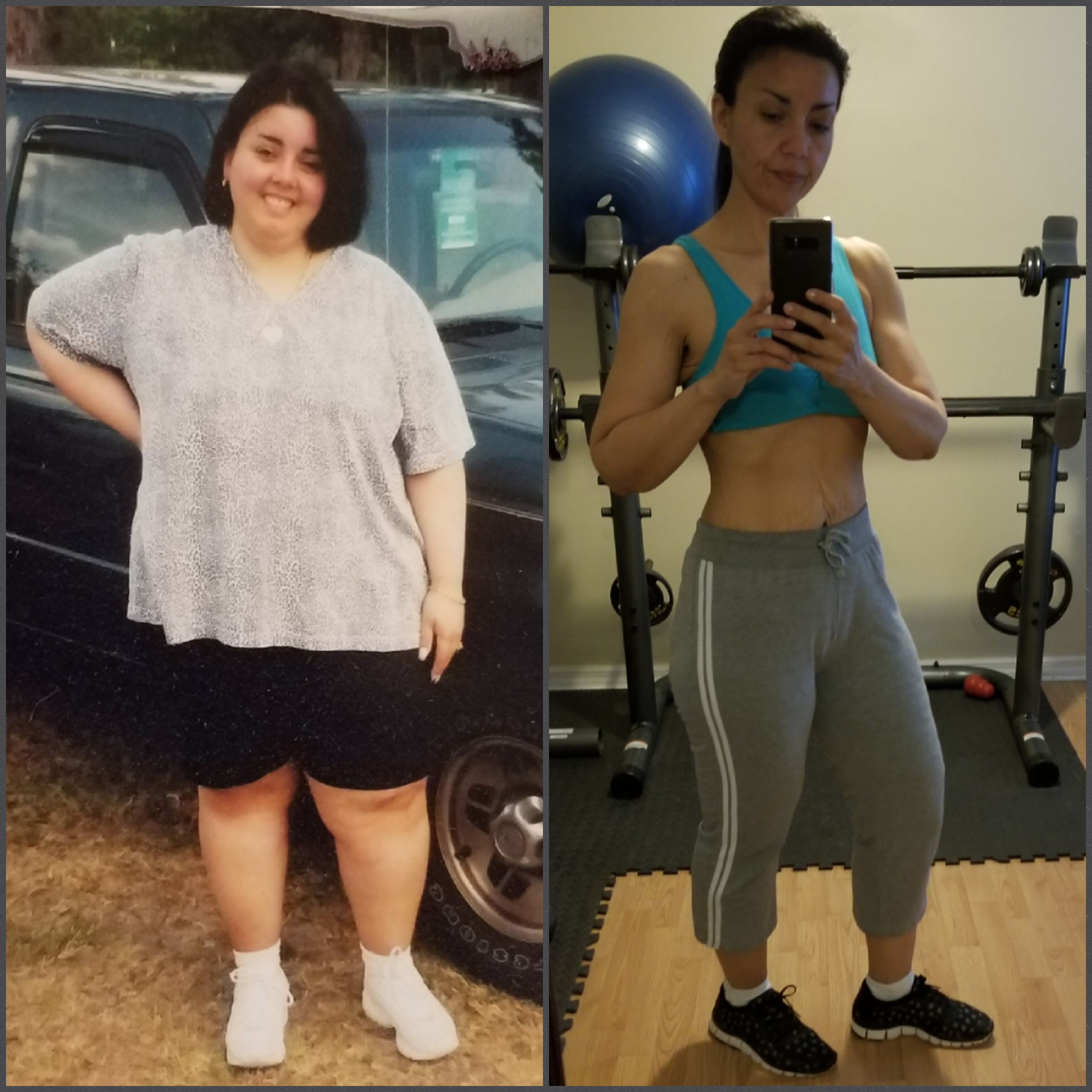
Awesome job, everyone! Trust the process and keep at it! ? I am 17 years post OP RNY and here is my most recent before and after! HW 296, SW 280, CW 148, LW 135 I am 5'4 and turned 49 in June. It's never too late to improve on the beautiful person you already are!
-
16 yrs out rny [emoji7] Sent from my SM-N950U using BariatricPal mobile app
-
Thank you for the update! You look great! Sent from my SM-N950U using BariatricPal mobile app
-
Thank you, yes RNY.
-
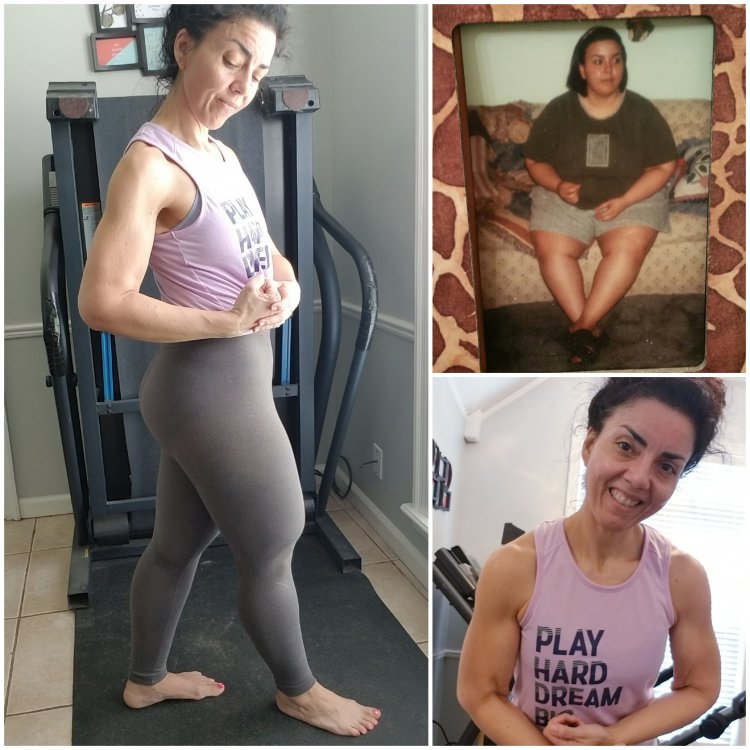
15 years post op 5'4 Hw 296+ Sw 280 Cw 146 Lw 135 It's not easy but definitely doable
-
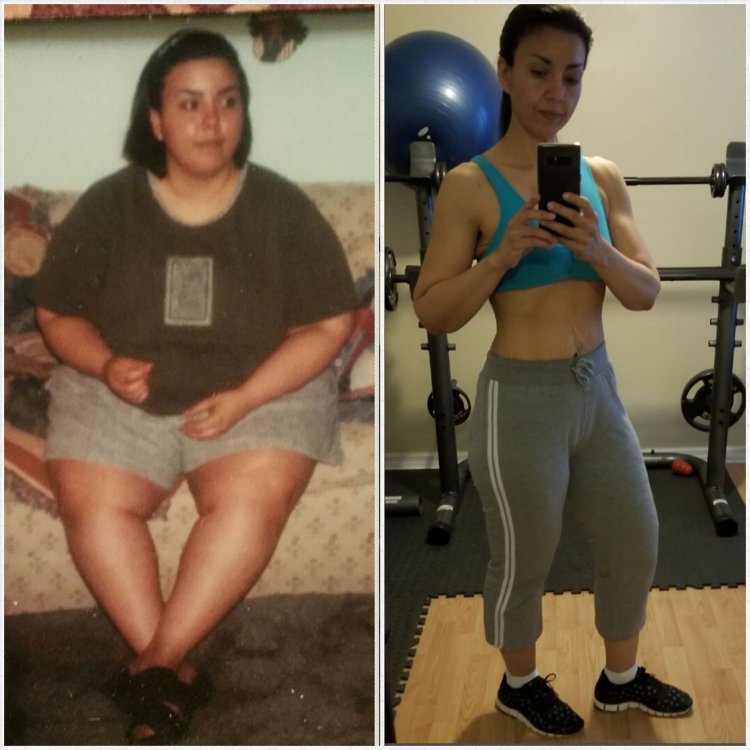
RNY 2002 5'4 HW 296+, SW 280, CW 146, LW 135
-
Not much you can do for sagging skin working out helps but the skin will still be there. I work out at home using weights ranging from 5lbs and up and I also do body weight exercises. Squats push ups, burpee, mountain climbers etc. I do cardio, jogging, as well. Its not always easy but once you push through and form a habit you won't be able to do without it. Consistency is key, over time you will see some toning and you will definitely feel the change in how clothing fits due to loss of inches. I am 15 years post op and continue to be a work in progress! Hope this helps and keep up the good work!