browneyesdebra
Pre Op
-
Joined
-
Last visited
Everything posted by browneyesdebra
-
Glad you have your date for your new journey
-
That is nice I watch the video on Mini Bypass if know about that I would had that did about I don't know if do it where I live
-
I'm so glad you are ready to start your new journey I'm ready start mines to it will be April 17
-
Best wished to you also
-
Good luck please let us know how your surgery went
-
I'm going check to the Apple Watch
-
Good luck to you and I will be praying for you and your family
-
Good luck to both of you all
-
I will praying for you I'm praying for you
-
I'm glad you are doing ok
-
I'm praying for you that you feel better very soon
-
Ok we can keep in touch
-
That is awesome mines is April 17
-
I'm glad you are ok
-
I'm so glad for you mines is April 17
-
Best of luck
-
Congraulations
-
Thanks for letting us know how you doing and pray you have speedy recovery
-
It is going fine because I still can eat fish turkey chicken and vegetable
-
I hope everything went well
-
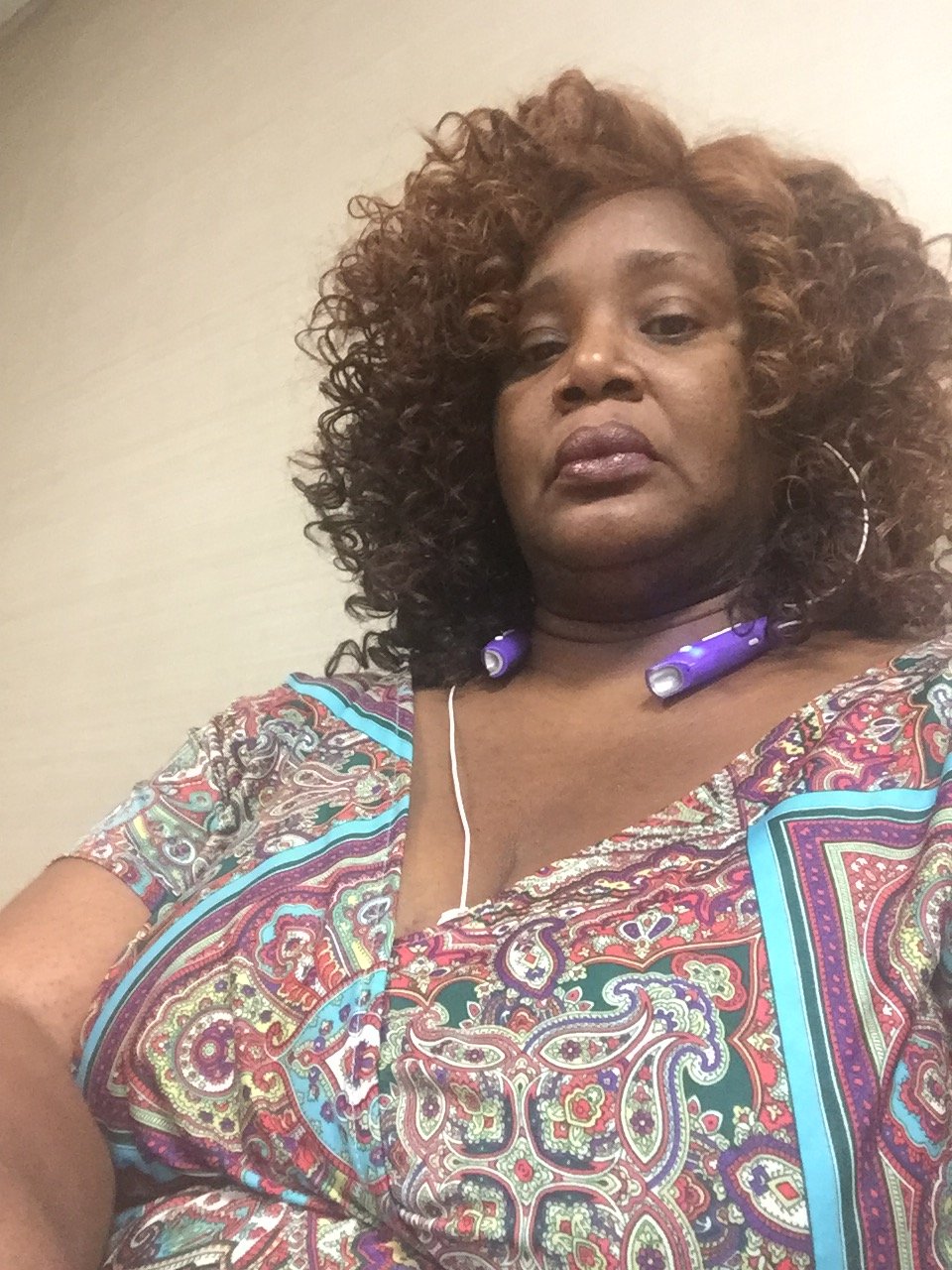
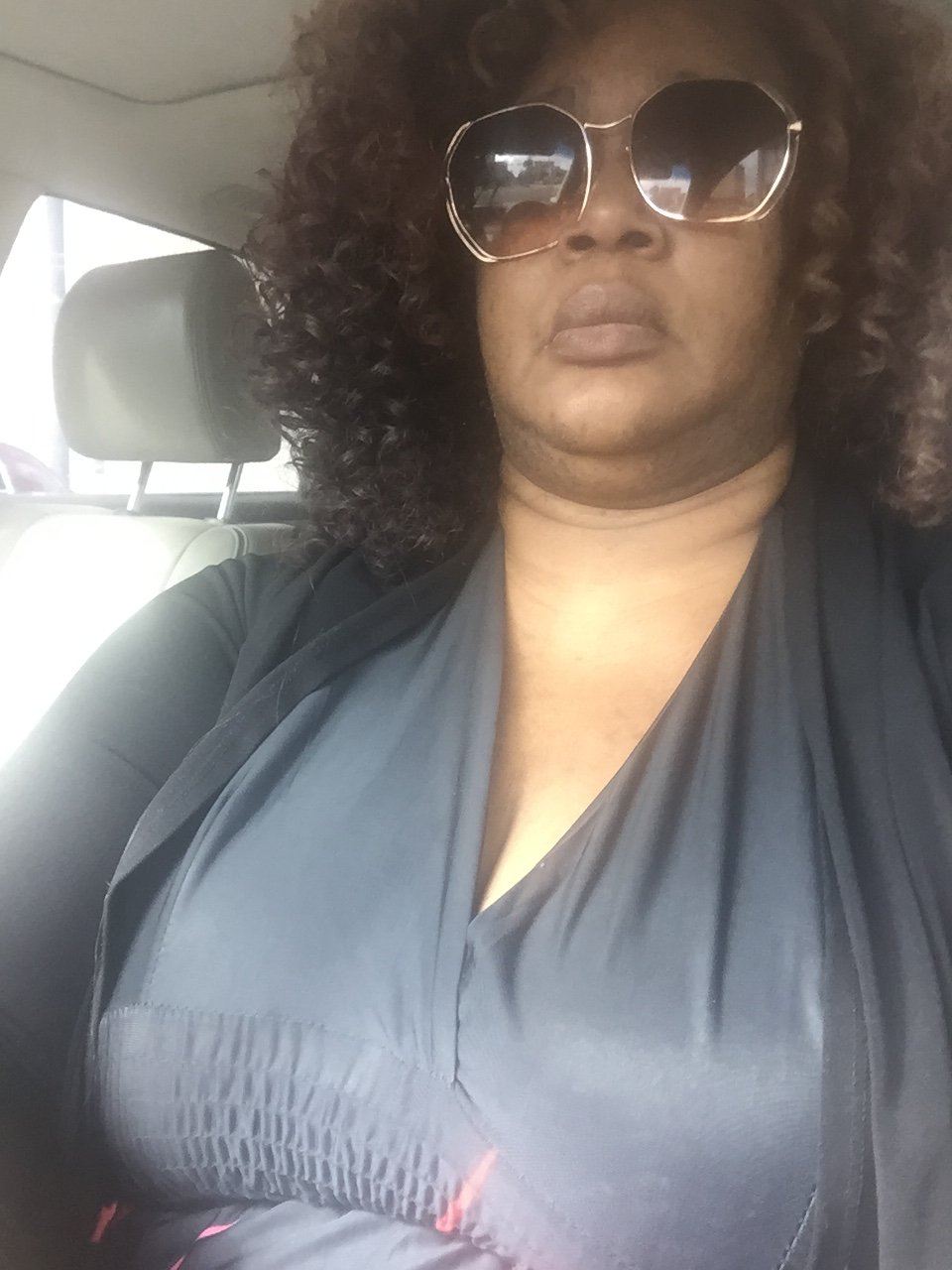
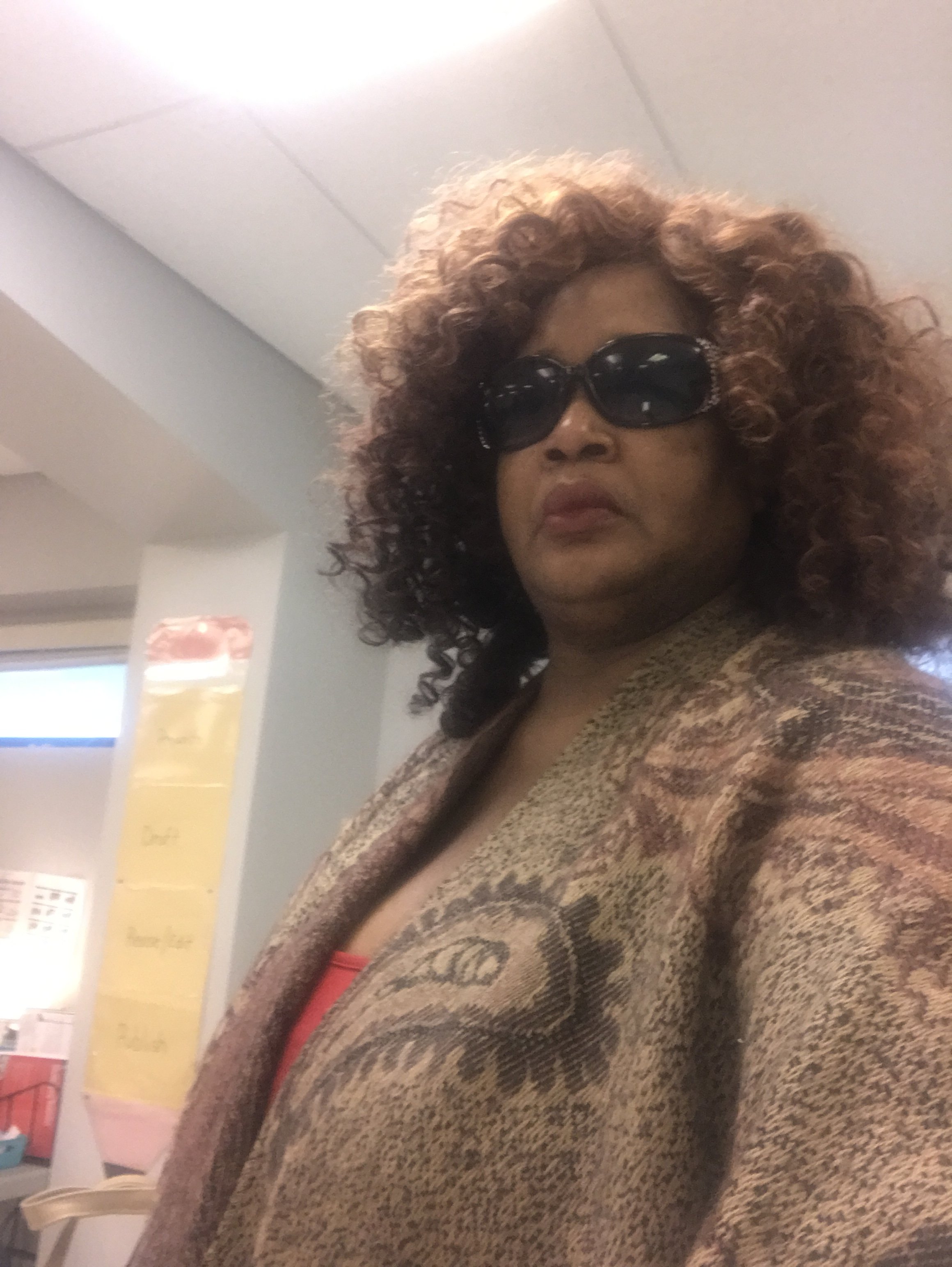
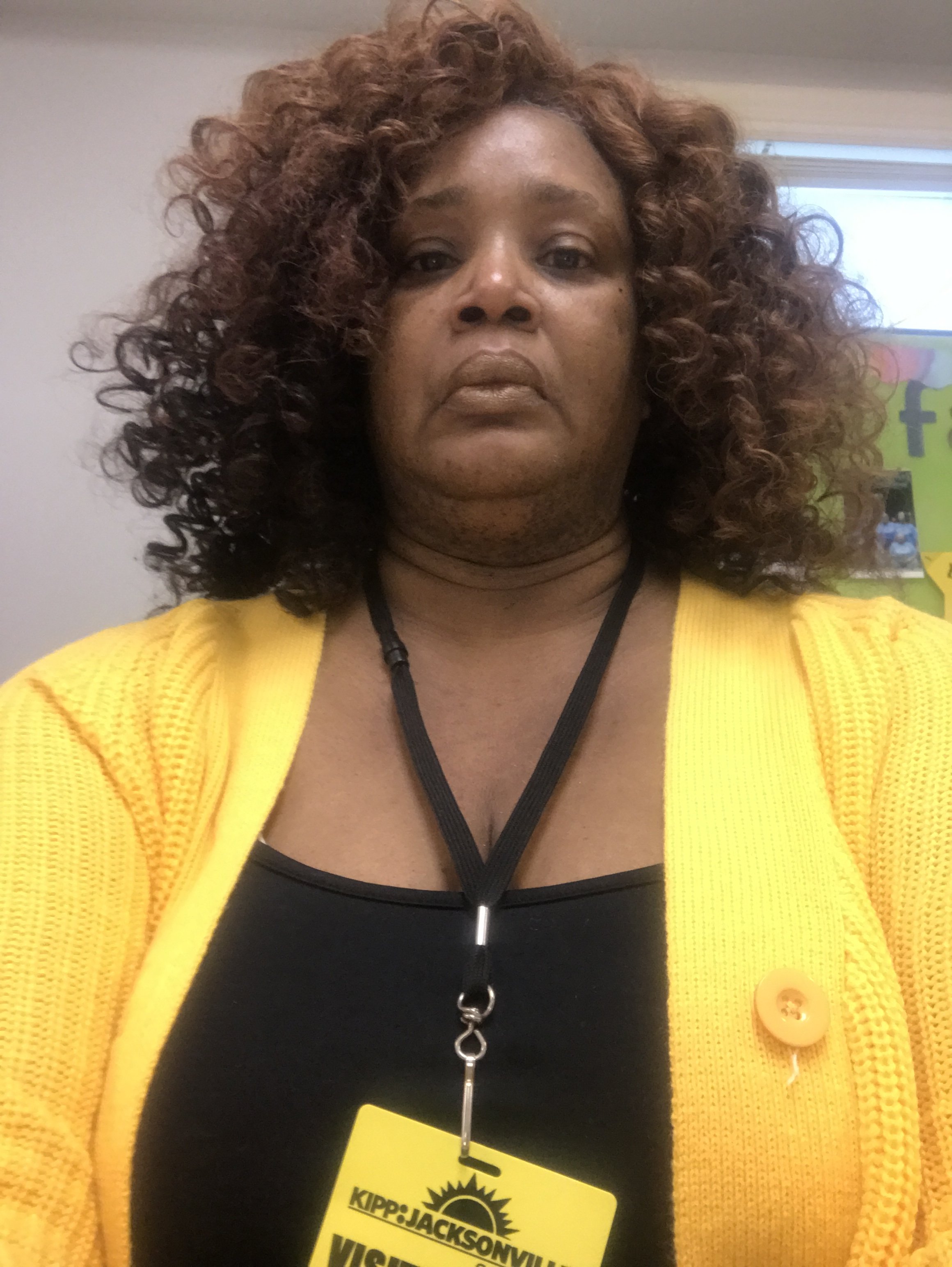
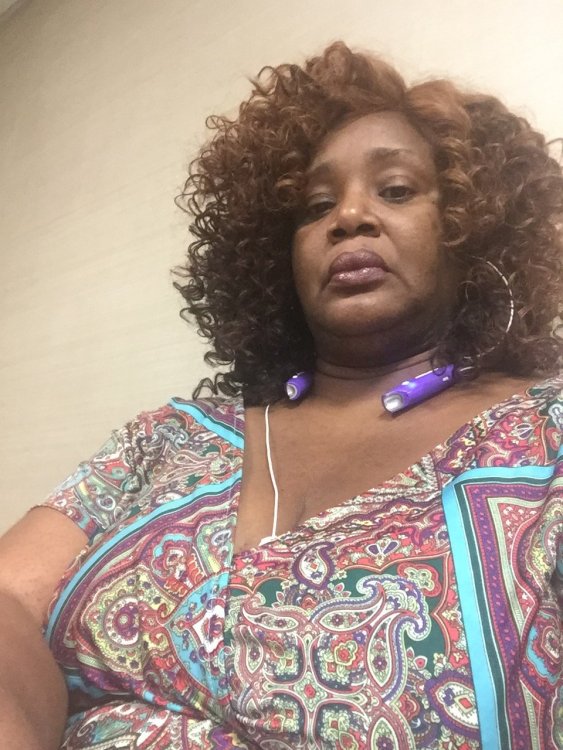
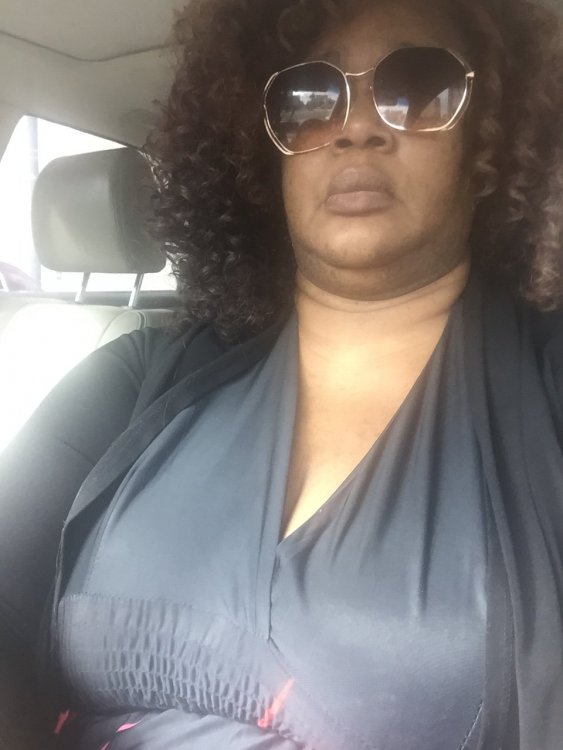
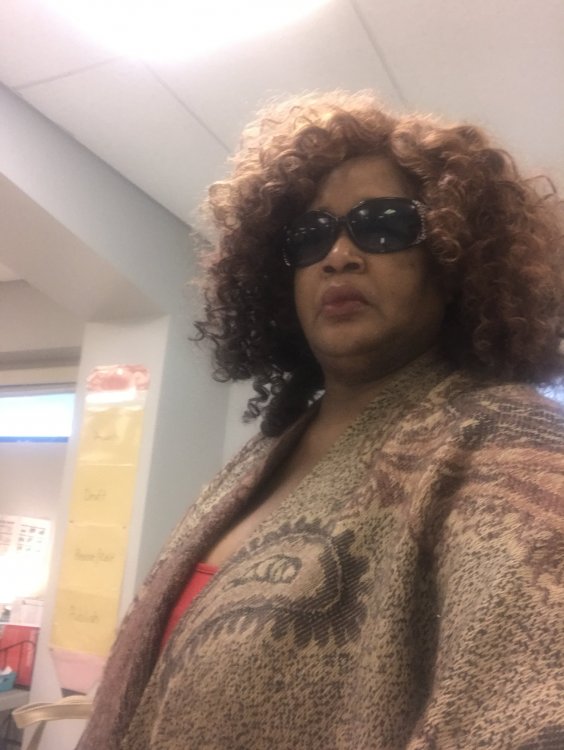
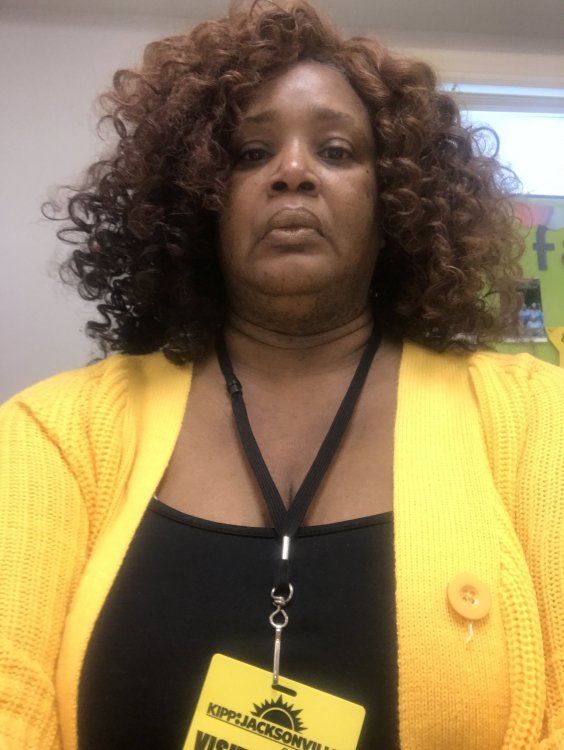
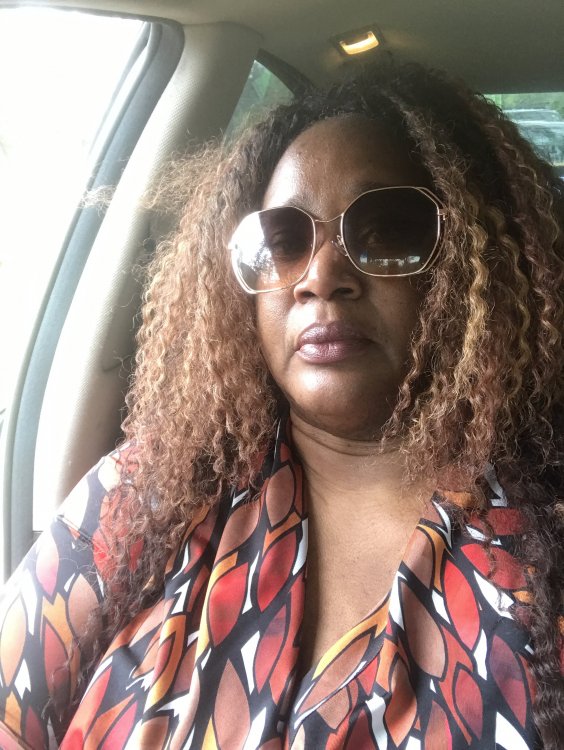
This are my before pictures I will keep posting of my progress
-
I just watch the video
-
How did your surgery went
-
Good luck
-
Good luck to you