




Skip to content
View in the app

A better way to browse. Learn more.

BariatricPal

A full-screen app on your home screen with push notifications, badges and more.

To install this app on iOS and iPadOS
  1. Tap the Share icon in Safari
  2. Scroll the menu and tap Add to Home Screen.
  3. Tap Add in the top-right corner.
To install this app on Android
  1. Tap the 3-dot menu (⋮) in the top-right corner of the browser.
  2. Tap Add to Home screen or Install app.
  3. Confirm by tapping Install.
  • Appearance

Join BariatricPal free

  • Ask your own questions
  • Reply and follow topics
  • Message other members
  • No cost, no spam

stussy.manny

Pre Op
  • Joined

  • Last visited

Everything posted by stussy.manny

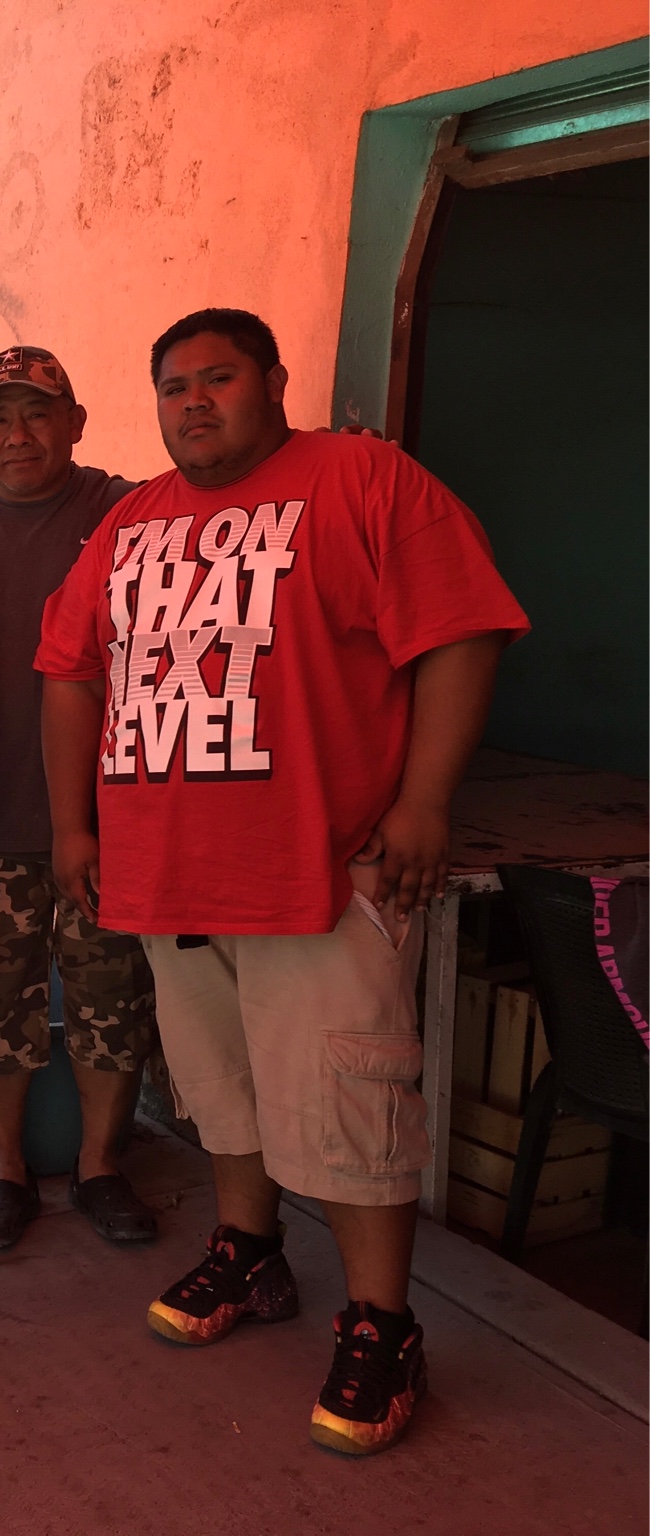
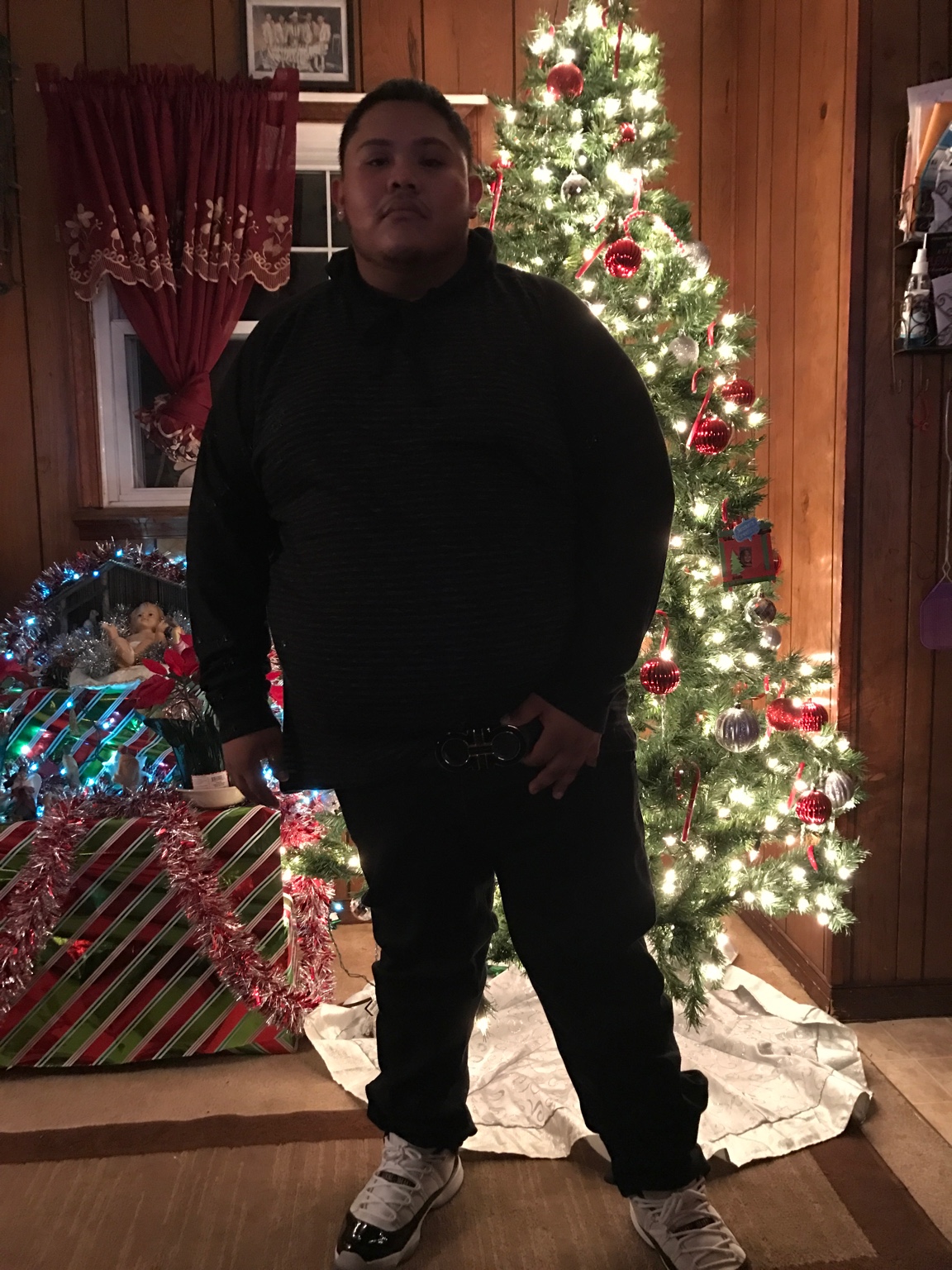
  1. Im 22 i went in weighing 370 now im at 305 haven't reached my goal but im seeing progress really fast i go to the gym monday thru sunday for 2 hours everyday i recovered really fast after surgery most important is walking after surgery for 30 mins even if you feel pain and drink your Protein shake and your Multivitamins more progress to come ill keep yall posted about my progress hopefully it can motivate people Sent from my iPhone using the BariatricPal App
  2. I weighed 370 when i went in for surgery its been only one month and im at 305 haven't reached my goal but it keeps motivating me Sent from my iPhone using the BariatricPal App

  3. I went in weighing 370 now im 305 i been eating normal foods but very small portions take my Multivitamins and drinking Protein shakes ! Going to the gym monday thru sunday 2 hours everyday Sent from my iPhone using the BariatricPal App
Account

Navigation

Search

Search

Configure browser push notifications

Chrome (Android)
  1. Tap the lock icon next to the address bar.
  2. Tap Permissions → Notifications.
  3. Adjust your preference.
Chrome (Desktop)
  1. Click the padlock icon in the address bar.
  2. Select Site settings.
  3. Find Notifications and adjust your preference.