henna2010
Pre Op
-
Joined
-
Last visited
-
-
-
-
-
-
-
-
-
-
-
Hang in there, the first 2 months were the worst for me! Vomiting gas bubles few time a day, had 0 appetite and also had days where i just did not want to leave the bed all day, sad for no apparent reason. But all that has passed, still have those days and still vomiting but all under control. Got my appetite back, just 3-5 bites and im stuffed!
-
Hi all want to post another update. A week away from my 3 month surgiversary and 30 kgs (about 60 pounds) down. I feel so much better and things are starting to get back to normal. The days where i fell down and regret having this surgery have reduced tremendously. Overall i just feel great! ????

-
-
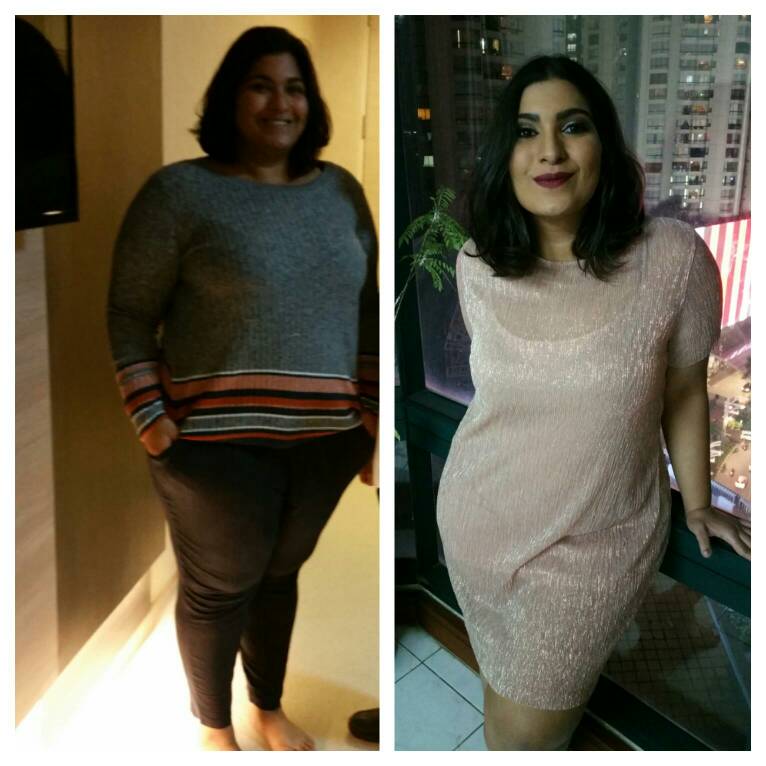
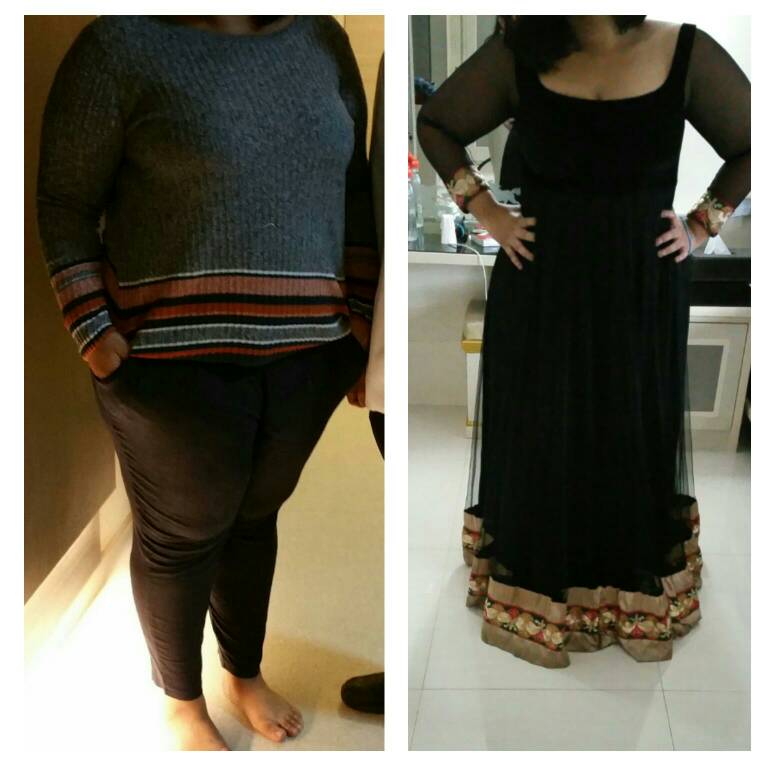
Hi i want ro share my before and current picture. surgey before picture date: 13-9-2016 weight 138.7 kg Current picture date: 20-10-2016 weight 119.2 kg ry/

-
Hi i want ro share my before and current picture. surgery/ before picture date: 13-9-2016 weight 138.7 kg Current picture date: 20-10-2016 weight 119.2 kg

-
I also wanted to share my weight loss journey so far. I am located in indonesia, went through with my surgery on the 13/9 and by 16/10 i will be allowed to eat regular food again. I started with 138.7 kg and today i am at 121.6 Sent from my SM-N915F using the BariatricPal App
-
Hi @@GACaldwell thanks for checking in, it was exactly a month post op yesterday. Over all i am feeling a lot better allthough there are still days where i dont feel like consuming anything and just want to stay in bed all day. On the possitive note i went shopping and could fit into all the items i tried out (never would have been possible few months back) and that was the first moment where the regret went away for a while. Sent from my SM-N915F using the BariatricPal App
-
-
I did try to go out but did not really help much, i still did not feel that happiness, i was a jolly person and all i feel now is that this sugery sucked it all out from me. Im hoping and praying this pass soon. Thanks for all your support, my next plan of action is to go and talk to a psychiatrist as suggested by my doctor. Sent from my SM-N915F using the BariatricPal App
-
I am currently 13 days post op, and i cant seem to shake the sadness and regret away. i have been reading and people say that it is normal to feel this way but all i have done all day is lay in bed. im just so sick of this liquid diet which i still have to go through for another 5 days (doctors reccomendation). I feel like i am going crazy and all i want is to reverse the procedure.. Sent from my SM-N915F using the BariatricPal App