The_von
Pre Op
-
Joined
-
Last visited
Everything posted by The_von
-
Awesome! Sounds delicious Sent from my iPhone using the BariatricPal App
-
2 weeks Sent from my iPhone using the BariatricPal App
-
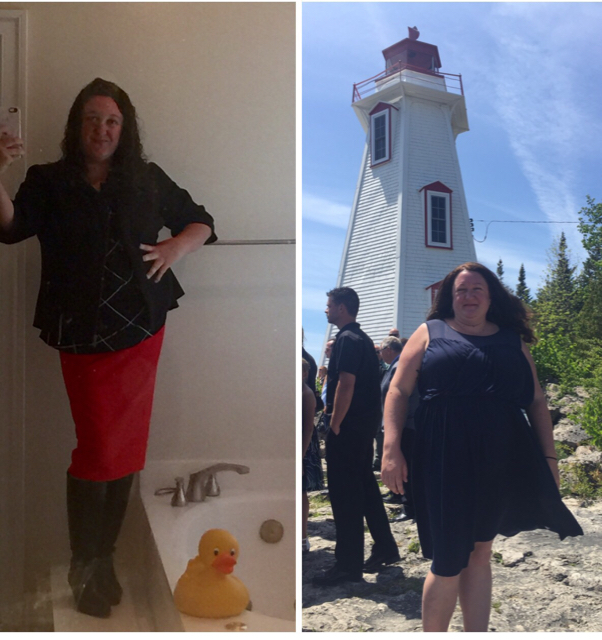
Before and after. I can't believe between the pre-surgical prep and 16 days can make such a huge difference! Sent from my iPhone using the BariatricPal App

-
Thanks everyone. I'm stressed about it. 10 days post-op, my assistant (who is absolutely wonderful) accidentally booked me for a lunch meeting with a client and I didn't want to be rude so I had a few tiny bites of ground beef and chewed and gnawed forever until it was liquid. I told my doctor and he was supportive but stern and said I've gone through too much not to make this work. He is a great doctor but I really beat myself up over it. I don't want to mess this up. Sent from my iPhone using the BariatricPal App
-
Hi everyone, I had my sleeve surgery on August 30, 2016 and I have lost a bunch of weight but I get really worried that I haven't strained my Soups enough. I found tomato seeds in my Soup and I'm now beating myself up about eating it. Does anyone else do this? It's 16 days post-op and I'm trying to behave but I'm worried about seeds and sutures. I feel like a crazy woman! Sent from my iPhone using the BariatricPal App