MrsN0rr1s
Pre Op
-
Joined
-
Last visited
-
Thanks for sharing!! Sent from my iPhone using the BariatricPal App
-
-
-
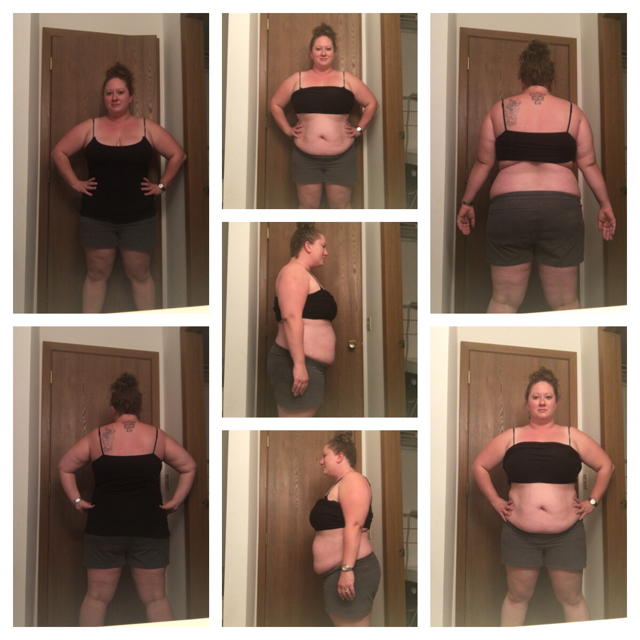
Good evening everyone! I just joined this group. After years of fluctuating weights and feeling unsure about having this surgery performed, I have decided to move forward. Today was my initial appointment and first meeting with the nutritionist. My insurance isa pain and I have to have 6 months worth of nutritionist appointments in order to qualify so I'm still a few months out before my surgery can take place. I'm 31 and a mom to 4 beautiful children. My husband had the rue n y done when he was with his first wife and had a lot of success. He loves me exactly as I am, but I'm doing this for myself, my health and my future. I'm the smallest women in my family and every single woman has major health related issues due to being morbidly obese. I don't want to experience that. In 30 years, I want to be scuba diving with my husband, hiking the falls, and generally enjoying life!! I'm currently 5'6 and weigh 252 lbs. (whew! That's tough to say) I took this collection of pictures the night before my appointment. I'm looking forward to meeting others on this journey!! Sent from my iPhone using the BariatricPal App