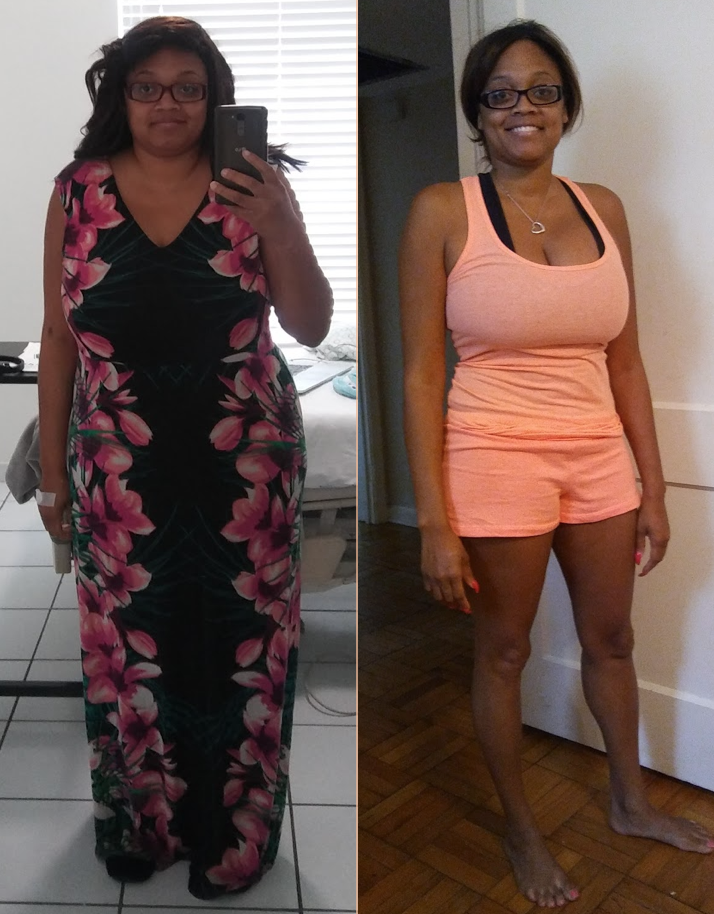

Jhacque7
Gastric Sleeve Patients
-
Joined
-
Last visited
-
-
-
-
-
-
-
-
-
-
-
-
-
-
 Jhacque7 reacted to a post in a topic:
Long post but I needed to say this to people who would understand
Jhacque7 reacted to a post in a topic:
Long post but I needed to say this to people who would understand
-
-
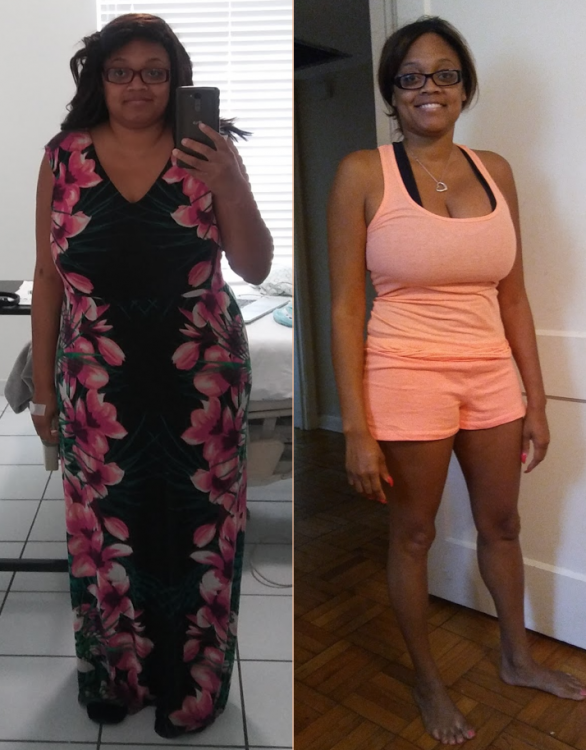
I started off at 197 and I am currently 150! Surgery was 3/22. I LOVE MY SLEEVE!
-
-
-
-
-
-
I'm going on a cruise in Septemeber and will be a little over 5 1/2 months out from surgery. I know last time my friend and I drank ourselves silly. This time I'm hesitant because I'm scared to drink to much and get sick. I'm a vodka, tonic with a lime or Moscow Mule type girl, so I guess I might just have to switch it up with something else.
-
I feel really good as well. I had no pain, nausea or vomiting two days out. Today some soreness but nothing I can't handle. Walking helps keep everything moving and flowing so I don't get stiff.
-
Jhacque7 changed their profile photo
-
I am scheduled for March 22nd!