Skip to content
View in the app

A better way to browse. Learn more.

BariatricPal

A full-screen app on your home screen with push notifications, badges and more.

To install this app on iOS and iPadOS
  1. Tap the Share icon in Safari
  2. Scroll the menu and tap Add to Home Screen.
  3. Tap Add in the top-right corner.
To install this app on Android
  1. Tap the 3-dot menu (⋮) in the top-right corner of the browser.
  2. Tap Add to Home screen or Install app.
  3. Confirm by tapping Install.
  • Appearance

Join BariatricPal free

  • Ask your own questions
  • Reply and follow topics
  • Message other members
  • No cost, no spam

kirsten_

Pre Op
  • Joined

  • Last visited

  1.    kirsten_ reacted to a post in a topic: Where is everyone from?
  2. The more I read I see how different everyone's diets are! But as long as we are making progress that's all that matters. I just went to my post op doctors appointment and I lost 2 pounds over night. It's crazy! Sent from my iPhone using the BariatricPal App
  3.    Inner Surfer Girl reacted to a post in a topic: One week post op breakfast:
  4.    KristenLe reacted to a post in a topic: One week post op breakfast:
  5.    KristenLe reacted to a post in a topic: One week post op breakfast:
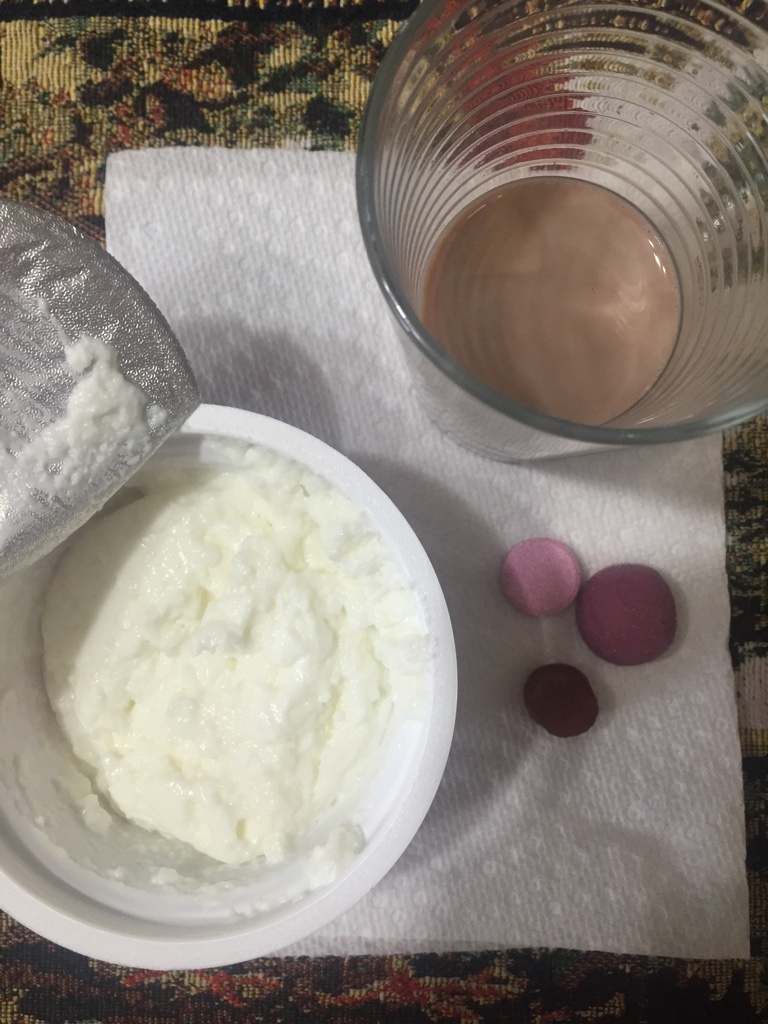
  6. Clearly I waited the 30 minutes. Also I was only able to stomach about 2 oz of the cottage cheese. But yeah, as you said it gets better day by day. Sent from my iPhone using the BariatricPal App
  7. I can honestly say I'm feeling great. The pain as subsided as of yesterday. Sure there's some discomfort, but going into this I was aware of that. I'm down 20.6 pounds since my pre op diet and I'm beginning to feel more like me. I look forward to sharing this journey with everyone! Stats: Pre op: 274 Post op: 254.6 (and counting ) Sent from my iPhone using the BariatricPal App
Account

Navigation

Search

Search

Configure browser push notifications

Chrome (Android)
  1. Tap the lock icon next to the address bar.
  2. Tap Permissions → Notifications.
  3. Adjust your preference.
Chrome (Desktop)
  1. Click the padlock icon in the address bar.
  2. Select Site settings.
  3. Find Notifications and adjust your preference.