Romi
Pre Op
-
Joined
-
Last visited
-
No liquid diet. Only have to eat 20% less intake the week of surgery Sent from my iPhone using the BariatricPal App
-
-
-
-
-
-
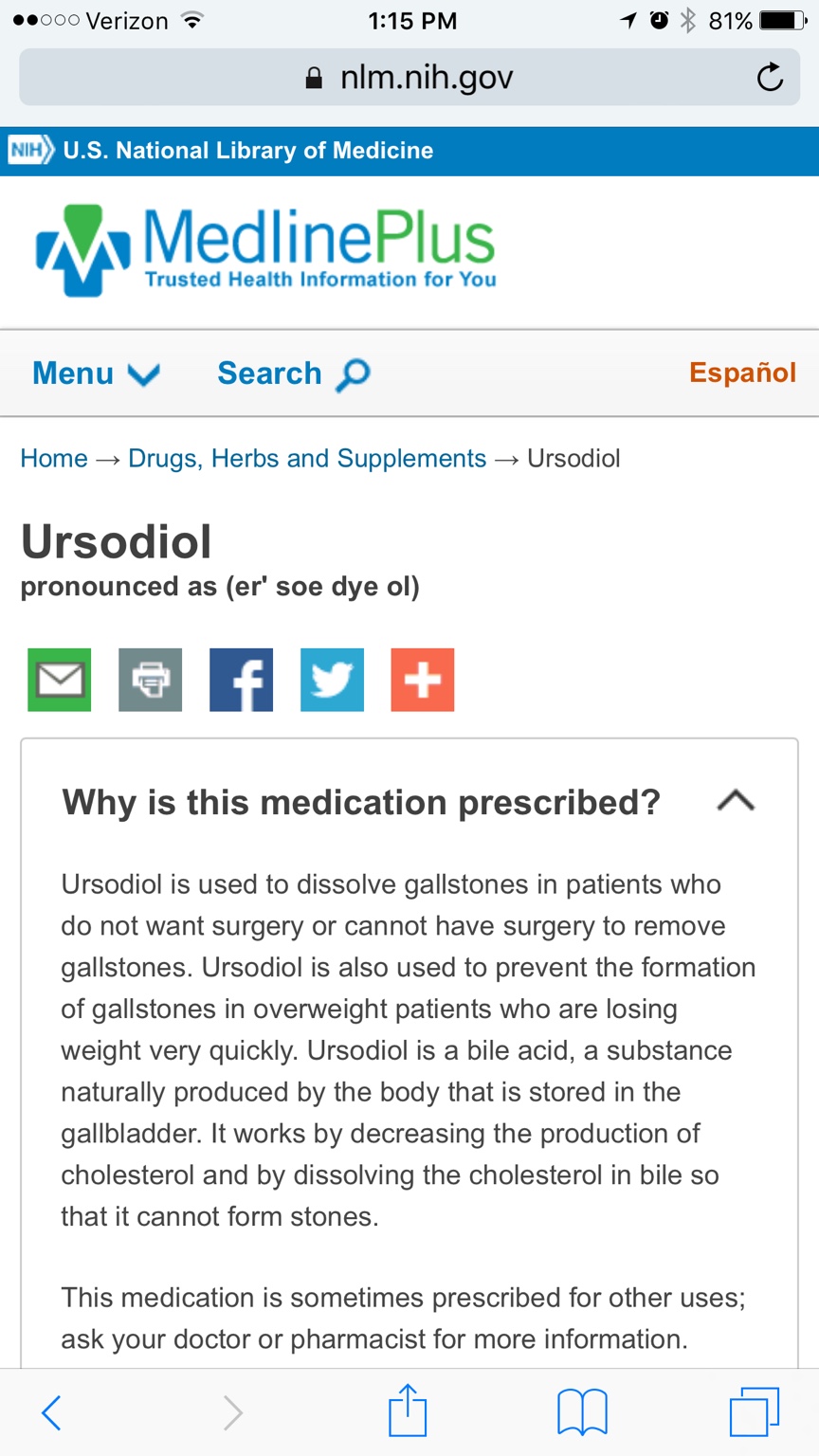
Hey everyone I was at the hospital with my mom who had her gallbladder removed and she mentioned to the nurse that I was getting the sleeve done in June. The nurse said to make sure to tell your dr. About the gallbladder history with my mom and he will give you a prescription to prevent having similar issues. It's common with people who drop weight quickly. Sent from my iPhone using the BariatricPal App
-
-
-
Look up Romi Pelc. There's probably only one. Sent from my iPhone using the BariatricPal App
-
-
-
-
I have my last nut appointment tomorrow and then have to start getting my tests done within 30 days of surgery. My date is 6/3. I've tried not to lose too much weight within the 6 months because my nut said insurance will not approve you if they see you can do it without the surgery. Going on vacation 2nd week of May and gonna enjoy myself before I have to come home to a liquid diet. Getting nervous every day it gets closer Sent from my iPhone using the BariatricPal App
-
-
-
-
-
Try to schedule it on a Friday this way if your taking a week off of work you get 4 extra days off Sent from my iPhone using the BariatricPal App
-
I'm set for June 3rd. My last nut appt is end of April and then I go on vacation in May so wanted to wait til I get back. I'm in NJ getting sleeved Sent from my iPhone using the BariatricPal App
-
I have mine with Dr Schmidt on 6/3 Sent from my iPhone using the BariatricPal App
-
Where's your dr located Sent from my iPhone using the BariatricPal App
-
Just hope you don't get appendicitis in the future. Then they'll question you Sent from my iPhone using the BariatricPal App
-
This is the Bergen county sleevers group! I have Schmidt. My date is 6/3 Sent from my iPhone using the BariatricPal App
-
Has anyone gone thru skin removal surgery and were you covered by insurance? I've seen there are some ways to get it covered. Sent from my iPhone using the BariatricPal App
-
Lol I hear you. I have 3 weddings this summer. I already told most of my friends about the surgery so they'll know why I'm not really eating Sent from my iPhone using the BariatricPal App
-
You can add me to the group. Look up Romi Pelc Sent from my iPhone using the BariatricPal App
-
I have Dr Schmidt in Hackensack on 6/3. Two of my coworkers got theirs done by him and look great Sent from my iPhone using the BariatricPal App
-
I'm in Bergen county. Getting sleeved in Hackensack university hospital June 3 Sent from my iPhone using the BariatricPal App