uniquetanner
Pre Op
-
Joined
-
Last visited
Everything posted by uniquetanner
-
no, sorry I cant discount that much. but you do pay a little more for better items. I mean unless you dont mind the elastic waist then by all means stick with that. But since my surgery, and i discovered Lularoe and how comforting they felt on me, it is well worth the extra money to have that softness. Quality over quantity.
-
Pics of me
-
My Lularoe business
-
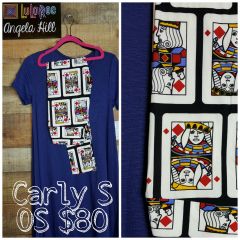
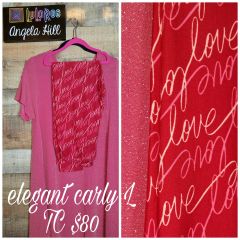
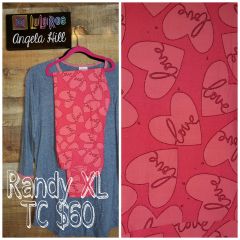
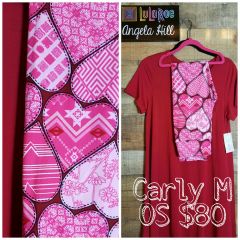
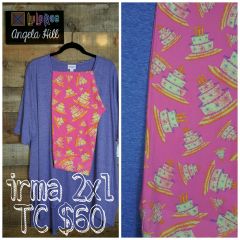
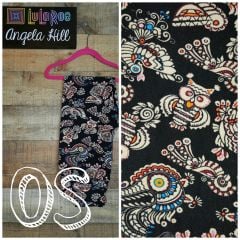
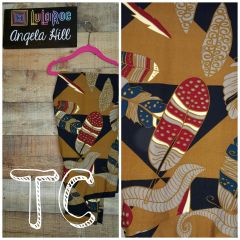
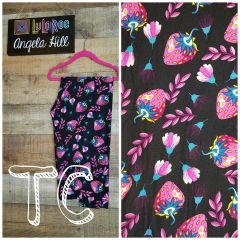
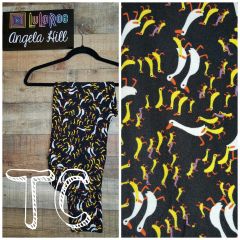
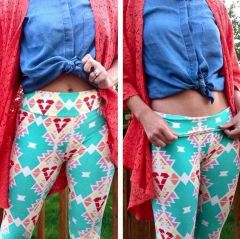
I am a Lularoe Consultant, as well as a gastric sleever, surgery was 3-1-16. I know many of you think these leggings are as good as Lularoe but they are not. I ordered them months ago. Lularoe has a Yoga waistband, which is completely different than an elastic waistband. I give my fellow sleevers a discount for shopping with me. and hey- if you have an online pop up party- you can earn free clothes. and all that involves is I set up an online event, and you invite your family and facebook friends to shop. its simple and you earn free Lularoe goodies!! Once you try Lularoe, its hard to accept anything else. I will not wear plain elastic waistbands, not now, that I know something way more comfortable is out there for me to wear. my group is www.facebook.com/groups/lularoeangelahill/