kimmerzd29
Pre Op
-
Joined
-
Last visited
-
-
-
-
-
-
-
-
-
-
-
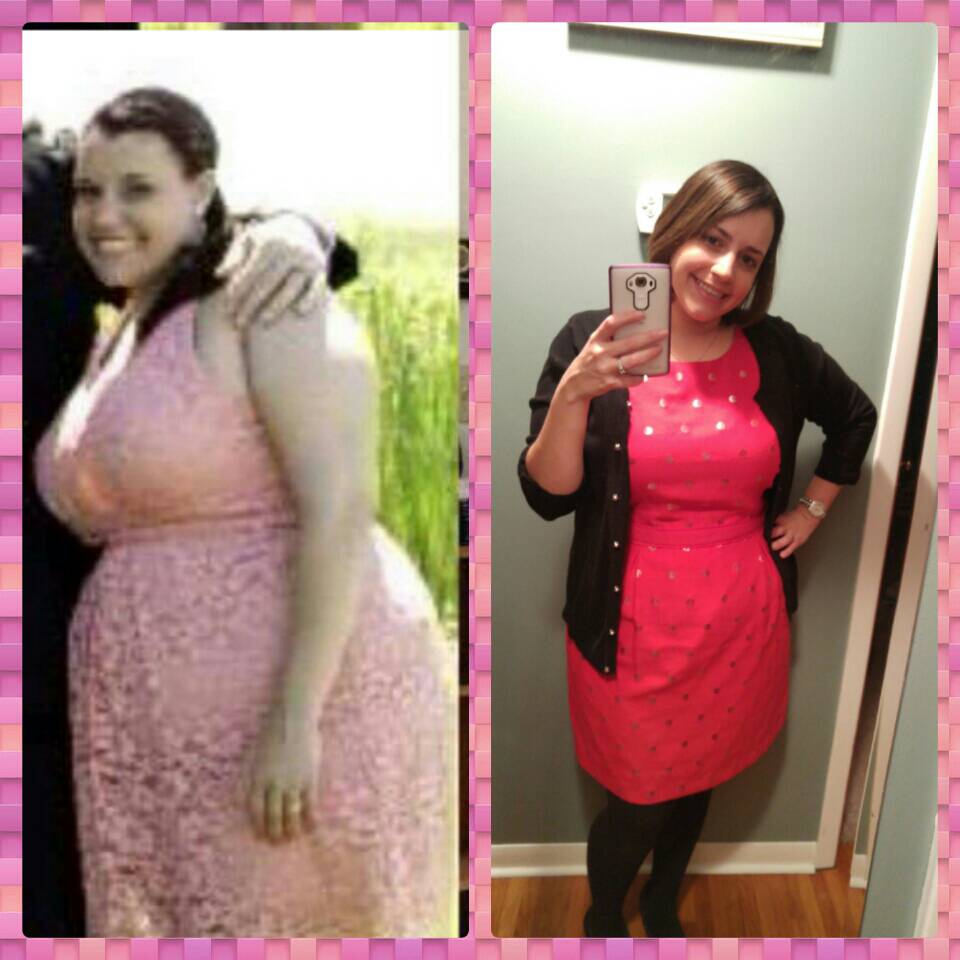
Here's my before and after...the one on the left is from July 2014, was sleeved Feb 2015! Down 55 pounds

-
Hey rc, Thank you for the advice I really appreciate it, it's nice to know,that it's not just me and that it is a common stage. I am going,to def post this pic everywhere to just remember why I did the surgery and what my goals are. Thank you!!!
-
Here is a before and after...the pink dress was for. June 2014 and the red is from this christmas 2015!!

-
Hi, I'm Kim I was sleeved Feb 19th 2015 and man has it been a hard journey!!! I've lost a total of 55 pounds and feel amazing...the past few months have been so rough, I'm finding myself slacking on getting to the gym and,going back to old eating habits! Haven't lost a pound in about 3 months and I get discouraged so easly!! My work is doing a biggest loser competition starting monday, I'm hoping this helps me really try as hard has I was and gets my,motivation back!!! If anyone has any ideas on how I can change my,mindset and get things going pleaase let me know!!!