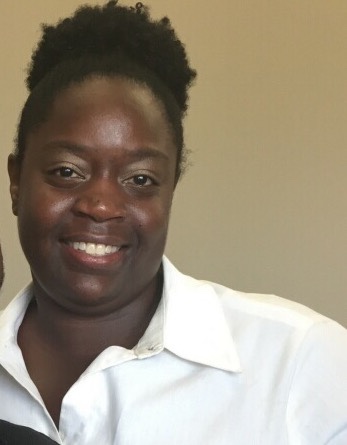
nysweetest1
Gastric Sleeve Patients
-
Joined
-
Last visited
Everything posted by nysweetest1
-
Sarah, you are awesome! Thank you for this. You didn't have to (again) but you took the time and did (again). Many thanks!
-
187
-
188
-
189
-
189
-
193
-
Hi. My name is april. And my surgery was 12/21/15. What a coincidence, huh? I hope you are doing well. You look great. Keep it up. May 2015 & April 2016 attached.


-
195.5
-
195 today
-
Wishing you well! I'm excited for you.
-
199
-
204 good morning
-
210 now 190 goal
-
Thank you for doing this vsgSarah23. You are very appreciated. I've done the Valentine's Day and Easter challenge. It helps motivate me to have to log in my weight weekly. Accountability. I understand that you don't have to take on this responsibility but you do. You are awesome.
-
208. I'll take it.
-
208. I'll take it.
-
210
-
212lb
-
217
-
I empathize with you. I'm sorry that you are not getting the support from your family. But you are making the right decision. Do it for you. You will be glad and grateful that you did. Stay encouraged. I'm also here if you need to talk.
-
Congrats everyone. Keep it up. I'm a 12/2016 sleever. Was a 22 & 2x/3x. I can wear a 16 now. But I too am still working on the mental adjustment. Everyone comments on how my face looks so different but I don't see it in my body. I'm glad at the progress but my mind hasn't caught up with the body and the number (pounds lost) . Weird. Lol. Will give it time.
-
I'm late. But I hope not too late. 218 lb today. Goal is 199 lb.
-
222 final Thank you for putting this together.
-
227
-
Disappointed. No loss 229. Two weeks in a row. Gotta get back on track.