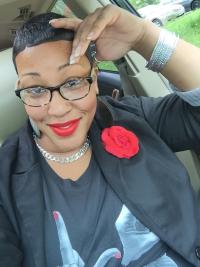
After three years of watching my best friend have Lap Band Surgery, lose weight and transform her body into a whole new vessel I decided on Monday, November 9, 2015 that I too want to move forward with Lap Band surgery! She has been such an inspiration to me and my doubts and questions are now answered. It all begins with having the right mind set and an awesome doctor and medical team.
I will be taking the very FIRST step in my journey on Monday, November 23rd by attending the seminar offered at the hospital I have chosen. Many of my friends and family are whispering in my ear saying that I do not need to go forward with Lap Band. At the end of the day I am the one who has battled being overweight for 35 year and no one can change the way I have felt every day about my body. While I am very well educated and know that the healthiest way to lose weight is through healthy eating and exercising, I also know what works for me and what does not.
Therefore, join me as I journey on to a better and happier ME...