Skip to content
View in the app

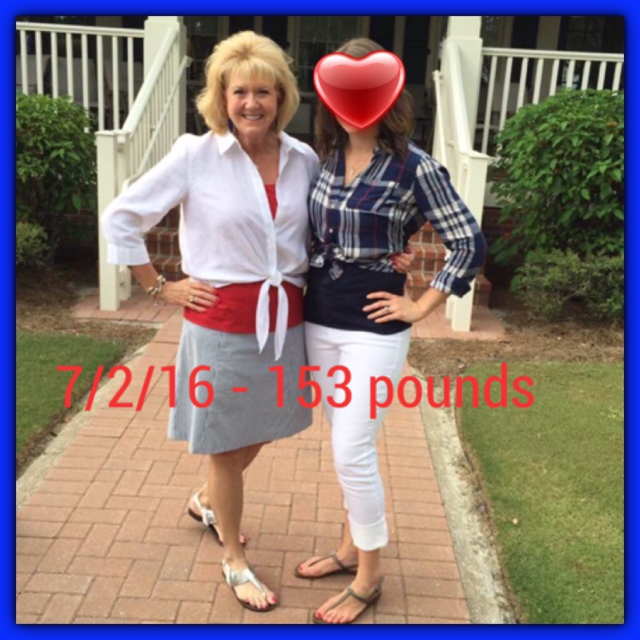
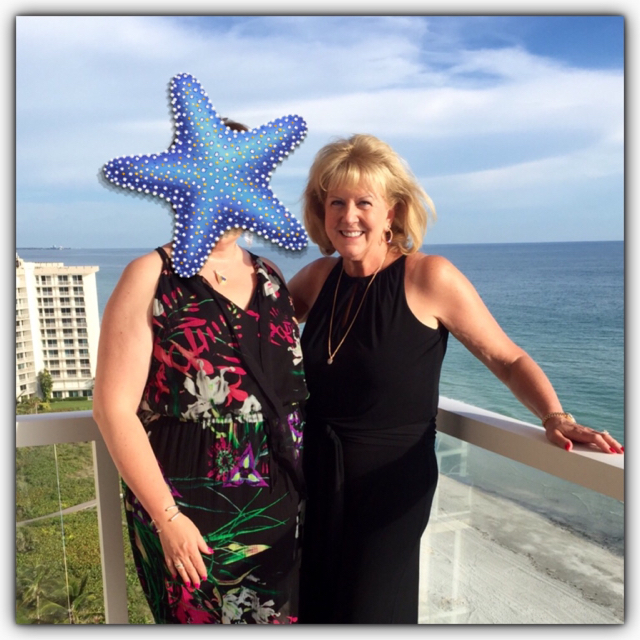
A better way to browse. Learn more.

BariatricPal

A full-screen app on your home screen with push notifications, badges and more.

To install this app on iOS and iPadOS
  1. Tap the Share icon in Safari
  2. Scroll the menu and tap Add to Home Screen.
  3. Tap Add in the top-right corner.
To install this app on Android
  1. Tap the 3-dot menu (⋮) in the top-right corner of the browser.
  2. Tap Add to Home screen or Install app.
  3. Confirm by tapping Install.
  • Appearance

Join BariatricPal free

  • Ask your own questions
  • Reply and follow topics
  • Message other members
  • No cost, no spam

b-Ed57

Pre Op
  • Joined

  • Last visited

  1. Sorry about two of the same photo.
  2. HW - 215, BMI 33.7, SW - 200, CW - 153; BMI 24. 8 months post-op. Almost 60 years young. Happy knee and hip joints. Arthritis meds decreased, no more B/P meds. From size 16 to size 8. Work out, weights and cardio 3-4 times a week. Wishing you much success!!

  3. Did not go through BatiatricPal, would have saved some money. Had an excellent experience at INT with Dr. Ponce, Dr. Frayre, anesthesiologist Dr. Sanchez and the INT hospital team. Tomorrow will be one week! As a RN had fun working on communication with the nurses at INT. Hospital super clean, not super fancy. Care was excellent, staff Doctor checked on me every shift. Plan to watch my video of the surgery today.
  4.    Nurse_45 reacted to a post in a topic: Super Nurses With Sleeves (Support Group)
  5. Good luck. We got this!
  6. Loved your book. Have recommended it to others. Friday, Nov. 20th is my surgery date. Primed and ready!
  7.    Disciple reacted to a post in a topic: Super Nurses With Sleeves (Support Group)
  8.    defibvt reacted to a post in a topic: Super Nurses With Sleeves (Support Group)
  9. Looking forward to following this group. RN since 1978. Sleeve surgery 11/20/15.
  10. Read Queen of Crop today after downloading the Kindle version. Very informative and encouraging. I'll be 59 four months post-op. Surgery date is 11/20. We got this!!
  11. Scheduled for 11/20!! Primed and ready to go.

Account

Navigation

Search

Search

Configure browser push notifications

Chrome (Android)
  1. Tap the lock icon next to the address bar.
  2. Tap Permissions → Notifications.
  3. Adjust your preference.
Chrome (Desktop)
  1. Click the padlock icon in the address bar.
  2. Select Site settings.
  3. Find Notifications and adjust your preference.